Change your password and sign out everywhere
Your Seasonly login is separate from Homeworks. Change your password, reset a forgotten one, or sign out every device at once.
Steps
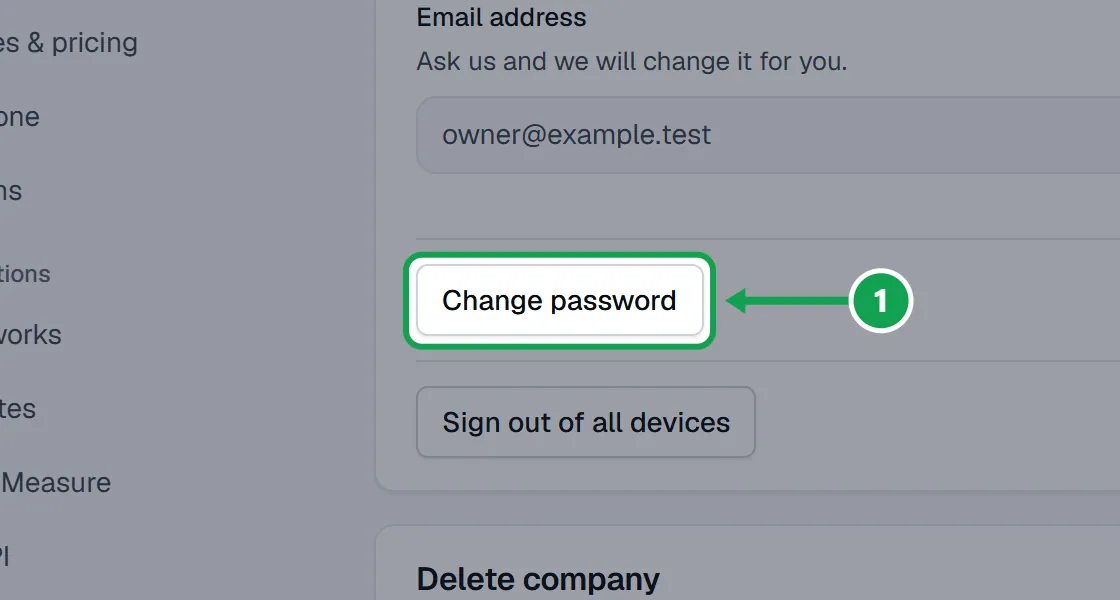
Step 1. Open Settings, choose Your account, and press Change password.
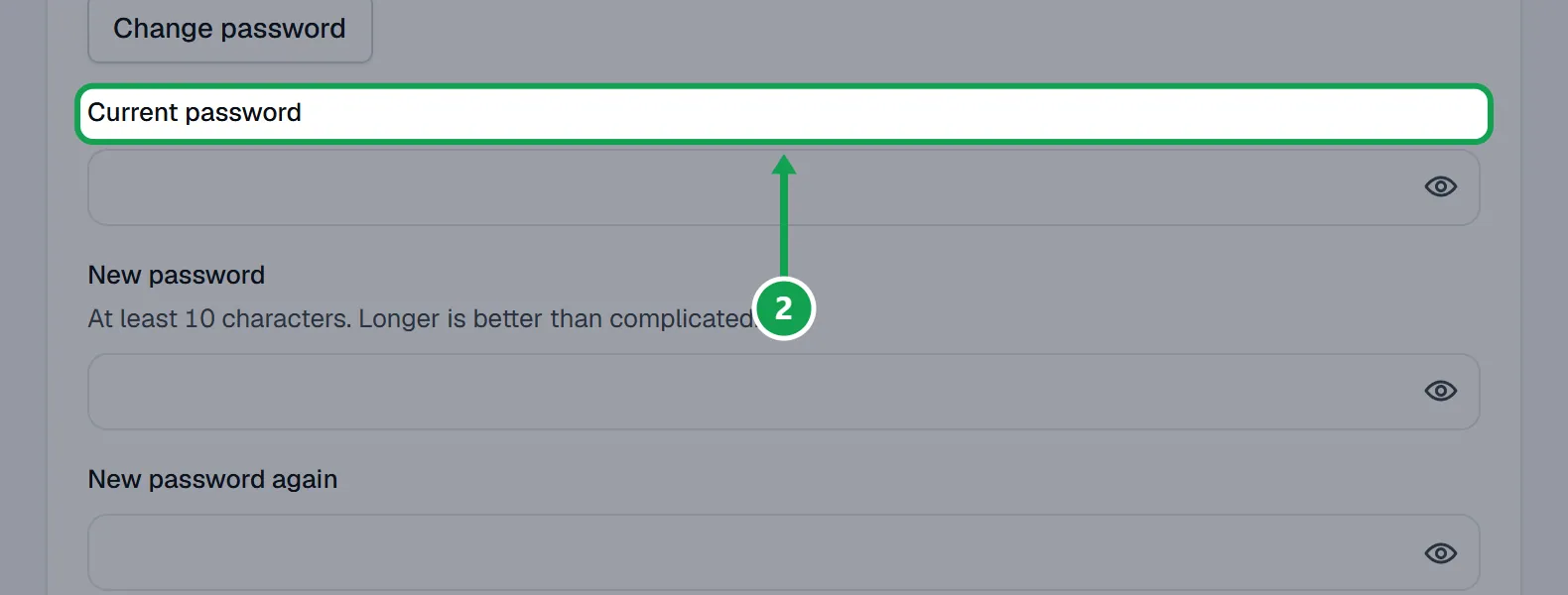
Step 2. Type your Current password, then your New password and New password again.
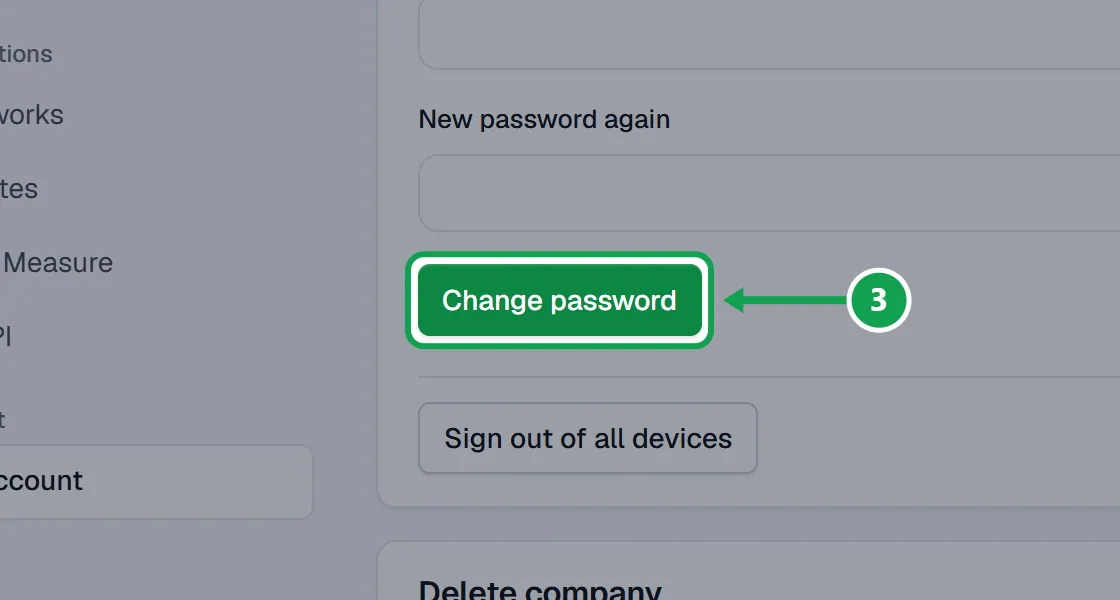
Step 3. Press Change password to save it.
Forgot your password
Step 1. On the sign in page, press Forgot your password?.
Step 2. Type your Email address and press Send the link.
Step 3. Open the email, type a New password twice and press Save the new password.
Sign out of every device
For a lost phone or a shared computer.
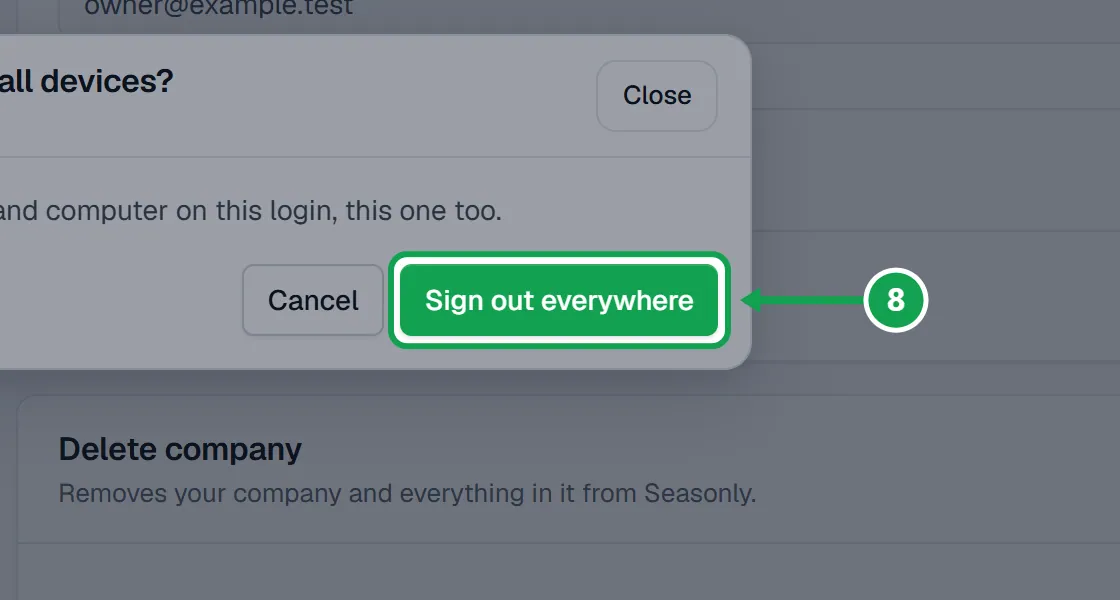
Step 1. On Your account, press Sign out of all devices.
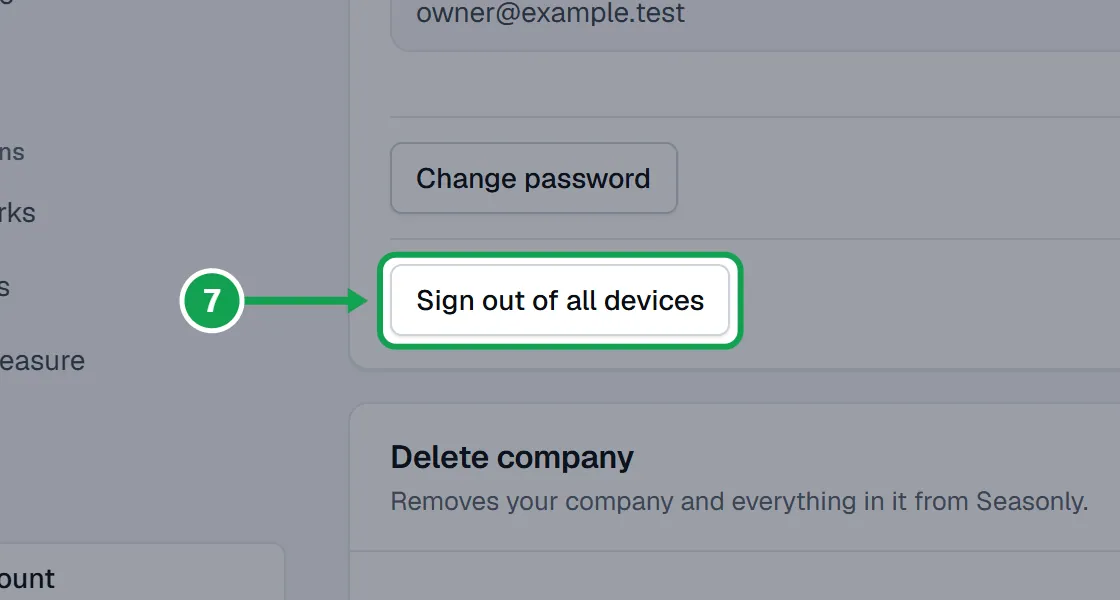
Step 2. Press Sign out everywhere. Every phone and computer on this login signs out, this one too.
If this, then that
- If the reset link does not work
- It lasts an hour and works once. Ask for a new one with Forgot your password?.
- If the reset email does not come
- Check spam, and check you typed the email you sign in with. Then press Send the link again.
- If you want to change your sign in email
- Ask support with Get help and they will change it for you.
- If you think someone has your password
- Change it, then press Sign out of all devices.
- If you only want to sign out of this device
- Open the account menu and press Sign out.
Good to know
- Your Seasonly login is not your Homeworks login. Changing one does not change the other.
- Passwords need at least 10 characters. Longer is better than complicated.
- Seasonly logins do not have two-step sign-in today.
- After Sign out everywhere, a device that already had the page open can keep working for up to an hour, then it is signed out.
- Signing out everywhere does not disconnect Claude or ChatGPT. Do that on AI & API.