Your data: what Seasonly stores and who sees it
What Seasonly keeps about you and the homeowners who book, what it never stores, who else handles it, and how to get it removed.
Steps
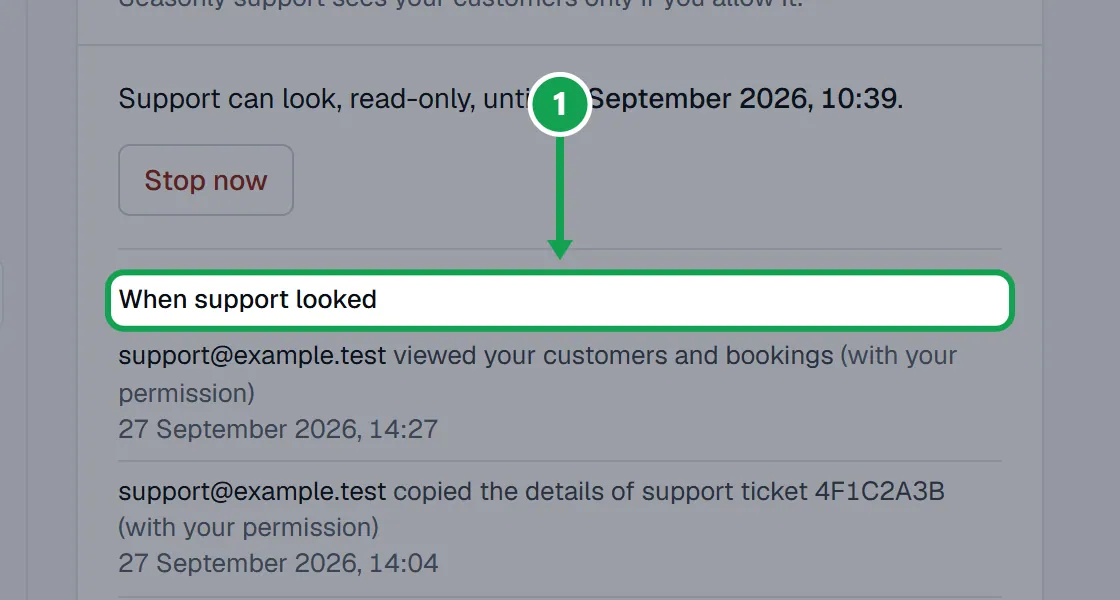
Step 1. To see every time support looked at your account, open Settings, choose Your account and read When support looked.
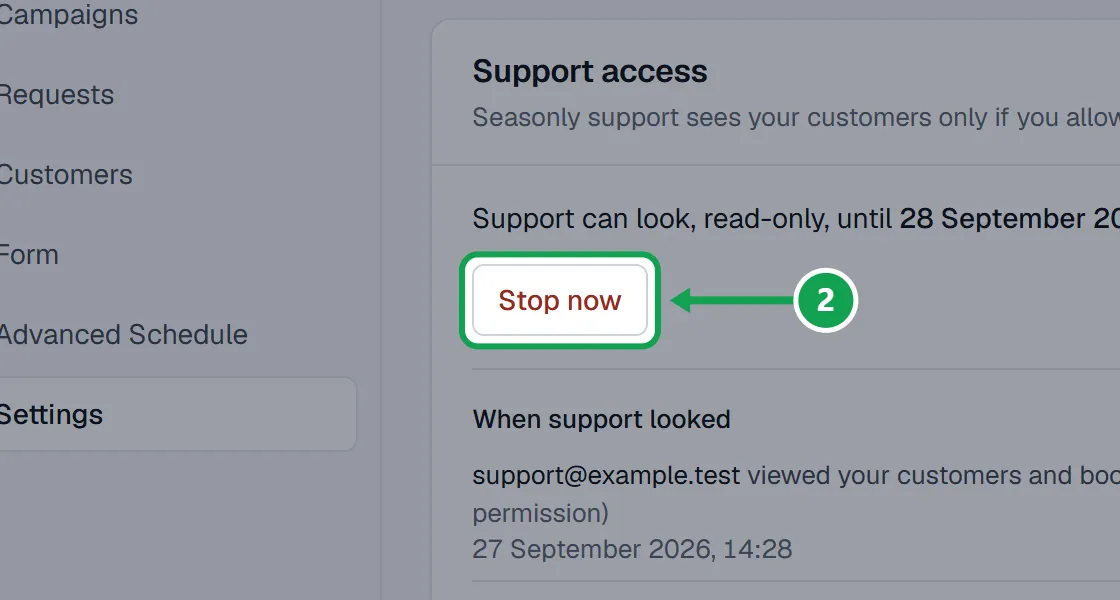
Step 2. To end support access early, press Stop now on the same card.
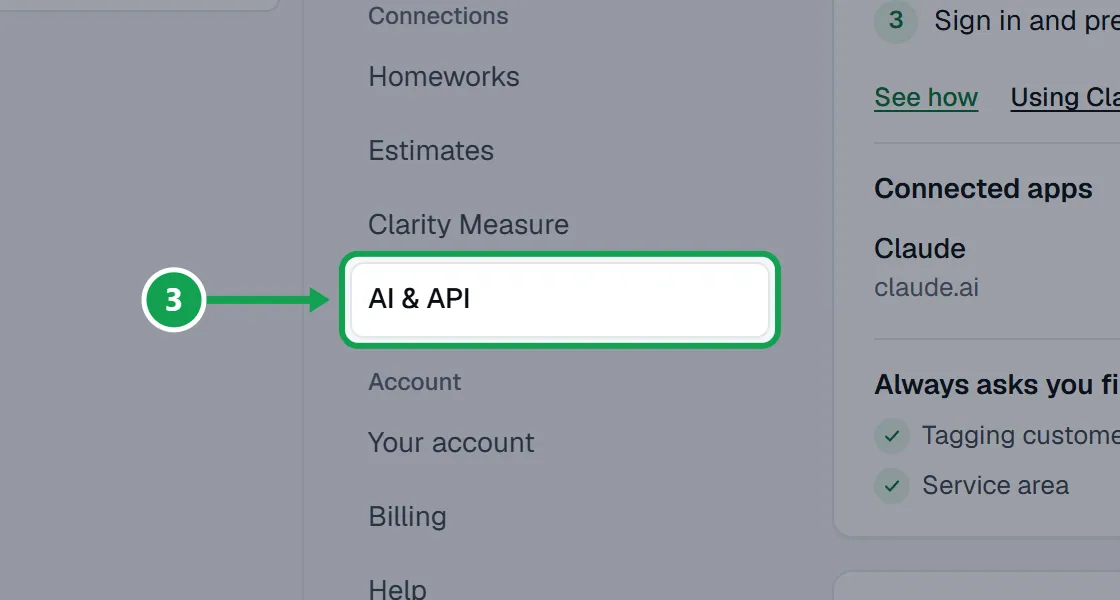
Step 3. To see which assistants and keys can reach your account, open Settings and choose AI & API.
Step 4. To delete one homeowner's data, open them in Customers and press Delete their data.
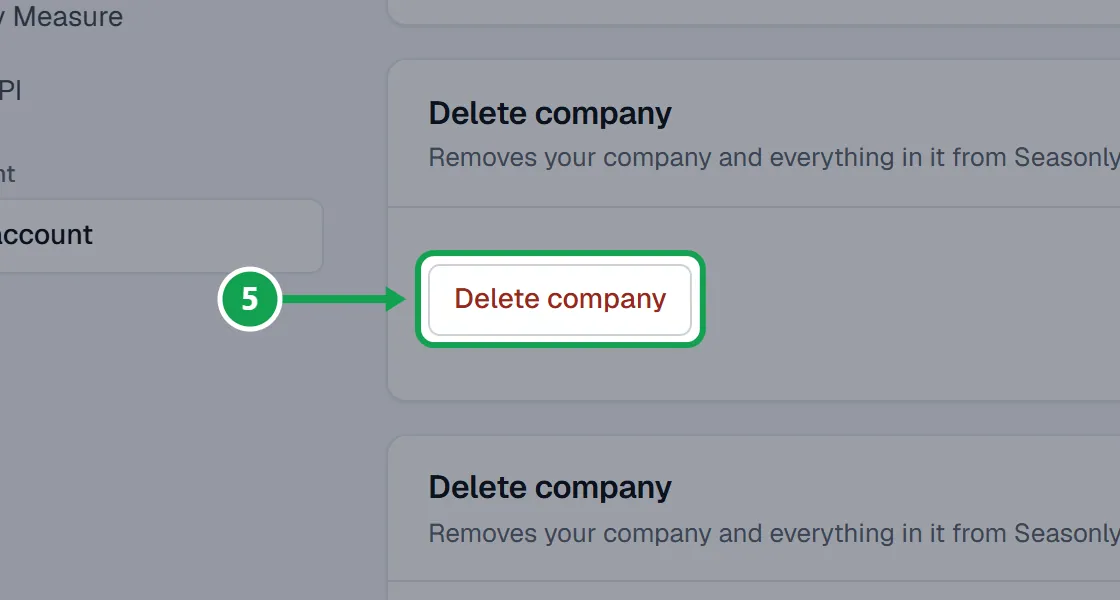
Step 5. To delete everything, use Delete company on Your account.
Step 6. Homeowners can ask the company they booked with, or write to support@useseasonly.com and say which company it was.
If this, then that
- If a homeowner asks what you store
- Their name, address, contact details, form answers and photos from your booking form, plus the customer details Seasonly reads from Homeworks.
- If a homeowner asks you to delete them
- Press Delete their data on their record. Homeworks keeps its own copy; delete them there too if they asked.
- If you connected Claude or ChatGPT
- That app sees what you allowed it to. Disconnect it any time on AI & API.
- If you want a copy of your data
- Write to support@useseasonly.com.
Good to know
- About you: your email, company name and booking web address, plus a copy of the customers, properties, jobs and services Seasonly reads from Homeworks. Never your Homeworks password or your card number.
- About homeowners: what they type into your booking form (name, address, contact details, answers and photos). They never make an account.
- Who handles it: Supabase (storage and sign in), Stripe (payments), Resend (emails), Vercel (hosting), the US Census and OpenStreetMap geocoders (addresses), Clarity Measure (when measuring is on), Homeworks, and any AI app you connect.
- Nothing is sold, and there are no advertising trackers.
- The full policy is at useseasonly.com/privacy.