Delete a customer's data or your company
Delete one homeowner's data for good from their record, or delete your whole company after a 14 day wait. Homeworks is never changed.
Steps
Step 1. Open the person in Customers, or their booking in Requests.
Step 2. Press Delete their data.
Step 3. Read what goes, then press Delete for good, or Cancel to keep them.
Step 4. Their details, requests and photos leave Seasonly straight away.
Delete your whole company
This deletes everything in Seasonly: customers, requests, photos, campaigns and logins.
Step 1. Cancel your plan first with Manage billing on Billing.
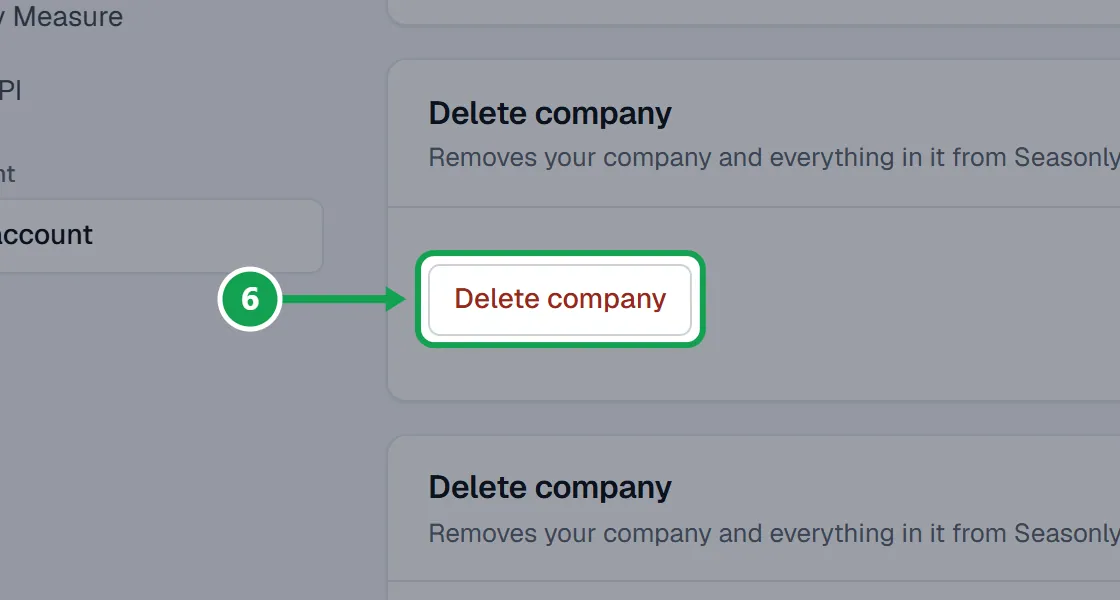
Step 2. Open Settings, choose Your account, and on the Delete company card press Delete company.
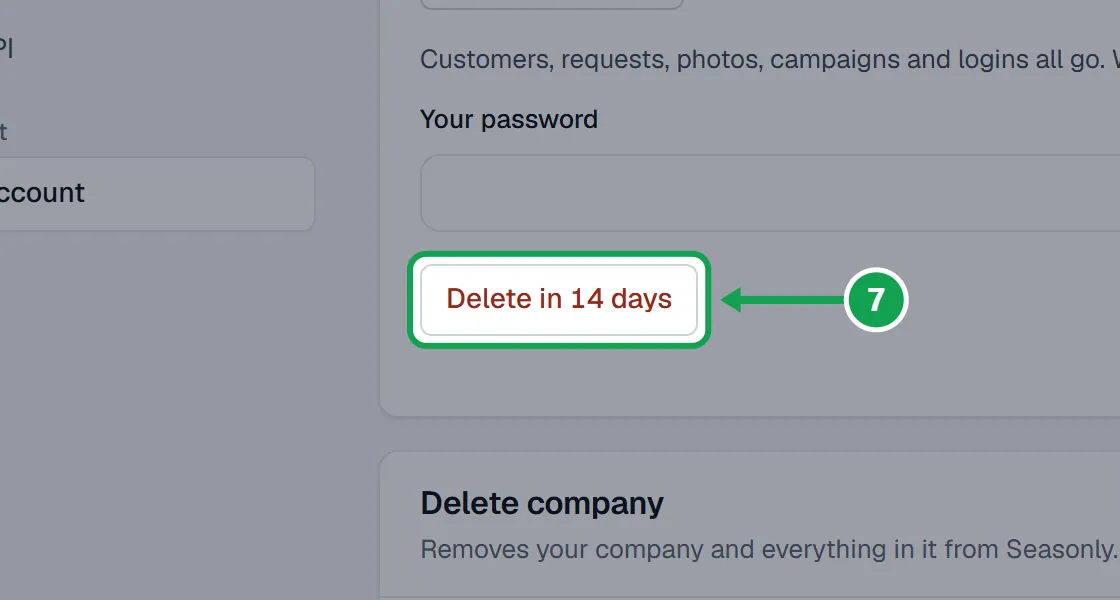
Step 3. Type Your password, then press the Delete in 14 days button.
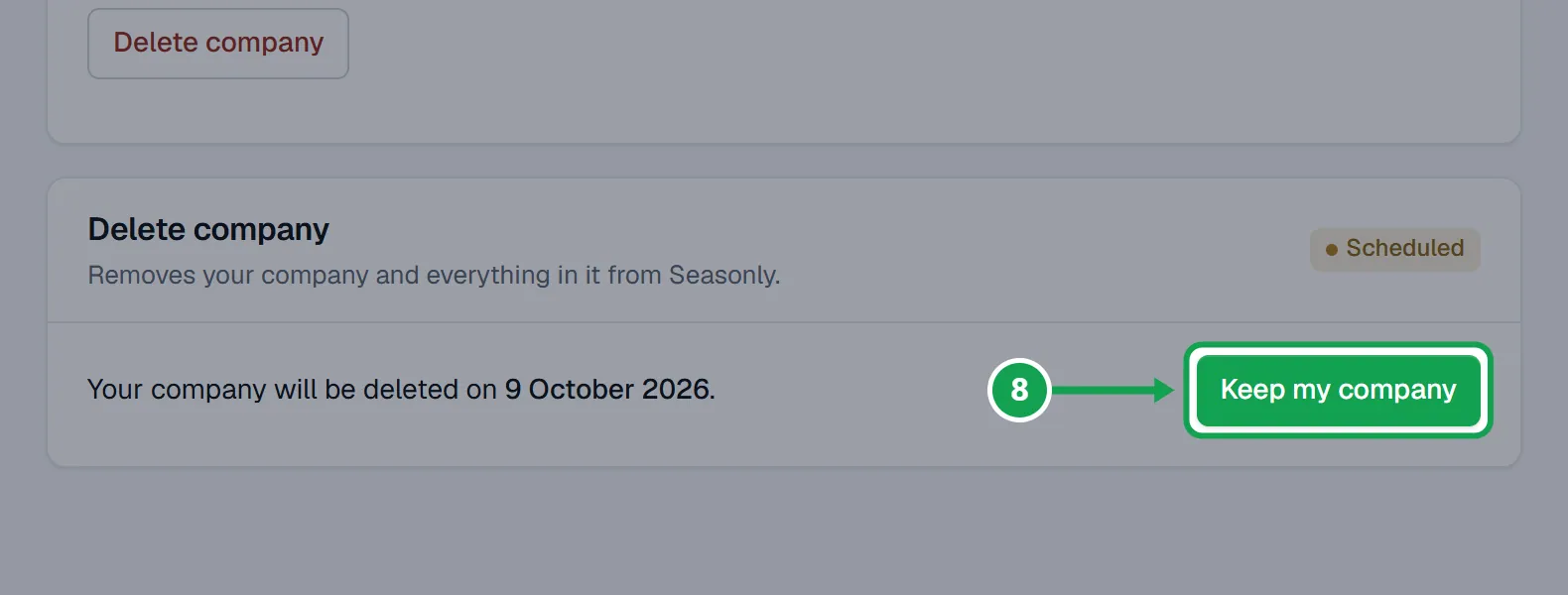
Step 4. Changed your mind? Press Keep my company any time before the date it shows.
If this, then that
- If you see Cancel your plan on the Billing page first, then come back here.
- Open Billing, press Manage billing and cancel, then try again.
- If the delete date is later than 14 days
- You have paid time left. Seasonly waits until it ends, then deletes.
- If you pay for Seasonly again
- That stops the deletion. Your company stays.
- If the card says Only your account owner can delete the company.
- You are signed in as staff. Only the owner can delete the company or a person's data.
- If you do not see Delete their data
- You are signed in as staff. Ask the owner.
- If you only want someone off your lists
- Remove the customer instead. That can be undone under Removed customers.
Good to know
- Deleting cannot be undone. Removing a customer can.
- Homeworks is never changed. It keeps its own record, and Seasonly will not import a deleted person again.
- Someone who asked not to be contacted stays marked that way, so they are never contacted again.
- After a company is deleted, Seasonly keeps a short record (who asked, when, and the Stripe invoice reference), Stripe's event ledger, the Homeworks trial claim and the platform admin audit, with names stripped.
- Seasonly also holds your booking web address for a year, so nobody else can use it with links homeowners already have.