Free, Premium and billing
Seasonly is Free, or Premium at $49 a month or $249 a year. Every new account gets 14 days of Premium, no card.
Steps
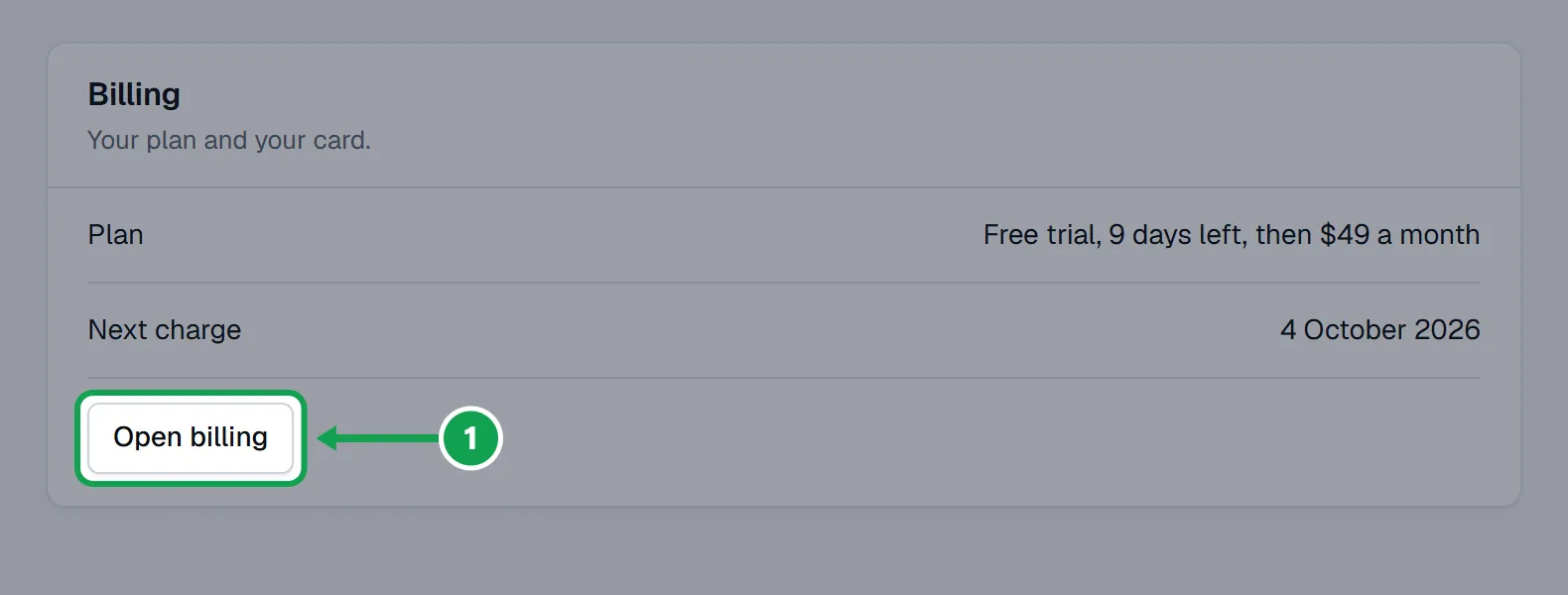
Step 1. Open Settings, choose Billing, and press Open billing. You can also pick Billing in the account menu at the bottom of the left-hand menu.
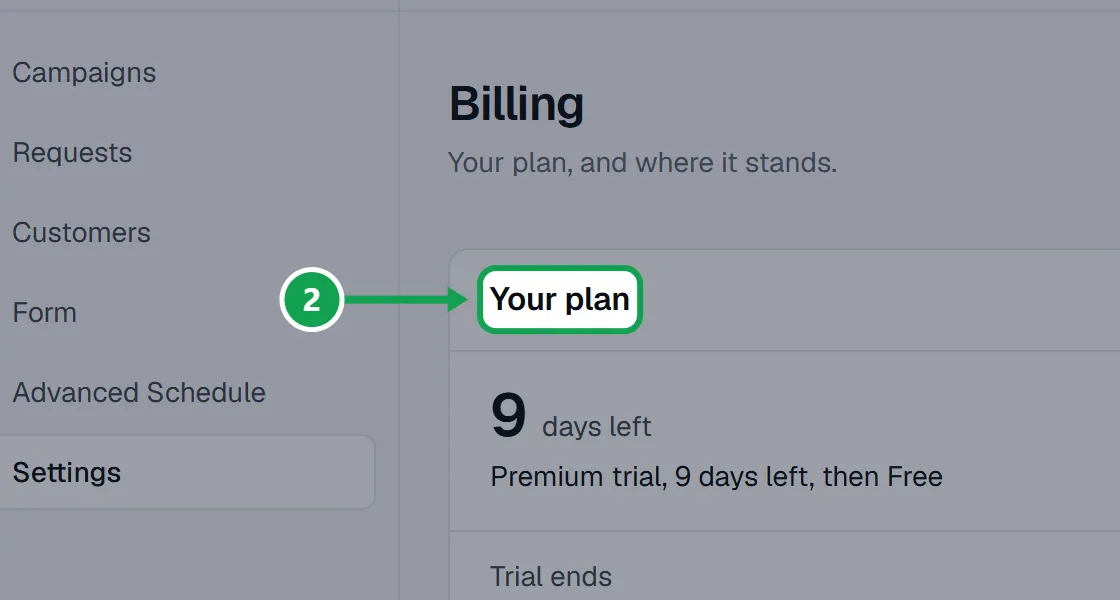
Step 2. The Your plan card says Free or Premium, and how many days of your 14-day Premium trial are left.
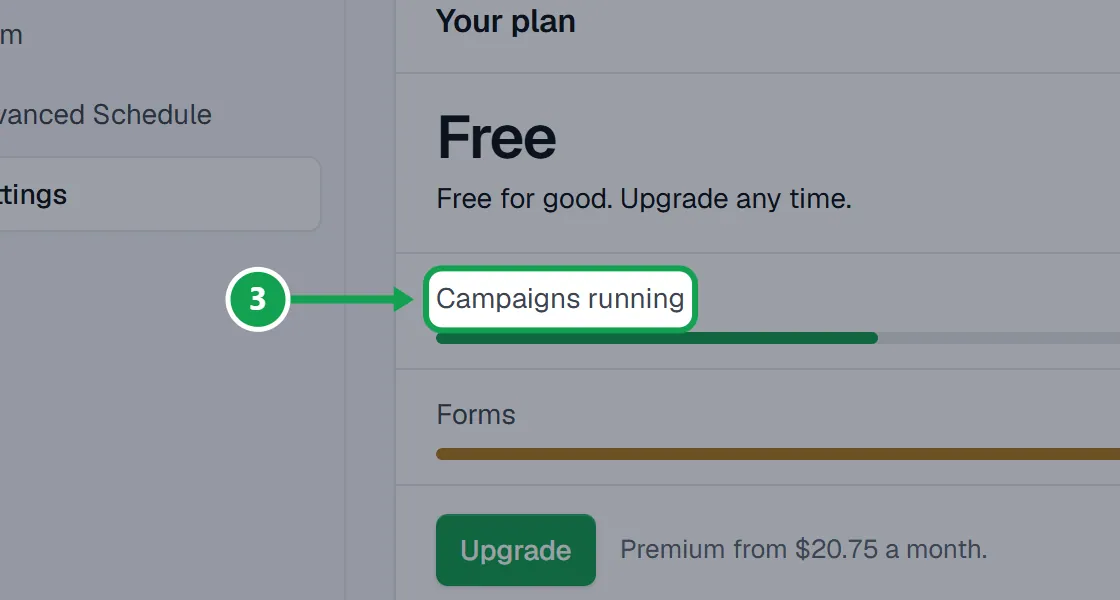
Step 3. On Free it also shows what you are using: Campaigns running (up to 2 at once) and Forms (up to 2).
Step 4. Every new account starts with 14 days of Premium. No card is needed, and when it ends you are on Free unless you upgrade.
Upgrade to Premium
Only the owner can upgrade.
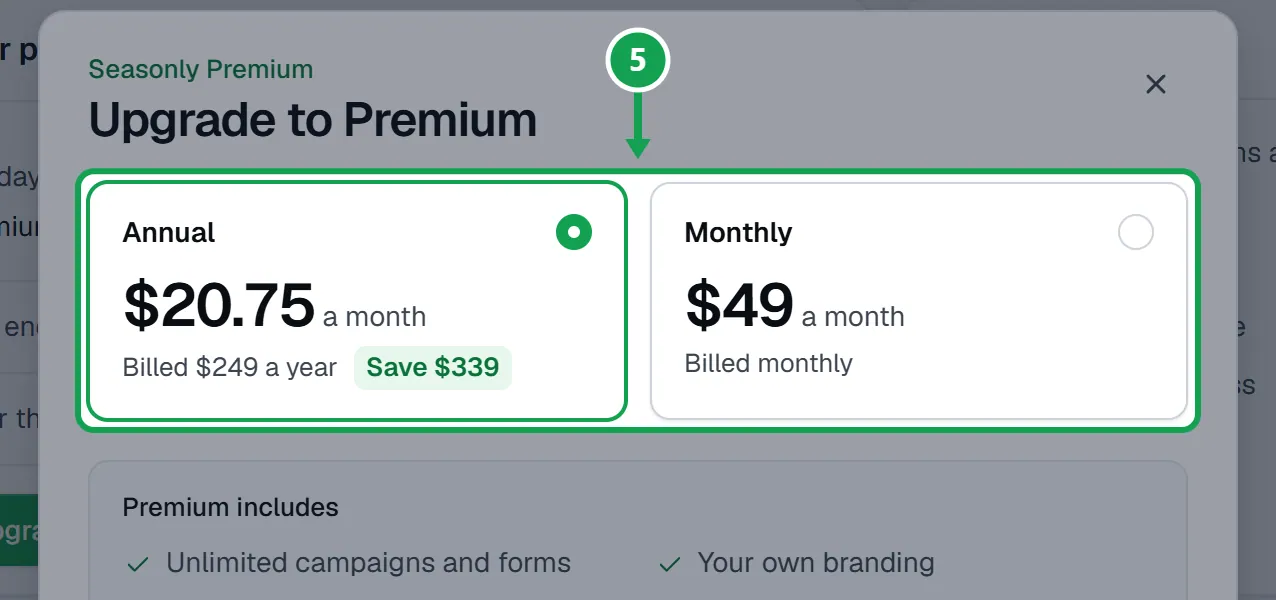
Step 1. Press Upgrade and pick Annual ($249 a year, $20.75 a month, save $339) or Monthly ($49 a month).
Step 2. Press Continue to payment and add your card on Stripe's page.
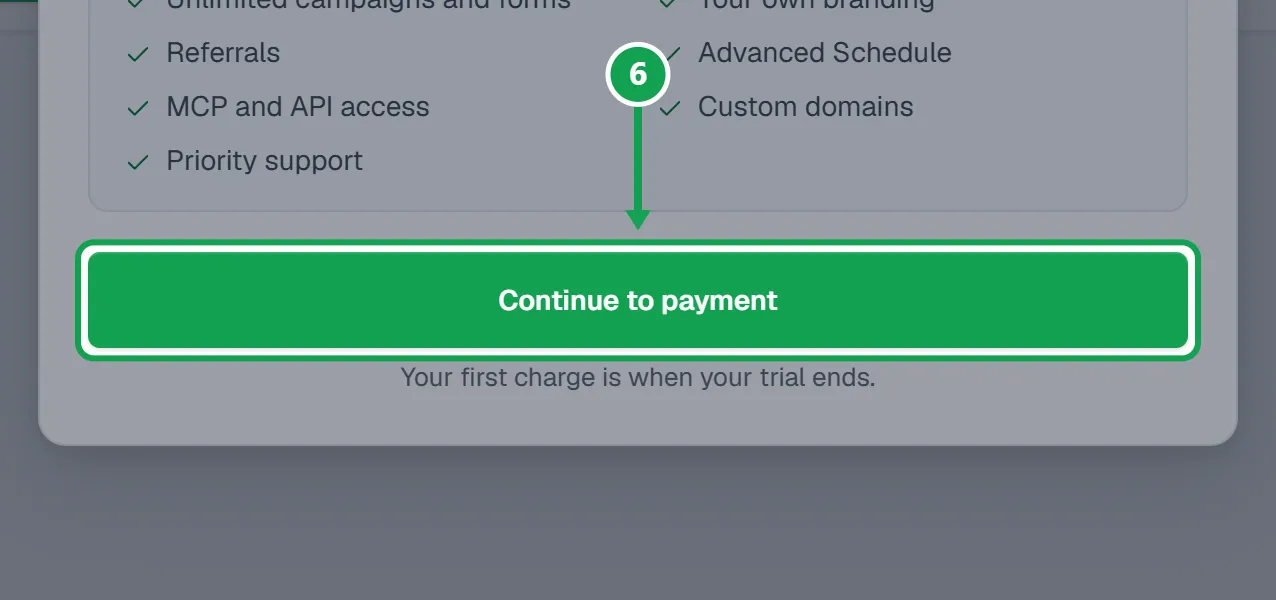
Step 3. You come back to Seasonly on Premium. If you upgrade during your trial, the first charge is when the trial ends.
Change your card, or cancel
Cancelling takes you back to Free. Nothing is deleted.
Step 1. Press Manage billing to change your card, get an invoice, switch between Monthly and Annual, or cancel. It opens Stripe.
Step 2. After you cancel, Premium runs to the end of the time you paid for, then you are on Free.
If this, then that
- If your trial or Premium ended
- You are on Free. Nothing is deleted: campaigns already running keep running until they end, and forms over 2 stay live. New campaigns or forms over the limit, and Premium features, need Upgrade.
- If you see Free runs 2 campaigns at once. End one, or upgrade to Premium for unlimited campaigns.
- End a campaign you are done with, or press Upgrade.
- If Billing says Payment failed
- Press Manage billing and update your card. Premium keeps working for 7 days; after that you are on Free until the payment goes through.
- If you see Only the owner can upgrade.
- You are signed in as staff. Only the owner can upgrade, pay, change the card or cancel.
- If Stripe does not open
- Press Manage billing again. If it keeps happening, press Get help.
Good to know
- Free: up to 2 campaigns running at once, up to 2 forms, requests and customers, follow-ups, the support chat, forms on your website with "Powered by Seasonly", and Clarity Measure on your own key.
- Premium adds unlimited campaigns and forms, your own branding without "Powered by Seasonly", referrals, Advanced Schedule with scheduling from the Requests map, MCP and API access, custom domains and priority support.
- Going to Free never deletes anything. Only new things over a limit, and the Premium features, lock.
- Only the owner can upgrade, change the card or cancel. Staff see the plan and who to ask.
- Your card number never reaches Seasonly. Payments run on Stripe's own pages.
- Clarity Measure bills each paid measurement itself. It is not part of this plan.
- Seasonly needs Homeworks API access, which Homeworks includes on its Enterprise plan or an active Growth trial.