Connect Homeworks
Link your Homeworks account so Seasonly can read your customers and write estimates back, and reconnect it if it lapses.
Steps
Step 1. Start from the set-up wizard's Connect Homeworks step, or open Settings, choose Homeworks and press Open connection.
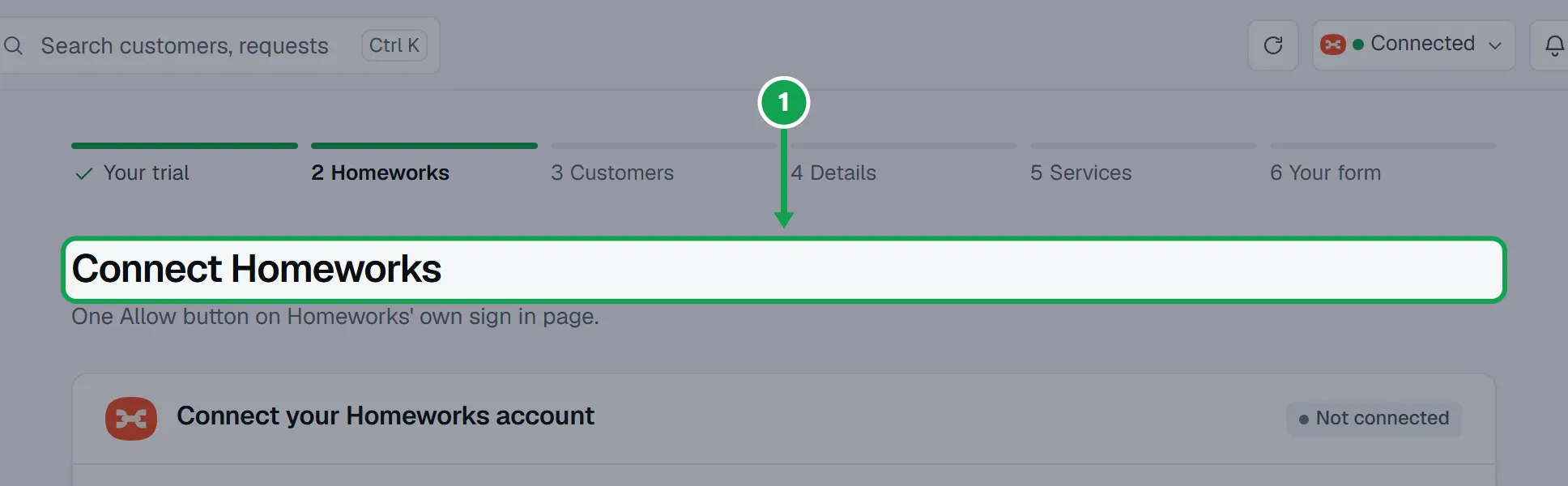
Step 2. Press Connect Homeworks. Homeworks opens its own sign in page.
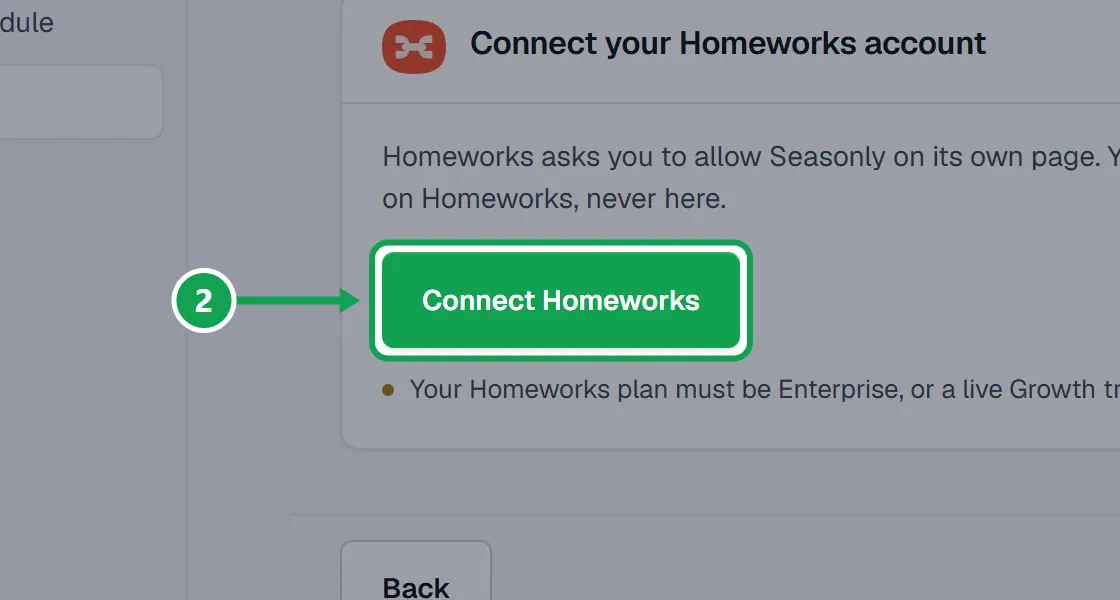
Step 3. Sign in to Homeworks there and press Allow. Your password is typed on Homeworks, never in Seasonly.
Step 4. Back in Seasonly you see Connected. Your customers can be imported now.
Step 5. Press Import my customers to bring your list across. It shows its progress while it reads.
Read again or reconnect
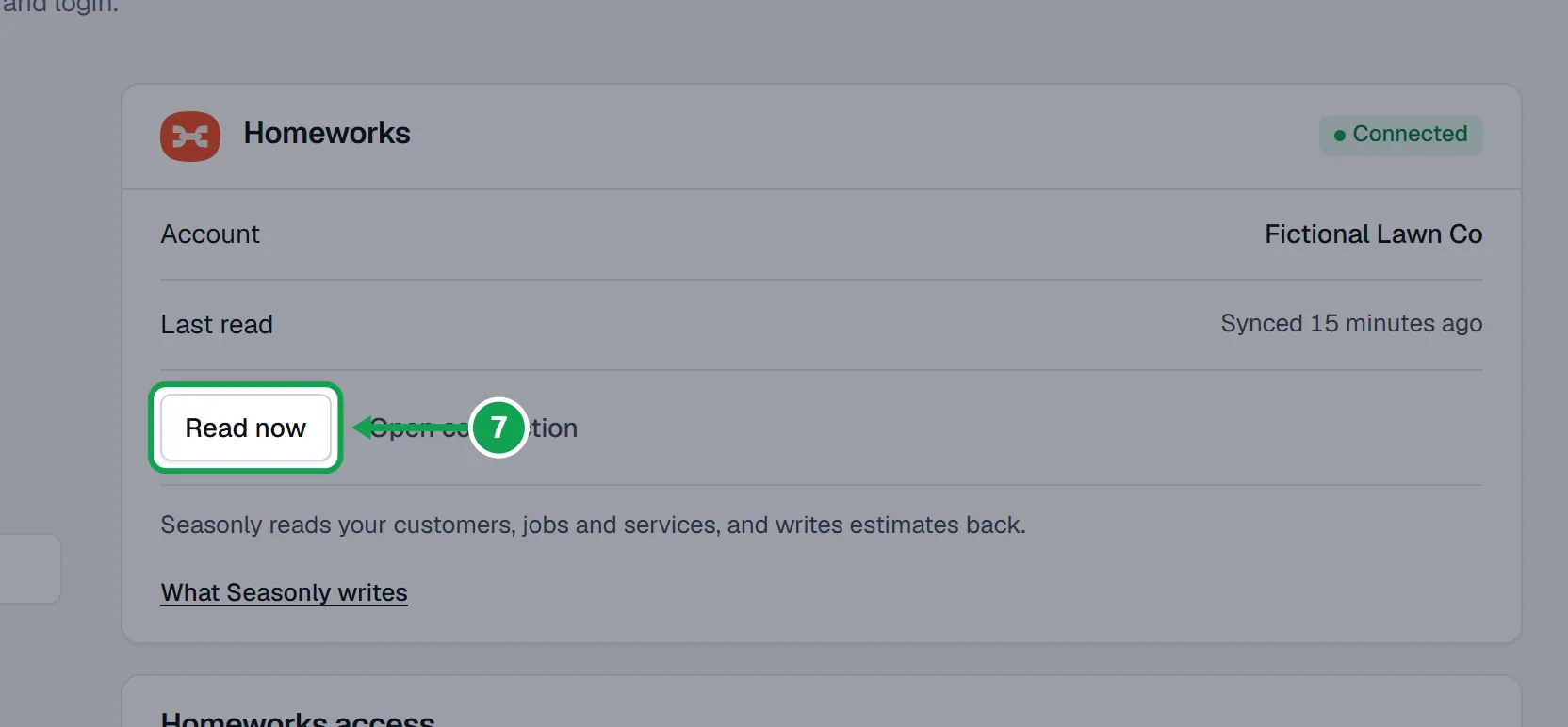
Seasonly reads Homeworks every night. You can also read now, or put a lapsed connection back.
Step 1. Open Settings and choose Homeworks.
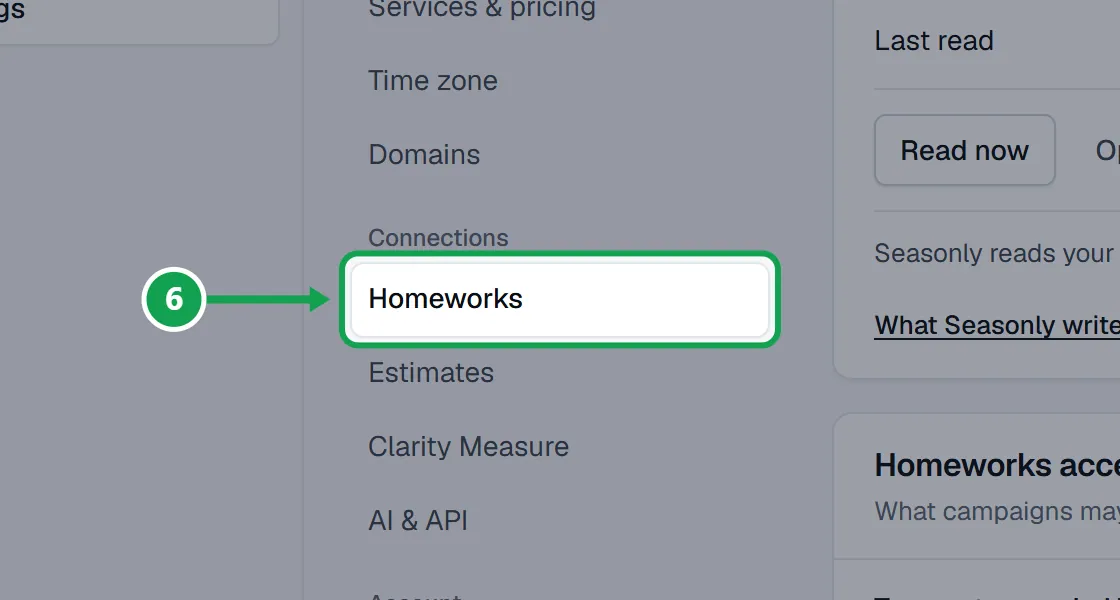
Step 2. Press Read now to read your customers again straight away. Customers shows the progress.
Step 3. If the card says Disconnected, press Reconnect, then Reconnect Homeworks on the next page.
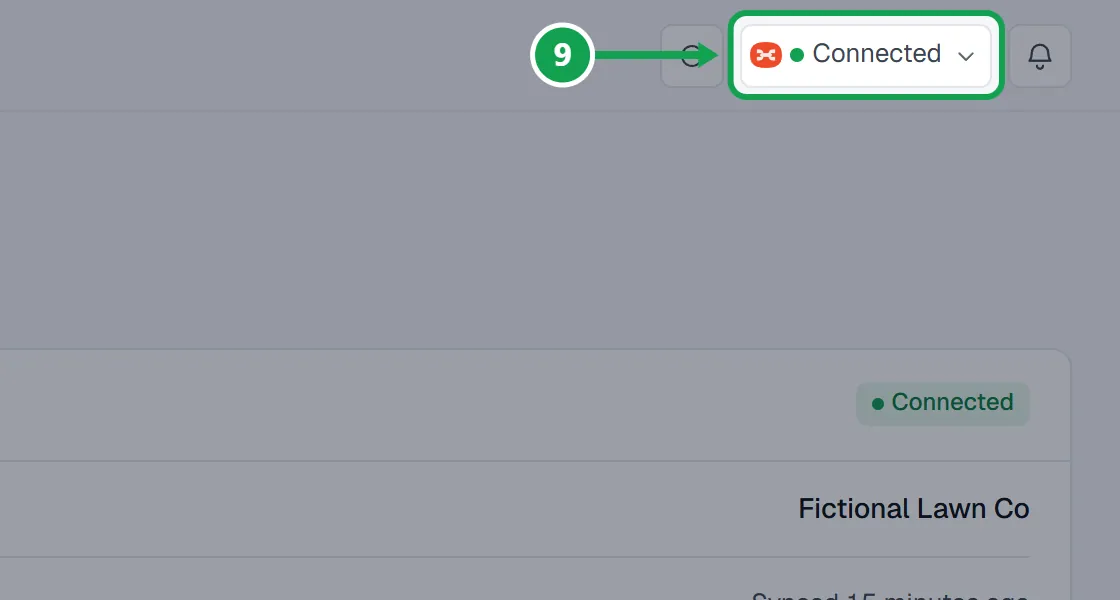
Step 4. The Homeworks button in the top bar has the same Read now and Reconnect in its menu.
Disconnect Homeworks
Step 1. Press Open connection on the Homeworks card, then press Disconnect.
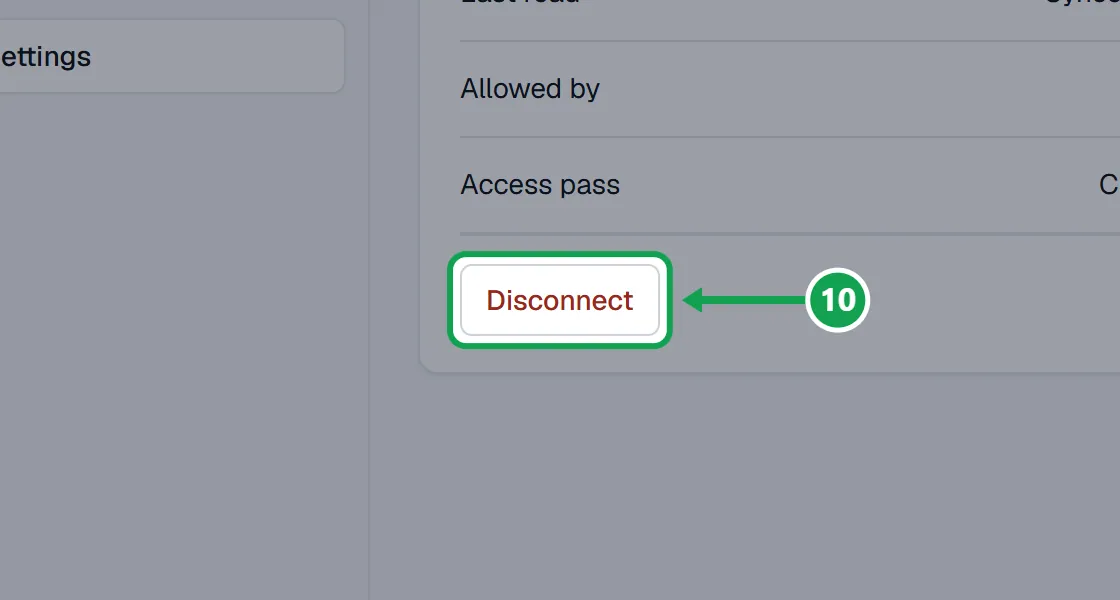
Step 2. Press Yes, disconnect. Seasonly forgets the pass and stops reading. Nothing in your Homeworks account changes.
If this, then that
- If Homeworks will not connect and mentions your plan
- Your Homeworks plan must be Enterprise, or a live Growth trial. Change the plan in Homeworks, then press Connect Homeworks again.
- If it says That Homeworks account is already connected to another Seasonly account.
- Disconnect it in the other Seasonly account first, then connect here.
- If the Homeworks card says Disconnected
- Press Reconnect, then Reconnect Homeworks, and press Allow on Homeworks' page.
- If it says The connection was not made.
- Allow was not pressed on Homeworks' page. Nothing changed; press Connect Homeworks and try again.
- If it says This Homeworks account has already had a free trial.
- Start your Seasonly plan, then connect it.
- If you are staff and see no Connect button
- Only the owner can connect Homeworks. The page says who to ask.
Good to know
- Your Homeworks plan must be Enterprise, or a live Growth trial. That is Homeworks' own rule for API access.
- Seasonly reads your customers, jobs and services. For each booking request it writes a customer, a property and one estimate set to Pending. What Seasonly writes on the card has the full list.
- Tags, schedule changes, estimate sends and lawn photos reach Homeworks only if you turn on their own switches.
- The pass expires after two weeks unused, so Seasonly checks in twice a week. You can also cut it off from your Homeworks account settings.
- Only the owner can connect, reconnect or disconnect. Staff see who to ask.