Let Seasonly send estimates and add lawn photos
Two switches: let Seasonly send and reprice estimates from Requests, and put the Clarity Measure lawn photo on the Homeworks property.
Steps
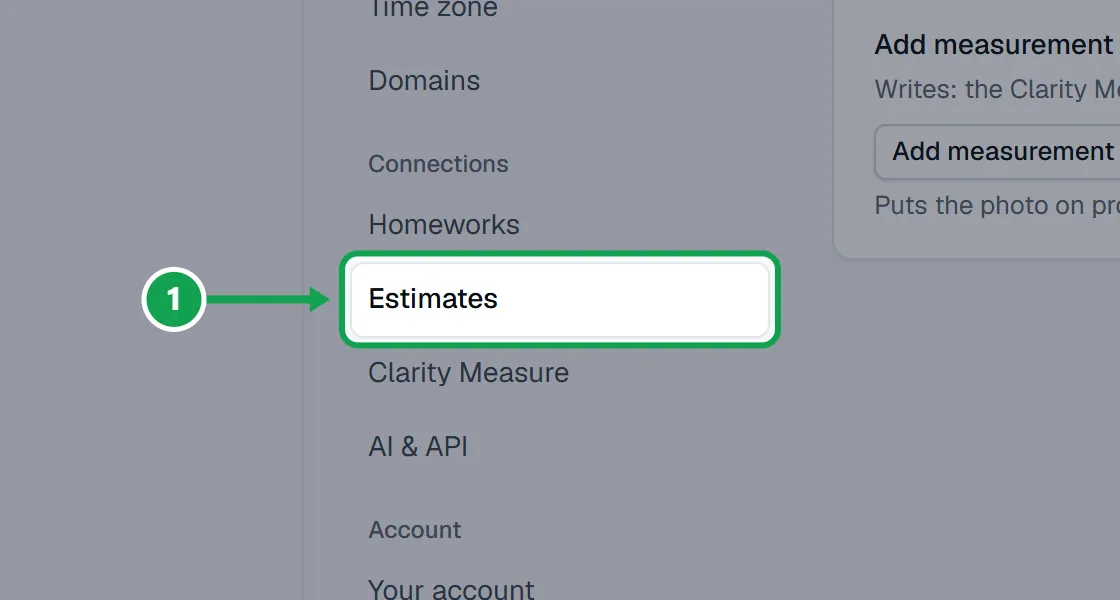
Step 1. Open Settings and choose Estimates.
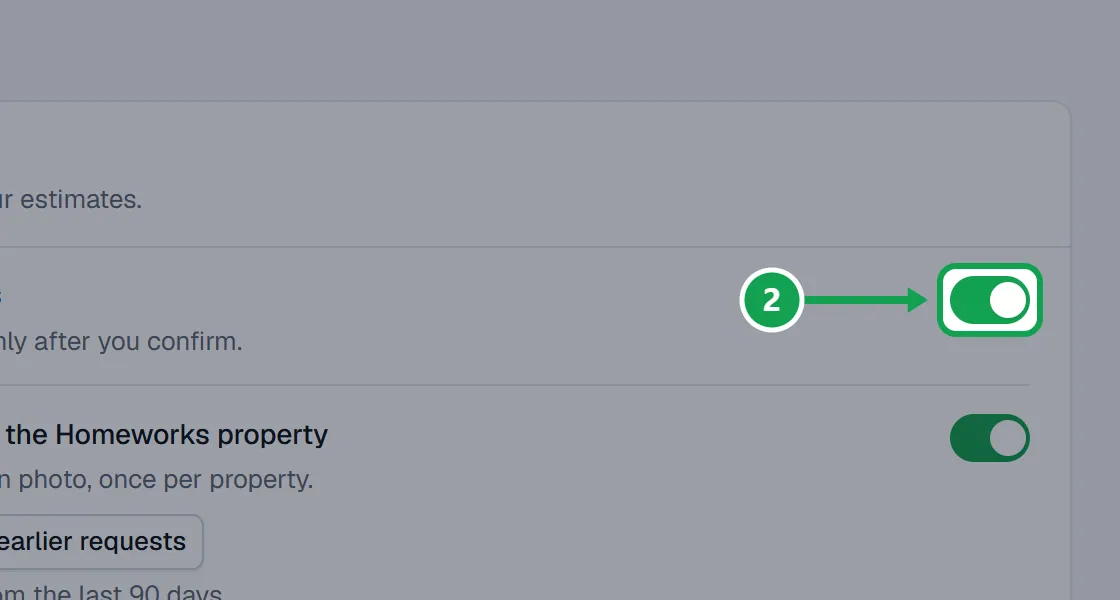
Step 2. Turn on Let Seasonly send estimates to change prices and send from Requests. Every send still asks you to confirm first.
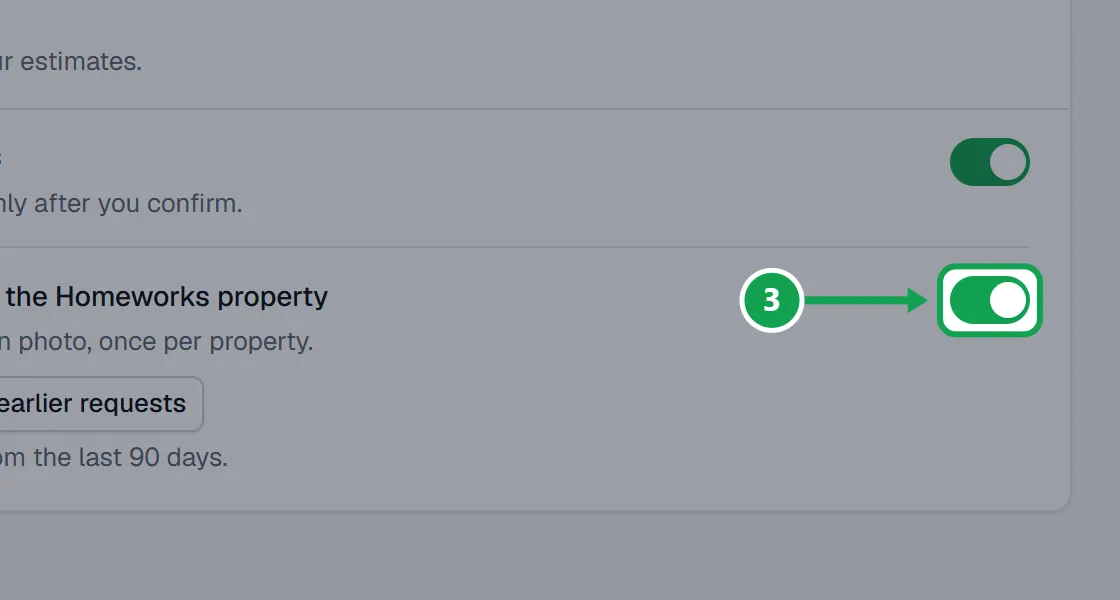
Step 3. Turn on Add measurement photos to the Homeworks property to put the Clarity Measure lawn photo on the property, once per property.
Step 4. Each switch saves as soon as you flip it. You will see Turned on. under it.
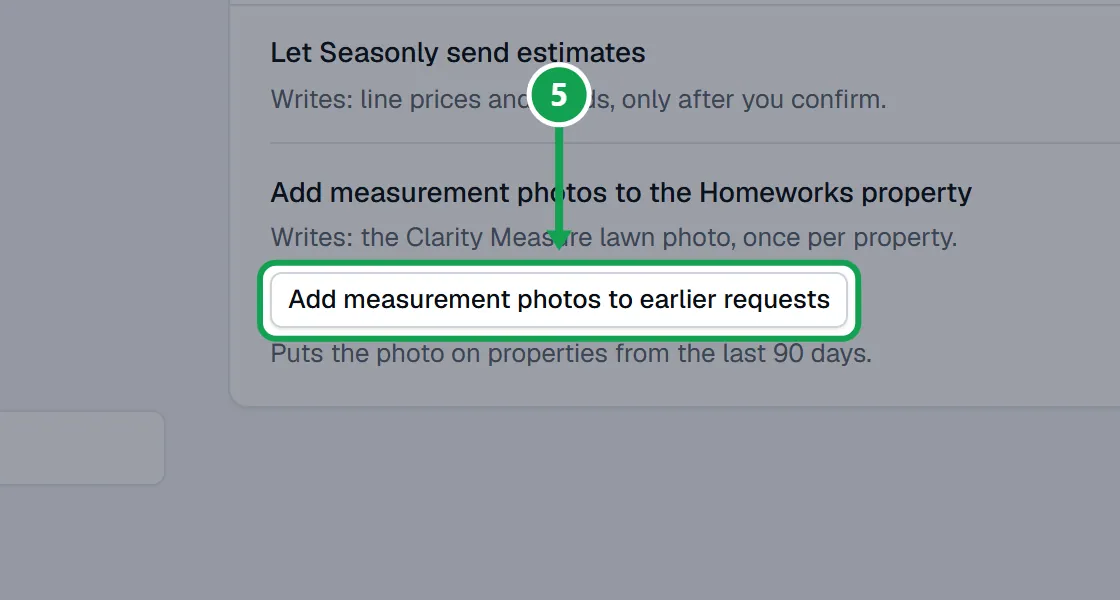
Step 5. To catch up older requests, press Add measurement photos to earlier requests. It covers the last 90 days, up to 25 properties a press.
If this, then that
- If a switch is grey and says Connect Homeworks first
- Connect Homeworks in Settings, Homeworks, then come back and flip it.
- If a request says Turn on "Let Seasonly send estimates" in Settings
- Press Open Settings there, or open Estimates here, and turn on Let Seasonly send estimates.
- If the card says Paused for every account right now.
- Seasonly has paused sends for everyone. Your switch is kept and works again when that ends. Send from Homeworks meanwhile.
- If it says Turn on the photo switch first
- Turn on Add measurement photos to the Homeworks property, then press Add measurement photos to earlier requests.
- If it says Every earlier request already has its photo
- Nothing is left to add from the last 90 days.
Good to know
- With sending on, Seasonly changes a line's price or sends the estimate by text or email with your Homeworks estimate template only when you press Send estimate in Requests or approve a send.
- With sending off, Seasonly never sends estimates or changes their prices. You do that in Homeworks.
- Automatic pricing of new estimates is a separate switch, Price new estimates automatically, under Services & pricing.
- Only the owner can change these switches. Staff see On or Off.