Get the lawn size on a request
Clarity Measure measures each lawn after a booking. Measure now, measure again, or type the size yourself, and see what goes on the Homeworks Lot Size.
Steps
Step 1. Open the request on Requests. The aerial photo with the lawn outlined and the sq ft measured are at the top.
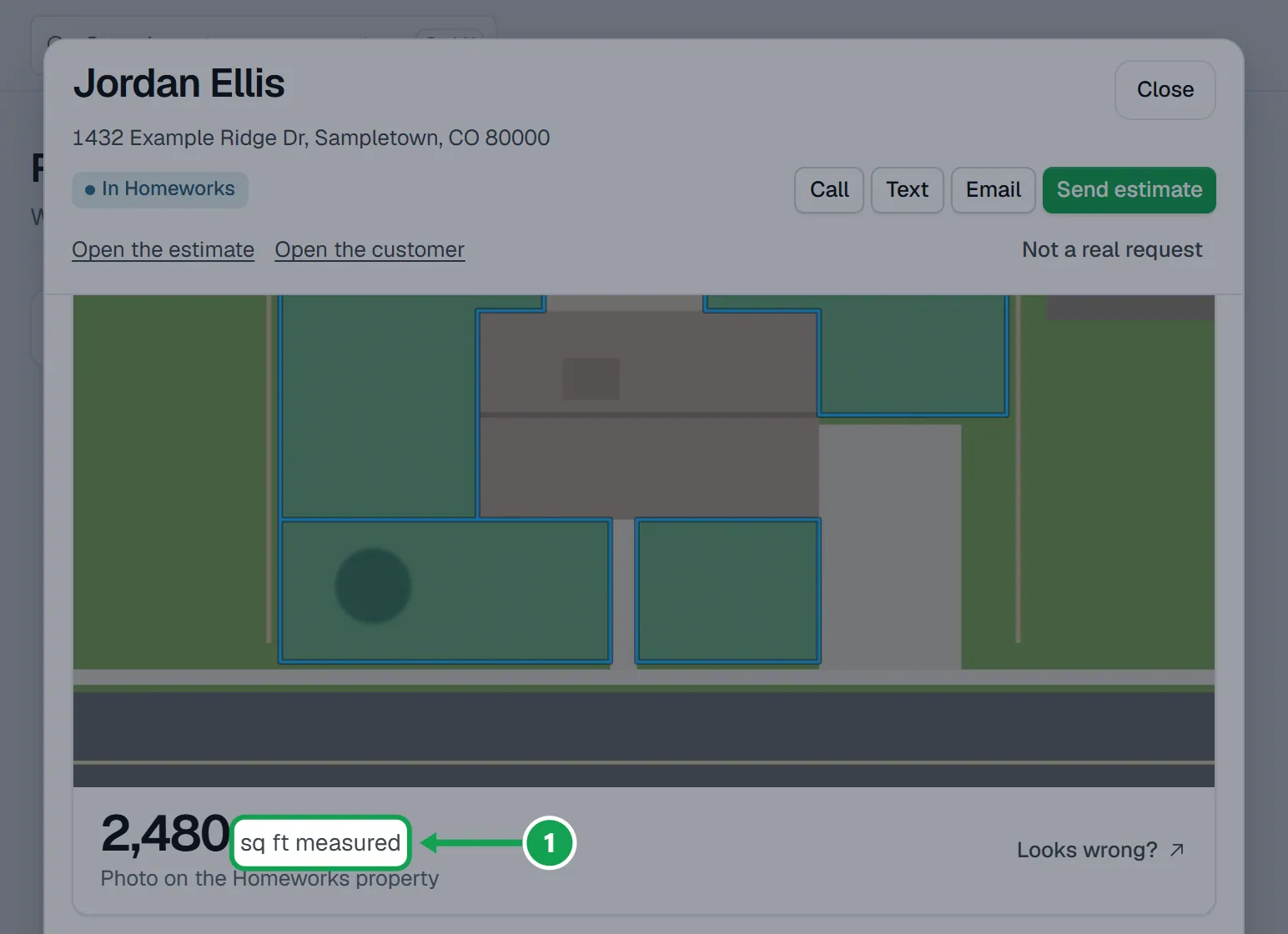
Step 2. If it says Not measured and why, press Measure now, then Measure now again to confirm. A result for the same address from the last 180 days is reused free; otherwise it runs a new paid measurement.
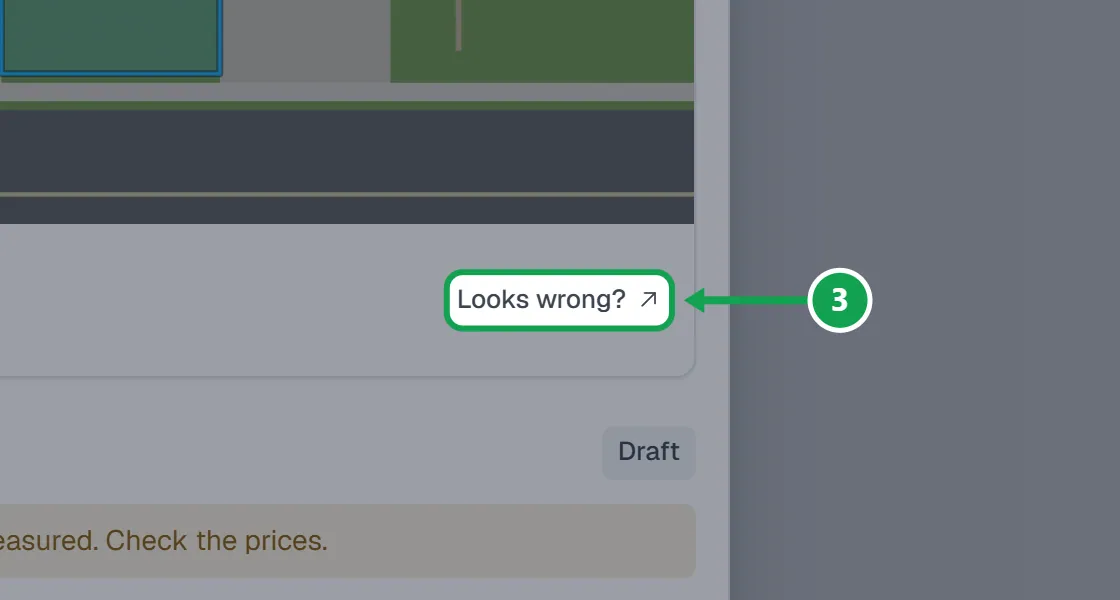
Step 3. If the size or outline looks wrong, press Looks wrong? to see the outline in Clarity Measure.
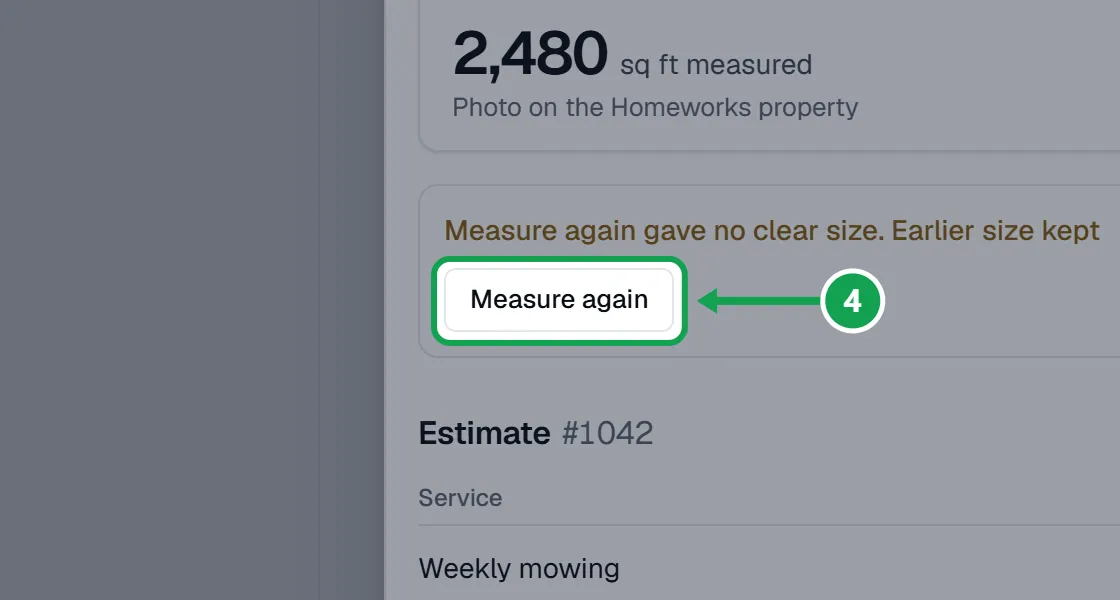
Step 4. To measure it fresh, press Measure again.
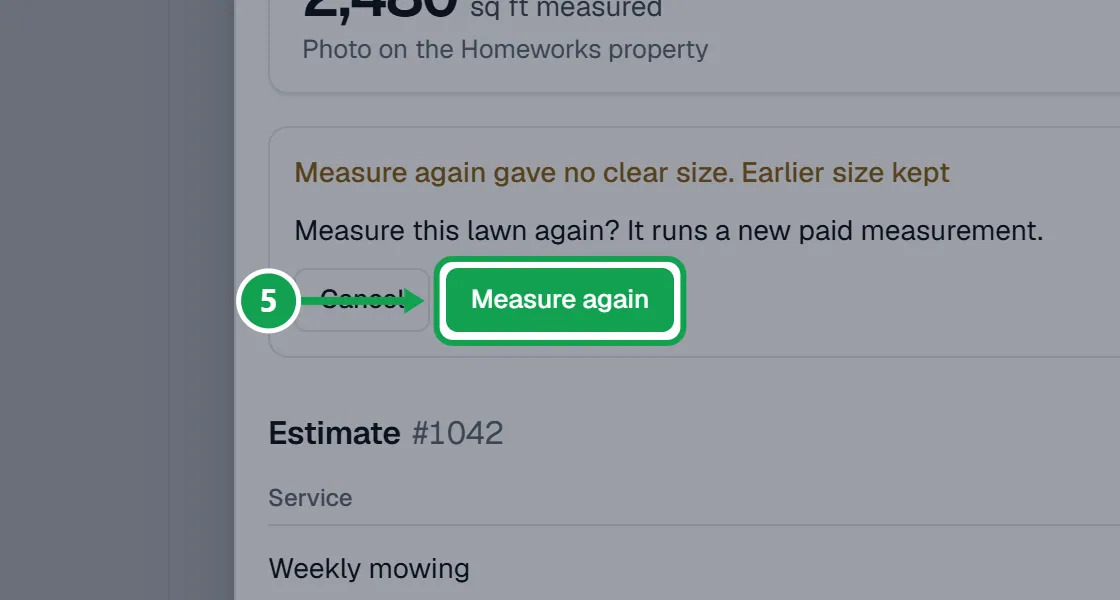
Step 5. It asks Measure this lawn again? It runs a new paid measurement. Press Measure again to confirm, or Cancel.
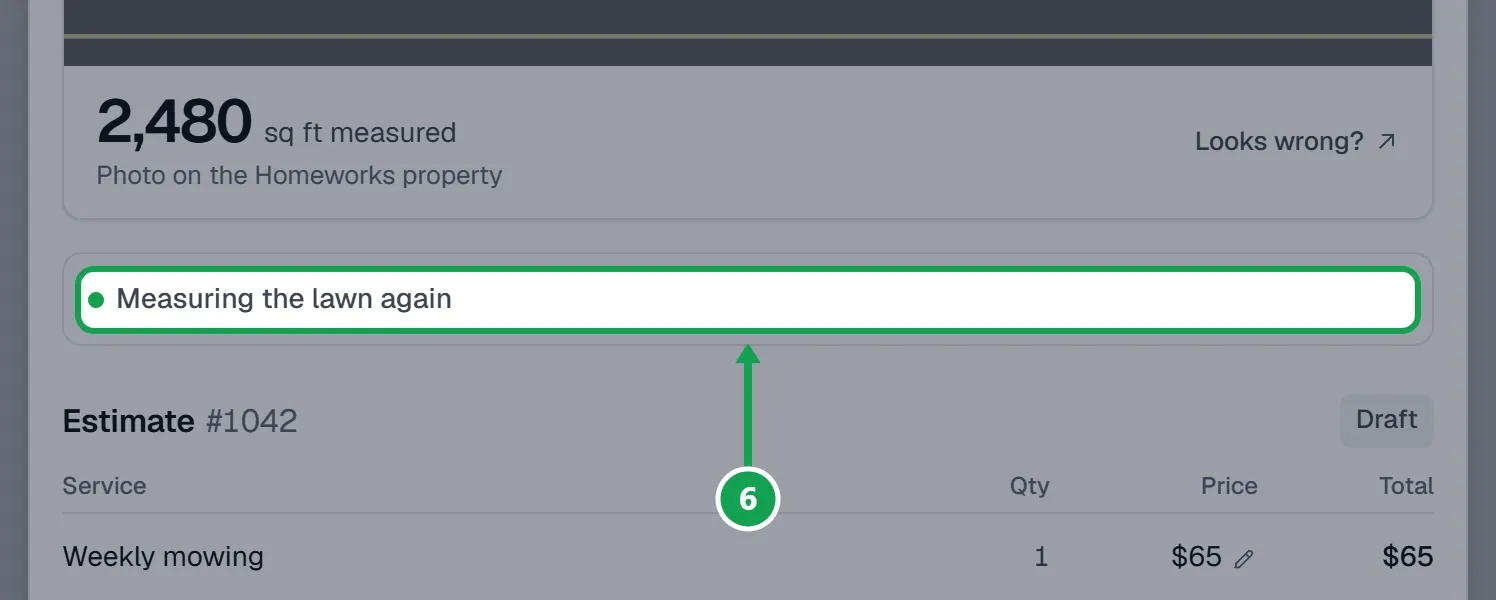
Step 6. The request says Measuring the lawn again for a few minutes. The new size and the draft estimate update on their own when it finishes.
Type the size yourself
For a request Clarity Measure did not measure. A lawn it already measured cannot be typed over; use Measure again.
Step 1. Press Enter size on the request.
Step 2. Type the square feet in Lawn size, like 6200, and press Continue.
Step 3. Press Save size. Seasonly prices the draft estimate from it.
Step 4. If it says pricing did not finish or automatic pricing is off, press Reprice, then Reprice again to confirm.
What goes on the Homeworks Lot Size
The Lot Size is what Homeworks' own rate matrix prices every later job at that property from, so Seasonly is careful with it.
Step 1. Only a whole-yard measurement goes on the Lot Size. A front yard only or back yard only measurement prices this estimate and leaves the Lot Size as it is, and the request says so.
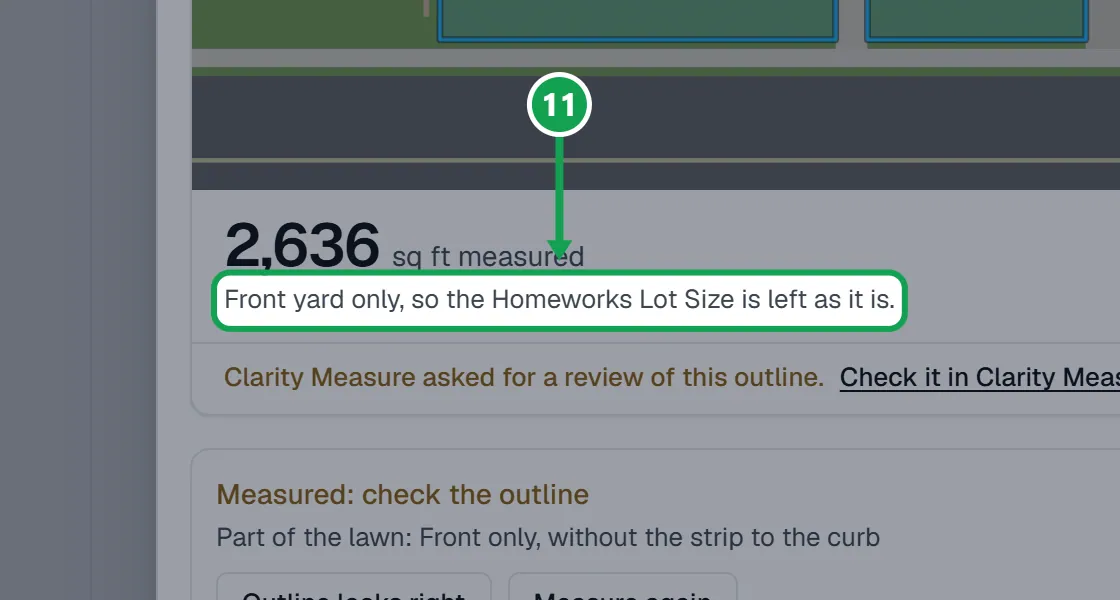
Step 2. Seasonly writes it only when the Lot Size is empty or holds a size Seasonly wrote before. A size someone typed in Homeworks is never replaced, and a property kept in acres is left alone.
Step 3. A size you type with Enter size, or the customer's own answer, prices the estimate but never goes on the Lot Size.
Step 4. When it was set, the request shows Lot Size set in Homeworks under the size.
If this, then that
- If it says Not measured: daily limit reached
- Raise Most measurements a day in Settings, Clarity Measure, or wait for the next day. You can also type the size with Enter size.
- If it says Not measured: Clarity Measure is out of credit or the plan is not active
- Add funds or fix the plan in Clarity Measure, then press Measure now.
- If it says Measure again gave no clear size. Earlier size kept
- The earlier size is still used. Check the outline in Clarity Measure, or change the estimate's prices yourself.
- If the size came from the customer
- The estimate is held with a note that the size is the customer's own answer. Check the prices; sending then says Send anyway.
- If Clarity Measure flagged the outline
- The request says Measured: check the outline. Look at it and press Outline looks right, or measure again.
- If you do not see Measure now or Enter size
- The lawn is measured already, a measurement is still running, or you are signed in as staff.
Good to know
- Measure again always runs a new paid measurement, never the free reuse. If it gives no clear size, the earlier size, photo and Lot Size stay.
- Clarity Measure always uses its Fast mode. A measurement usually takes a few minutes.
- When a form answer asks for the front or back yard only, Clarity Measure measures just that part and the request shows Part of the lawn.
- Automatic measuring skips addresses outside your service area, but Measure now still works for one you choose to serve.
- Only the owner can measure, enter a size or reprice. Staff see the size and the lines.