Check a lawn outline Clarity Measure flagged
When Clarity Measure asks for a review, look at the outline, press Outline looks right or measure again, and know why Send says Send anyway.
Steps
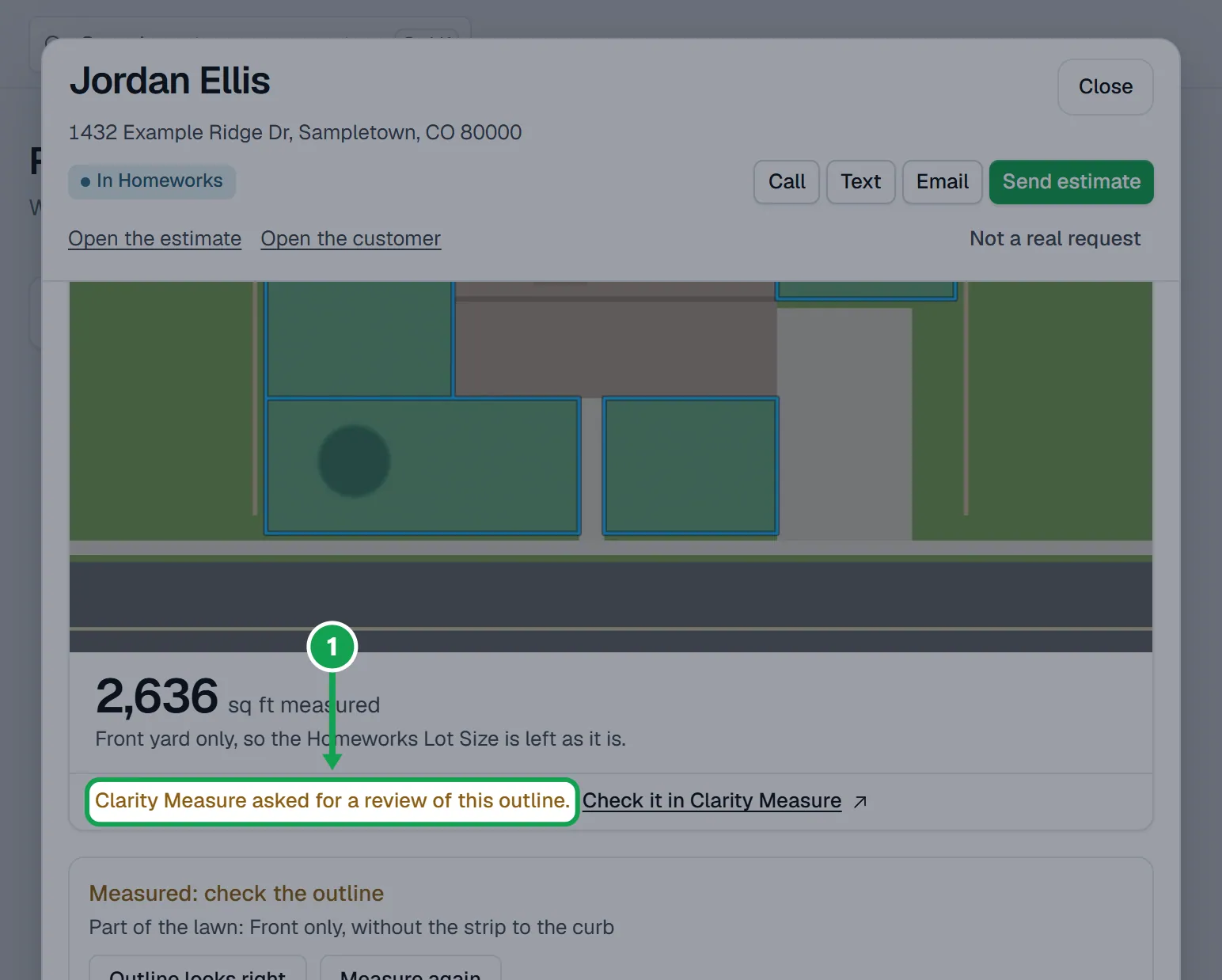
Step 1. Open the request on Requests. The photo says Clarity Measure asked for a review of this outline, and the size is already used for the draft estimate.
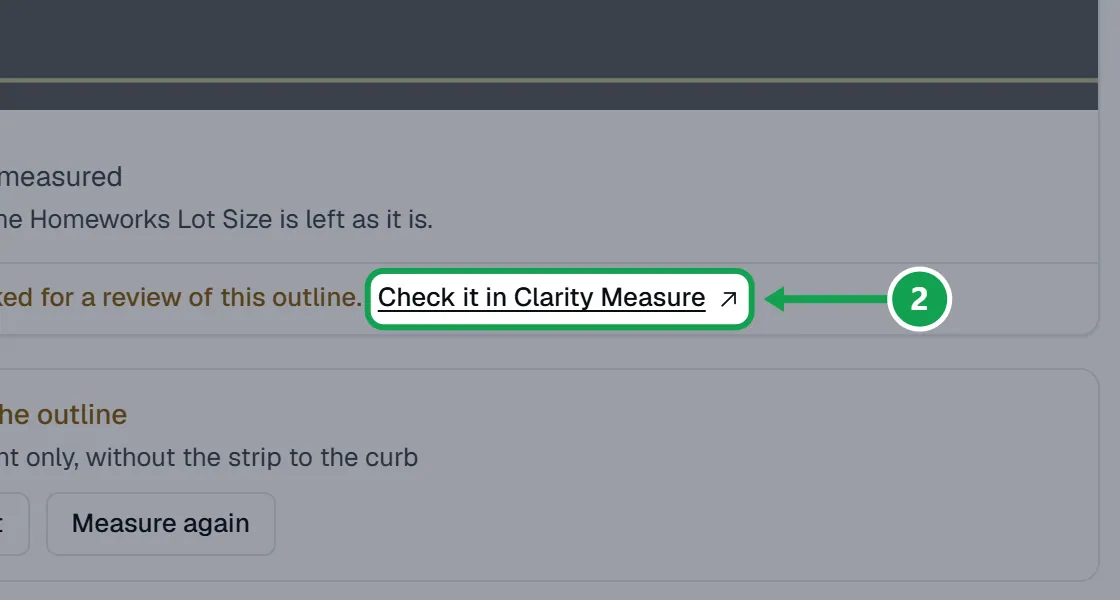
Step 2. Press Check it in Clarity Measure and look at the outline on the photo there.
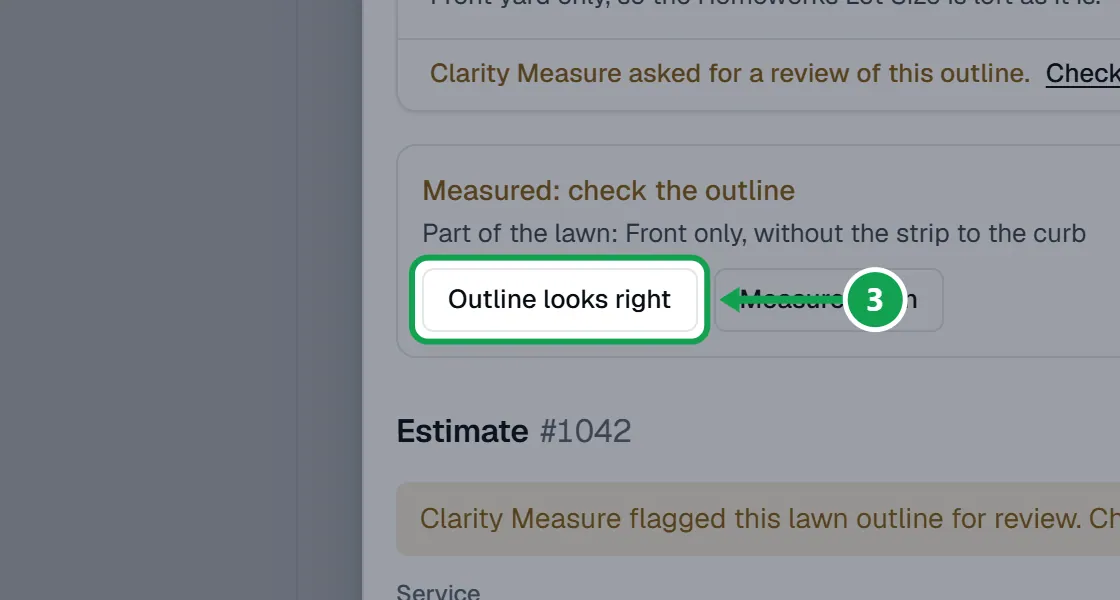
Step 3. If the outline is right, press Outline looks right.
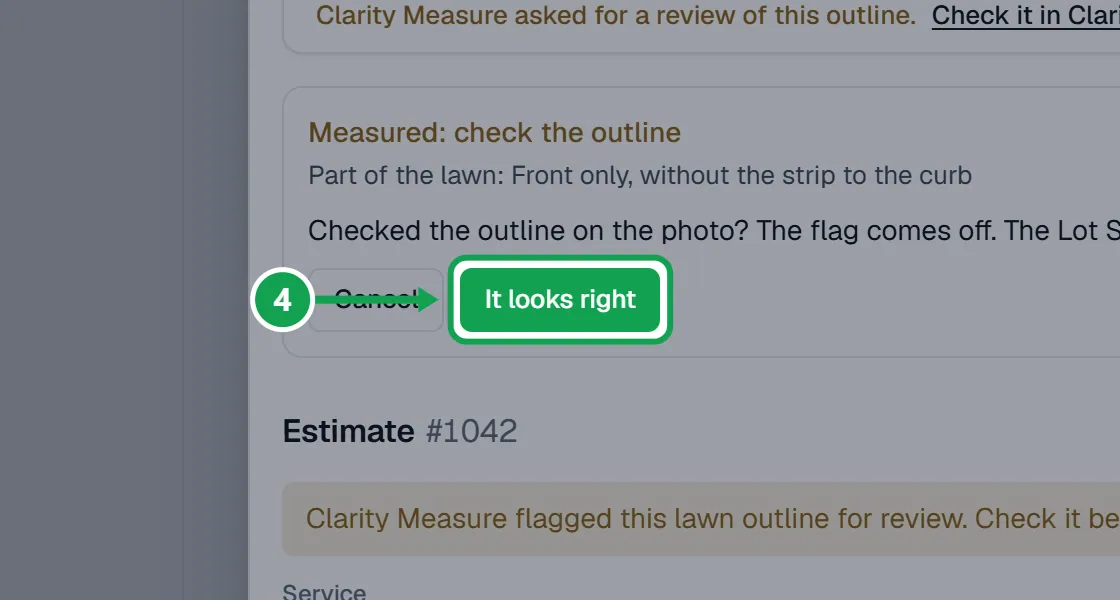
Step 4. Press It looks right to confirm. The flag comes off. For a whole-yard measurement the size goes on the Homeworks Lot Size; a front or back yard only size leaves the Lot Size as it is.
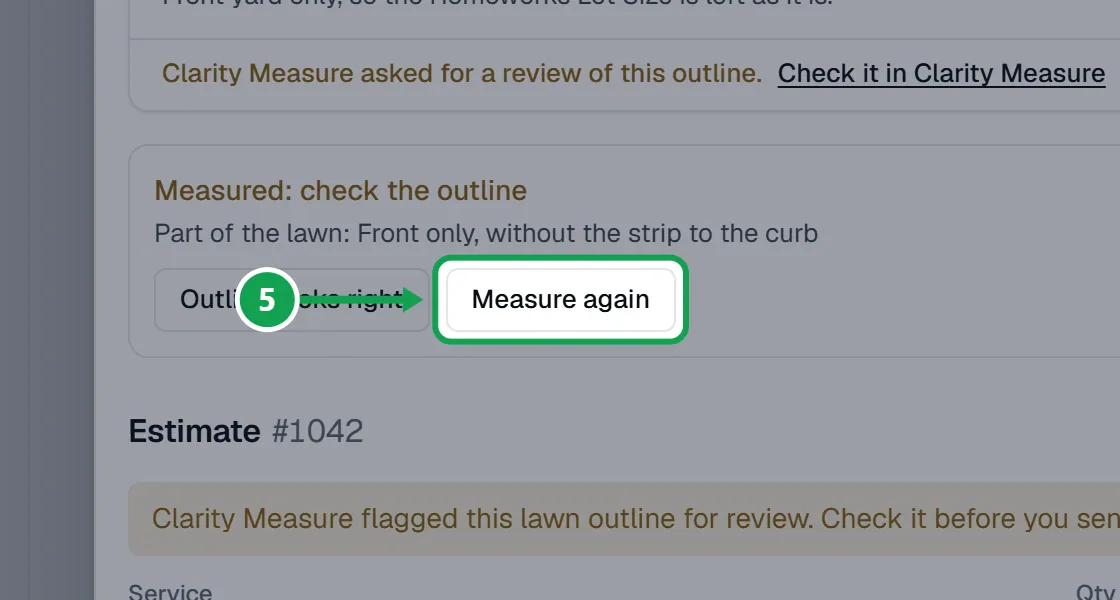
Step 5. If the outline is wrong, press Measure again instead. It runs a new paid measurement, and the size and draft update when it finishes. Or change the estimate's prices yourself.
Send the estimate while it is flagged
Seasonly never sends on its own. A flagged outline asks you once more before the estimate goes.
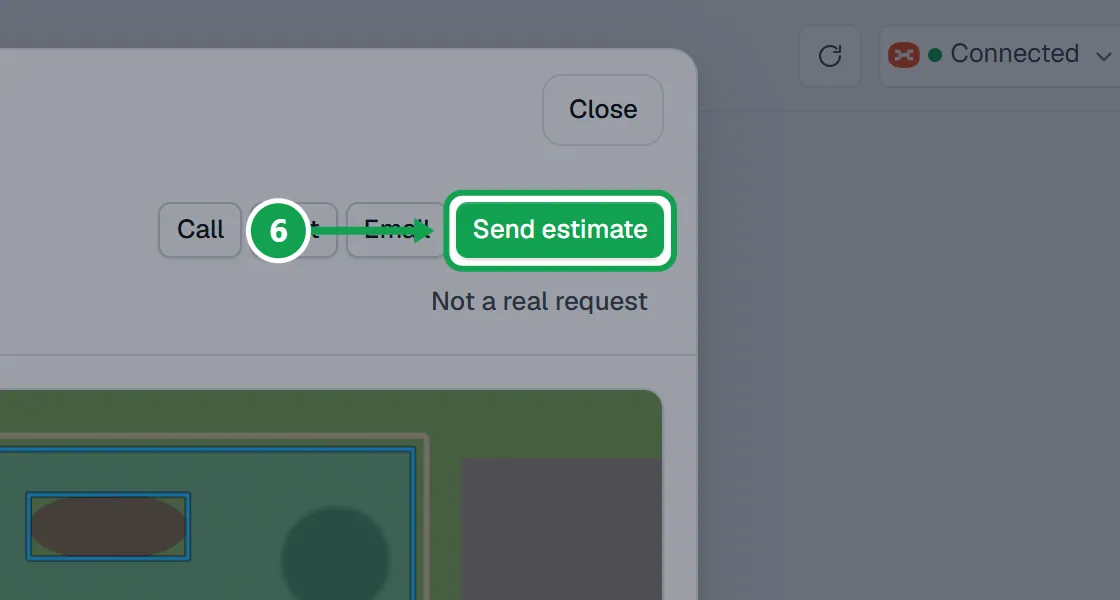
Step 1. Press Send estimate at the top of the request.
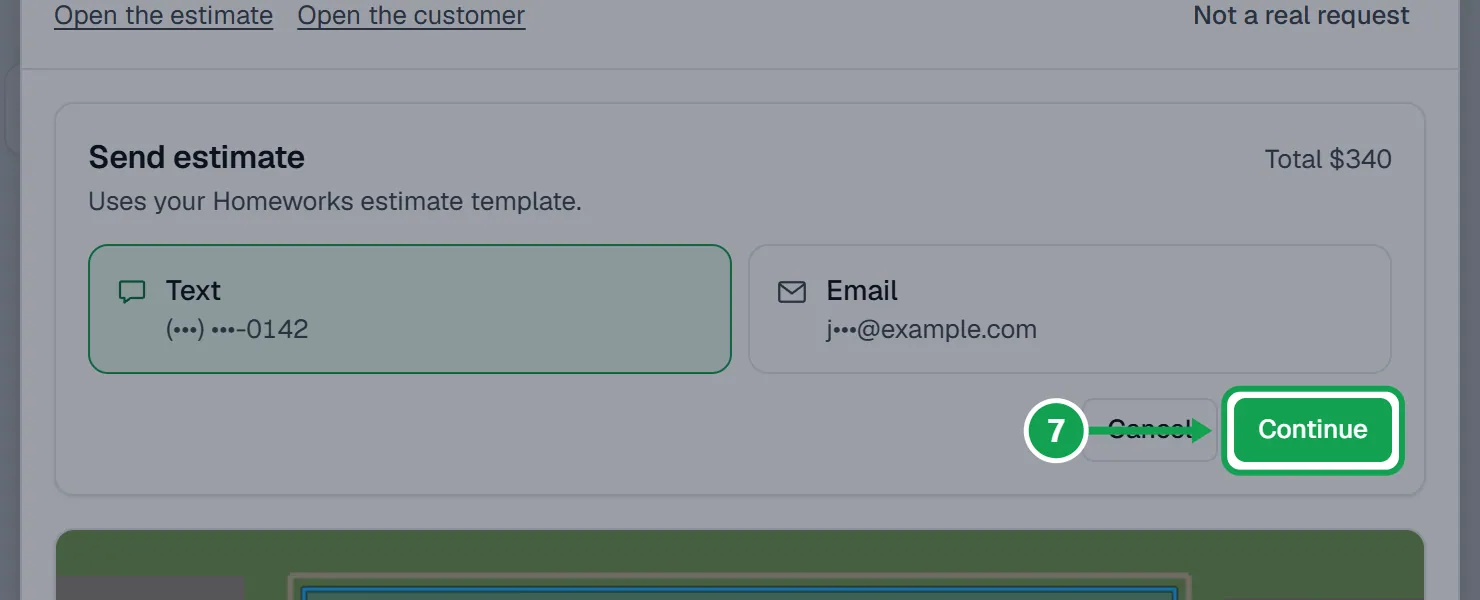
Step 2. Pick Text or Email and press Continue.
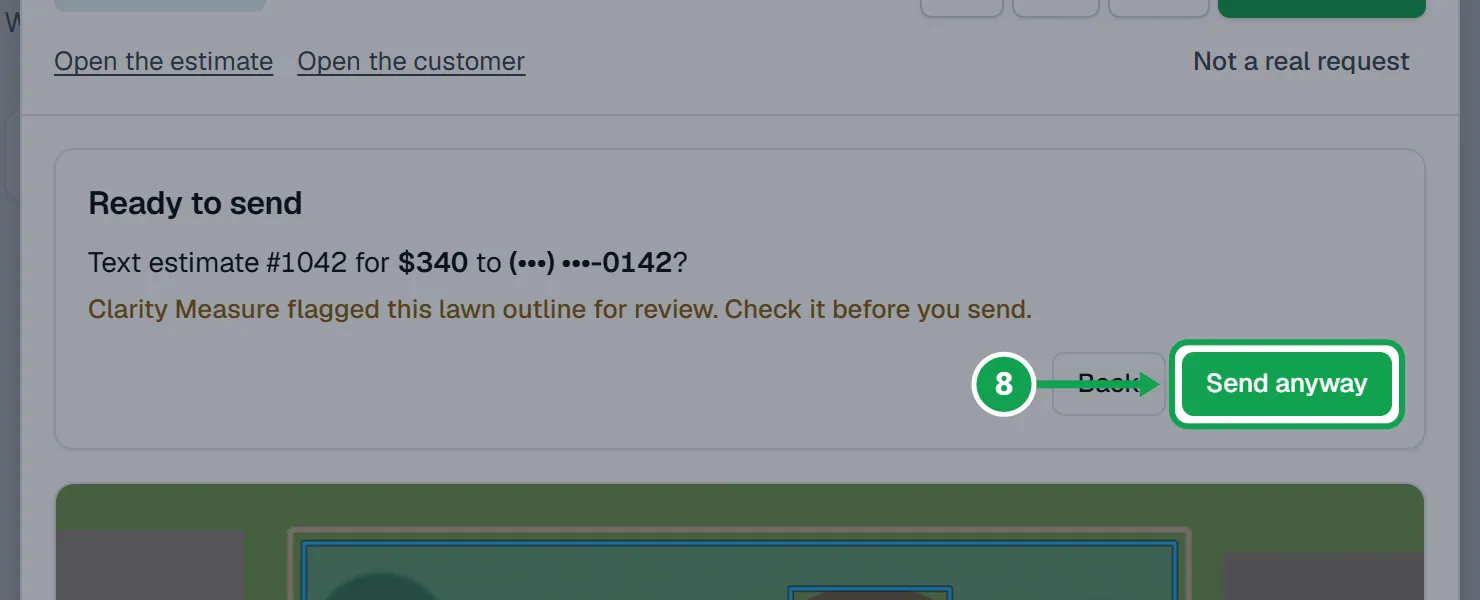
Step 3. The last step says the outline was flagged for review and the button says Send anyway. Press it only if you have checked the outline and the prices.
Step 4. To send without that extra line, press Outline looks right first. The button then says Send now.
If this, then that
- If you do not see Outline looks right
- The flag is already off, a measurement is still running, or you are signed in as staff.
- If it says Seasonly is still sizing this lawn
- A measurement is running. Try again when the request stops saying it is measuring.
- If it says Your Homeworks connection needs signing in again
- Reconnect Homeworks in Settings, then press Outline looks right again.
- If it says Measure again gave no clear size. Earlier size kept
- The flagged size is still used. Check it in Clarity Measure and confirm it, or set the prices yourself.
- If the send step says Price each line first
- A line has no price yet. Press its price, type one and save, then send.
Good to know
- While the flag is on, the Homeworks Lot Size waits. The request says The Homeworks Lot Size waits until you confirm the outline.
- Looks wrong? is replaced by Check it in Clarity Measure while a lawn is flagged.
- The same Send anyway step shows when the size is the customer's own answer or a measurement is still running.
- Only the owner can confirm an outline, measure again or send.