Give a campaign its own services and prices
A campaign link can open your whole form, or only some services at campaign prices. Set it on the Offer step or the campaign's Offer card.
Steps
Step 1. On the New campaign wizard's Offer step, every service on your form starts ticked. Untick the ones this link should not offer.
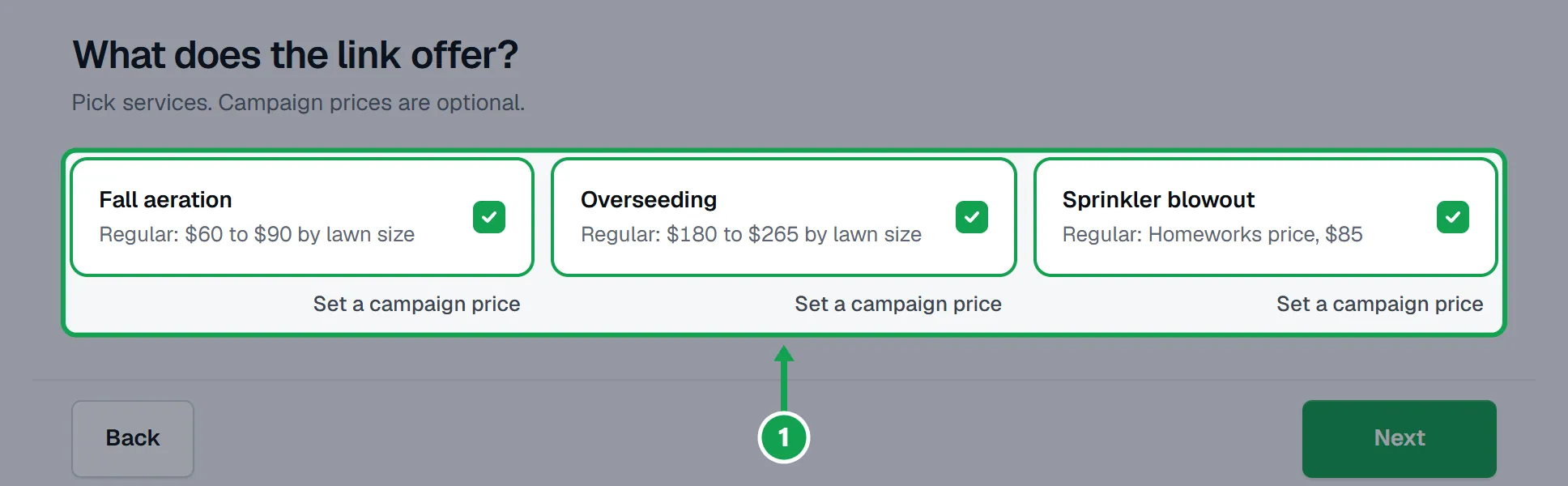
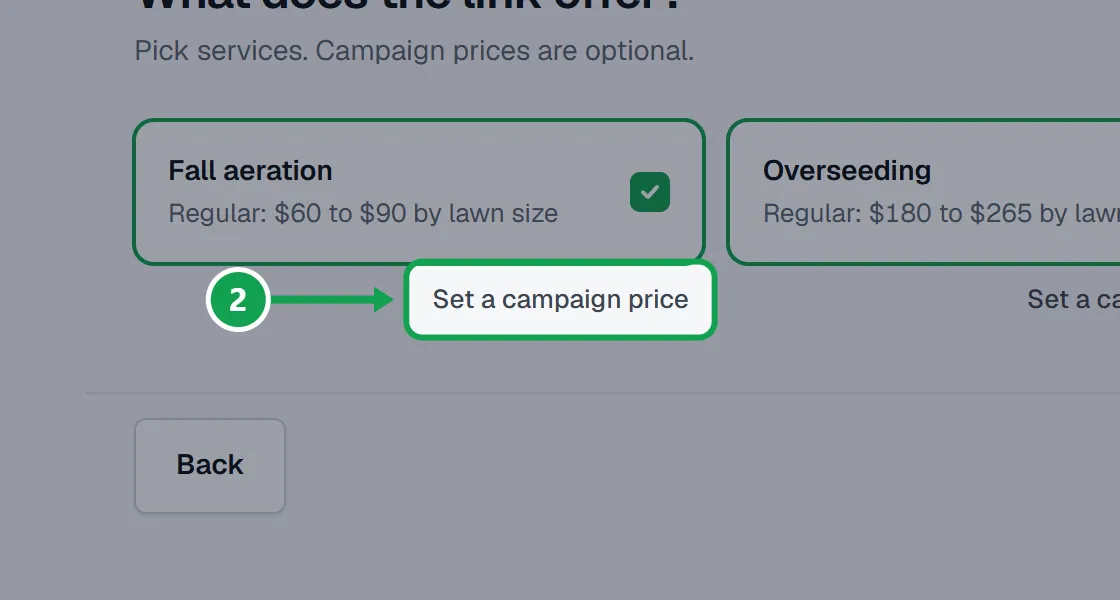
Step 2. On a ticked service, press Set a campaign price.
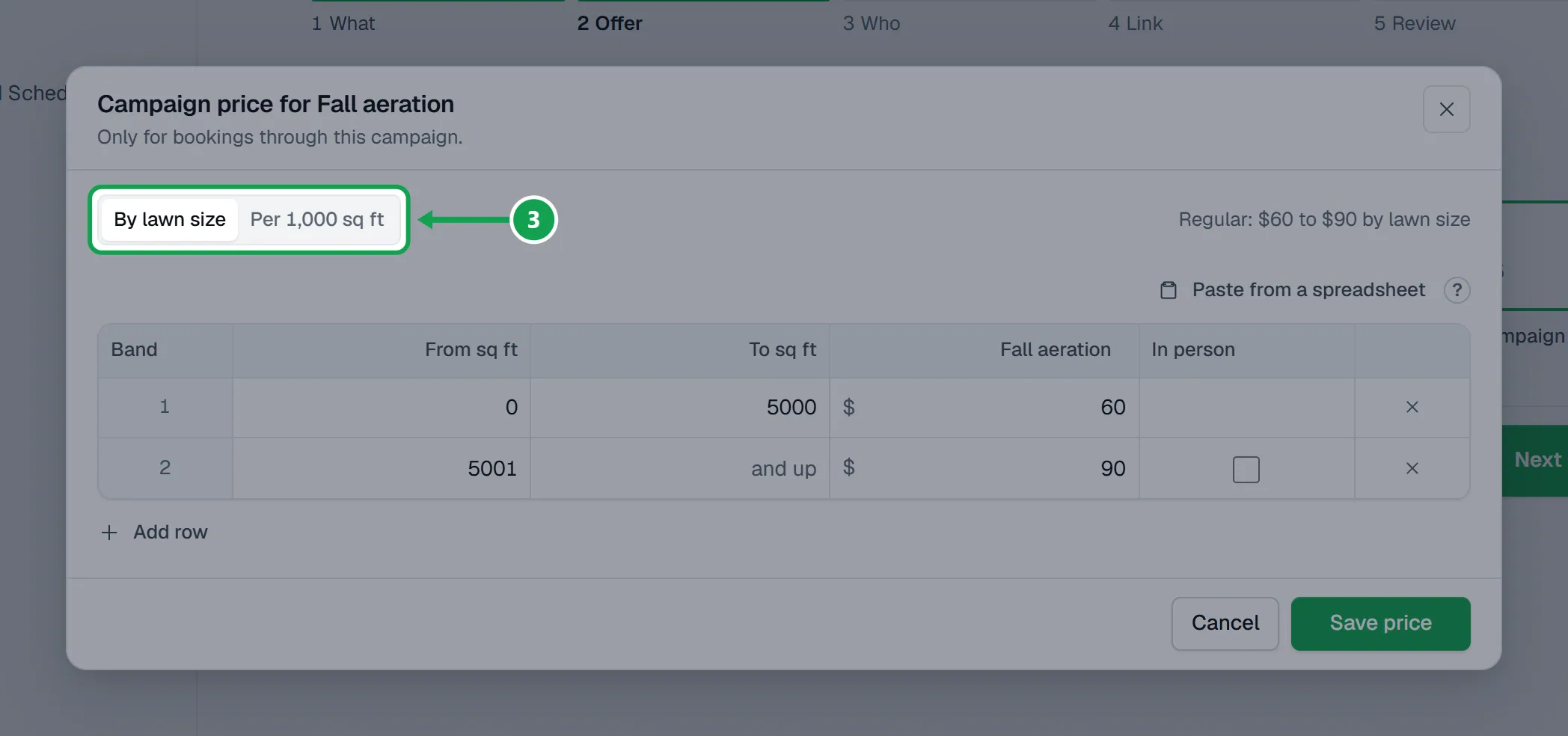
Step 3. Pick By lawn size and fill in the rows (Add row adds one, Paste from a spreadsheet fills them all), or pick Per 1,000 sq ft and set Rate per 1,000 sq ft and Minimum.
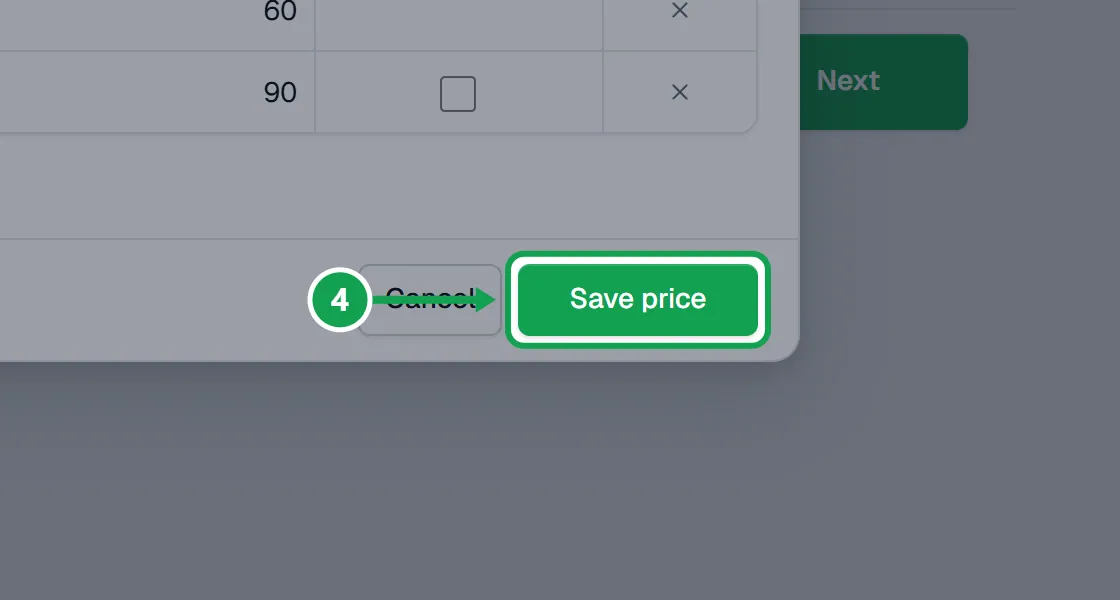
Step 4. Press Save price. The service card now shows Campaign price instead of Regular.
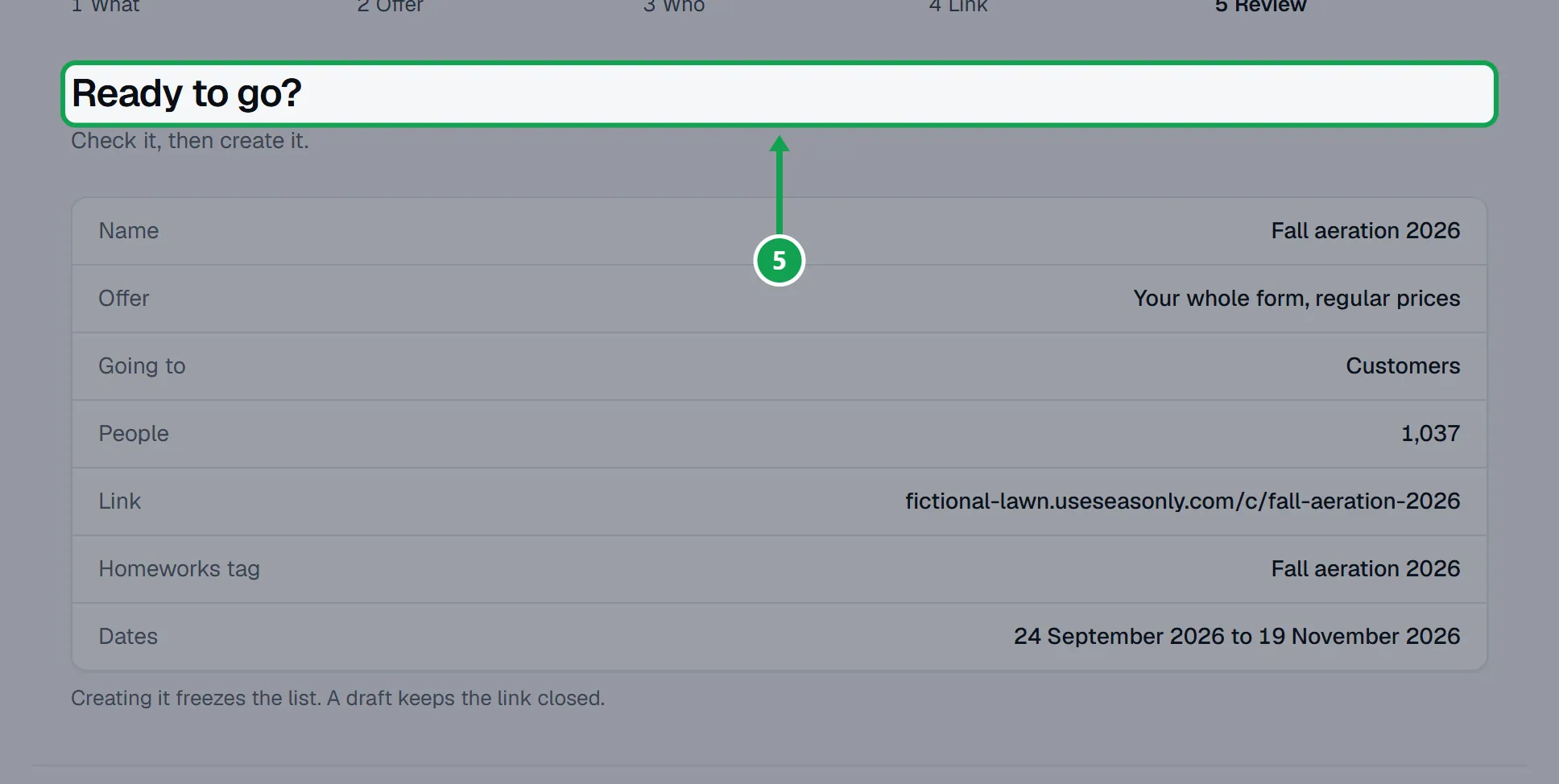
Step 5. Press Next and finish the campaign. Review lists each service with its price under Offer.
Change it on the campaign page
Step 1. Open the campaign and find Offer.
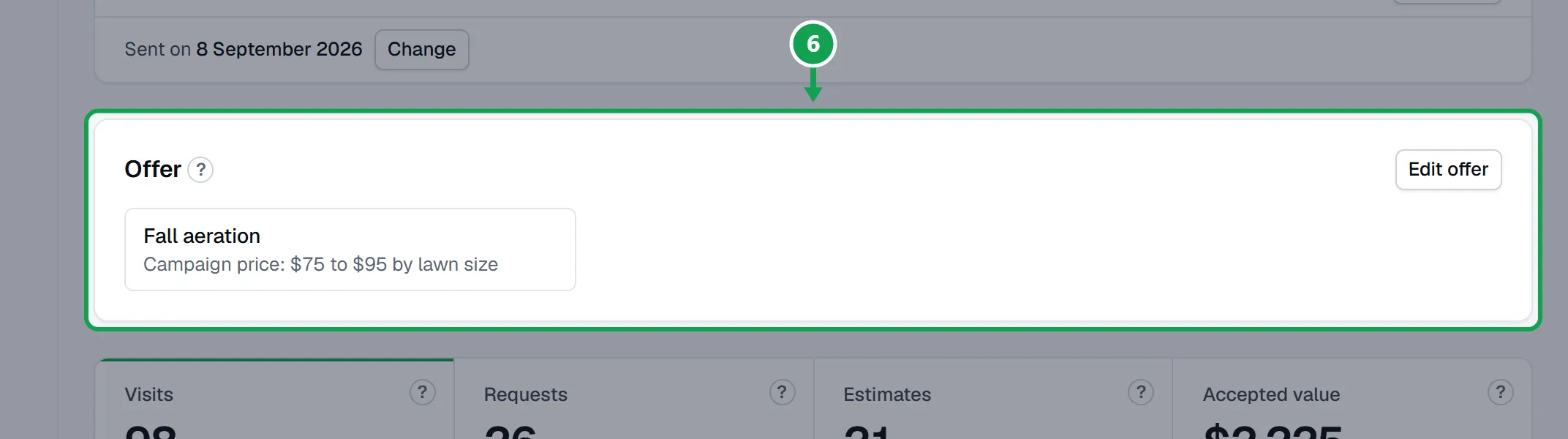
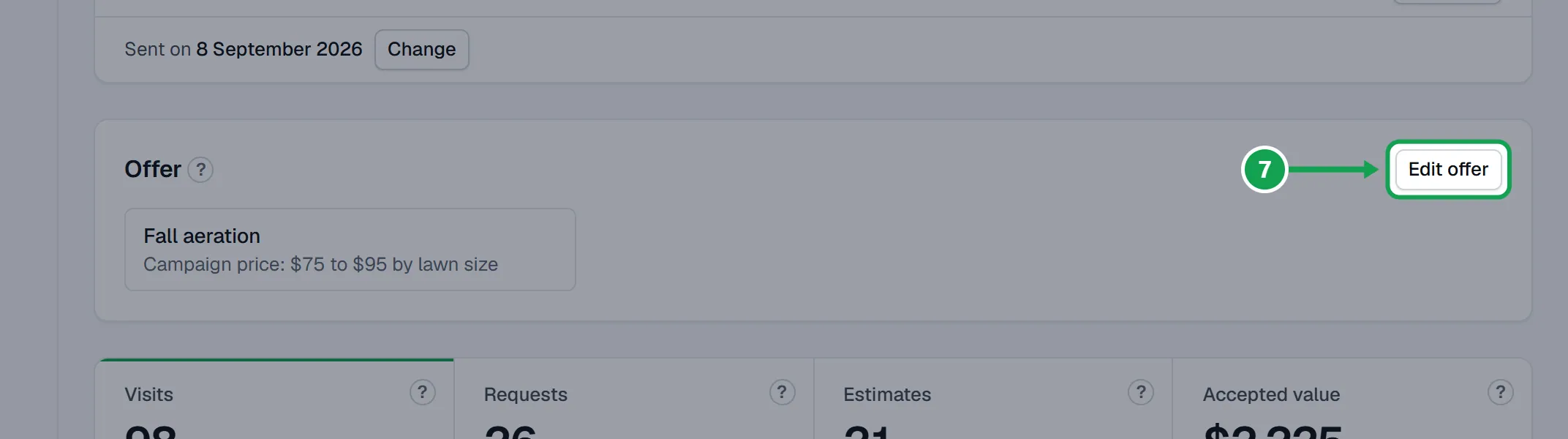
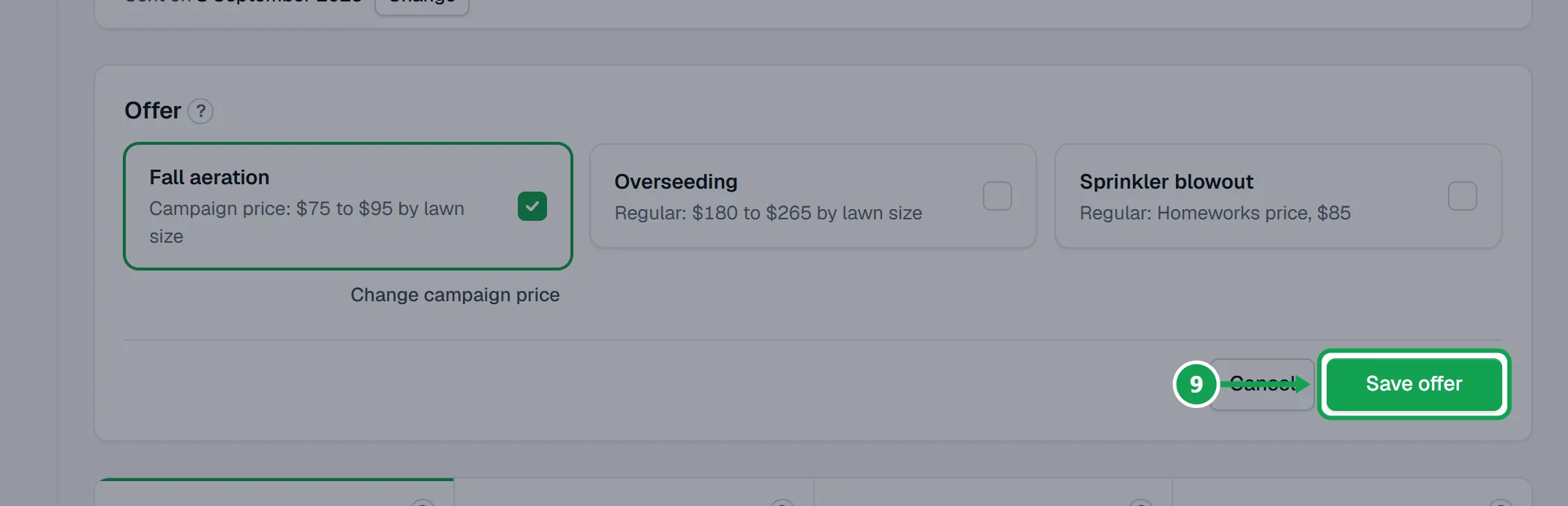
Step 2. Press Edit offer. Tick or untick services, or press Change campaign price on one.
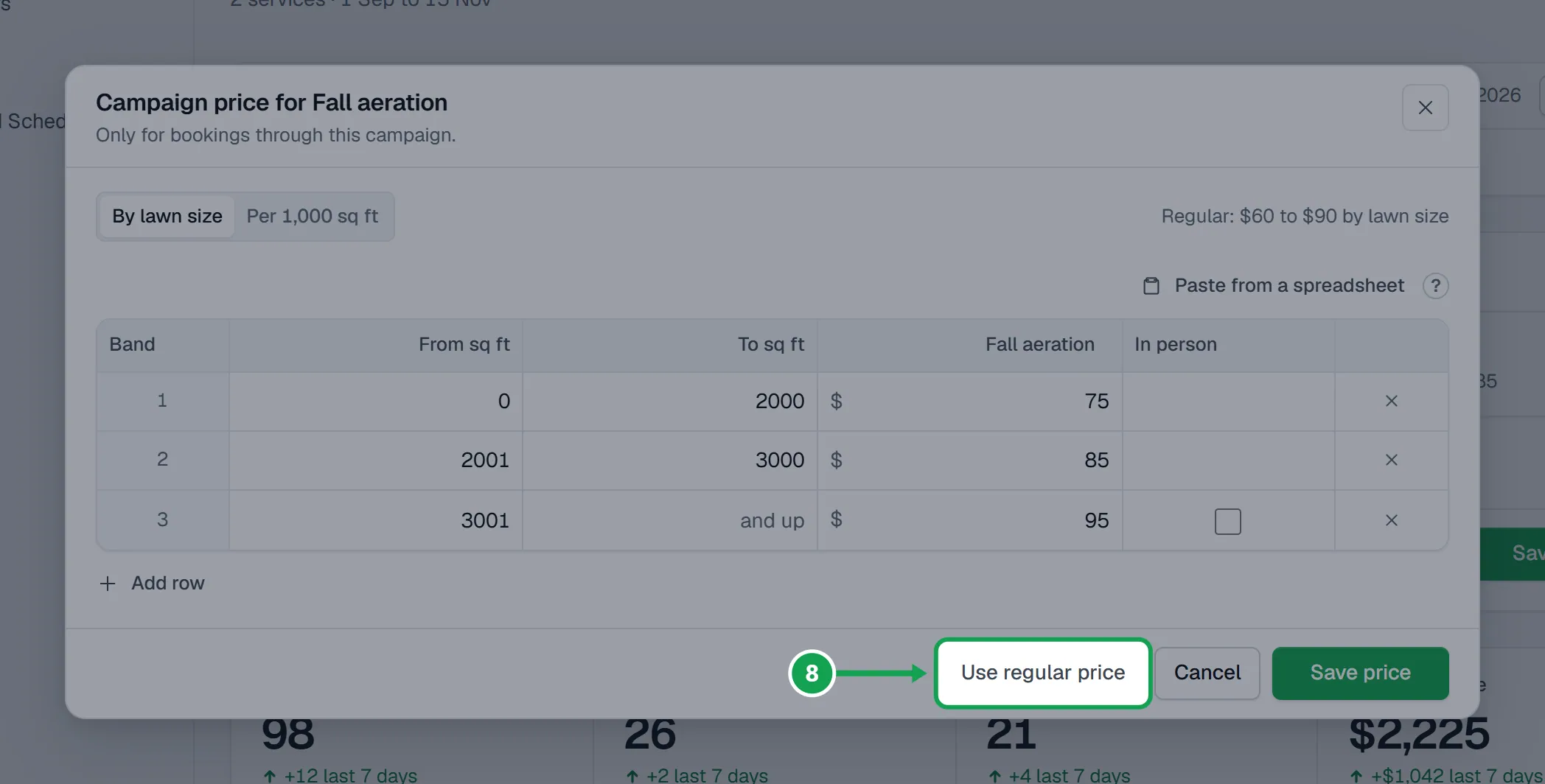
Step 3. To drop a campaign price, open it and press Use regular price.
Step 4. Press Save offer. Bookings already made keep their price.
If this, then that
- If the page says Pick at least one service.
- Every service is unticked. Tick at least one, or leave them all ticked for your whole form.
- If a service card cannot be ticked
- The campaign already offers 20 services, the most one campaign can offer. Untick one first.
- If the campaign has ended
- Its offer is locked. Make a new campaign for new prices.
- If Claude changes a live campaign's prices
- You approve it on the Approvals page first, unless you trusted that connection to change your live form and prices.
- If you want your regular prices changed too
- Campaign prices never touch them. Change regular prices in Services & pricing under Settings.
Good to know
- Homeowners never see prices on the form. The campaign price is what the Homeworks estimate for their booking is priced at.
- Campaign prices hold only for bookings through this campaign's link. Your regular prices do not change.
- One size row from 0 with no top is a flat price, like $75 for any lawn.
- With every service ticked at regular prices, the link opens your whole form.
- Only the owner can change an offer.