Set your services and prices
Price each service from Homeworks, a price matrix by lawn size, or a rate per 1,000 sq ft with a minimum, and choose which ones are measured.
Steps
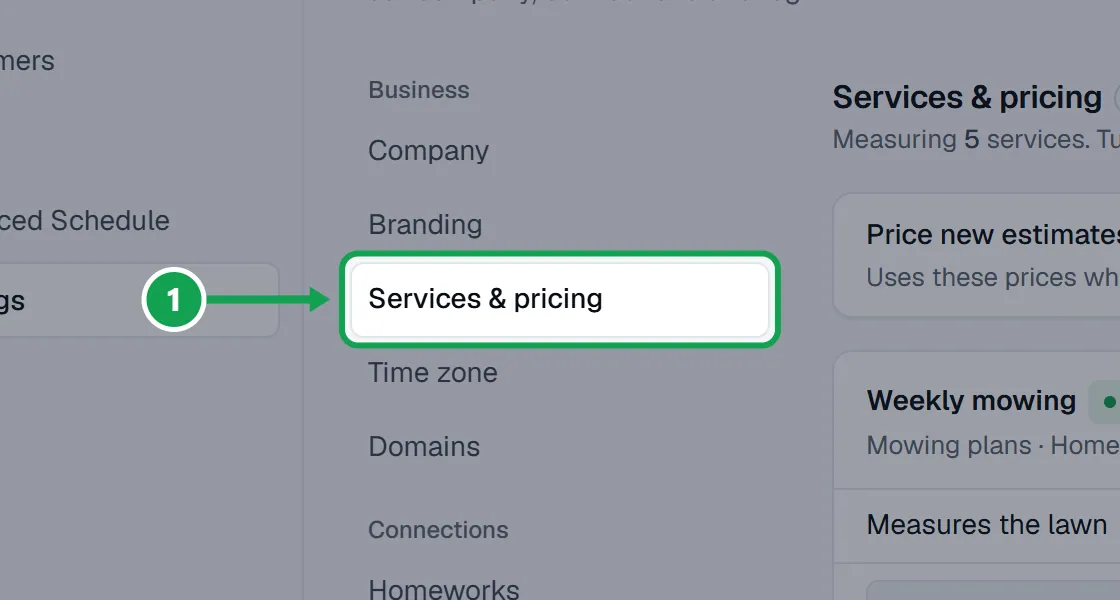
Step 1. Open Settings and choose Services & pricing.
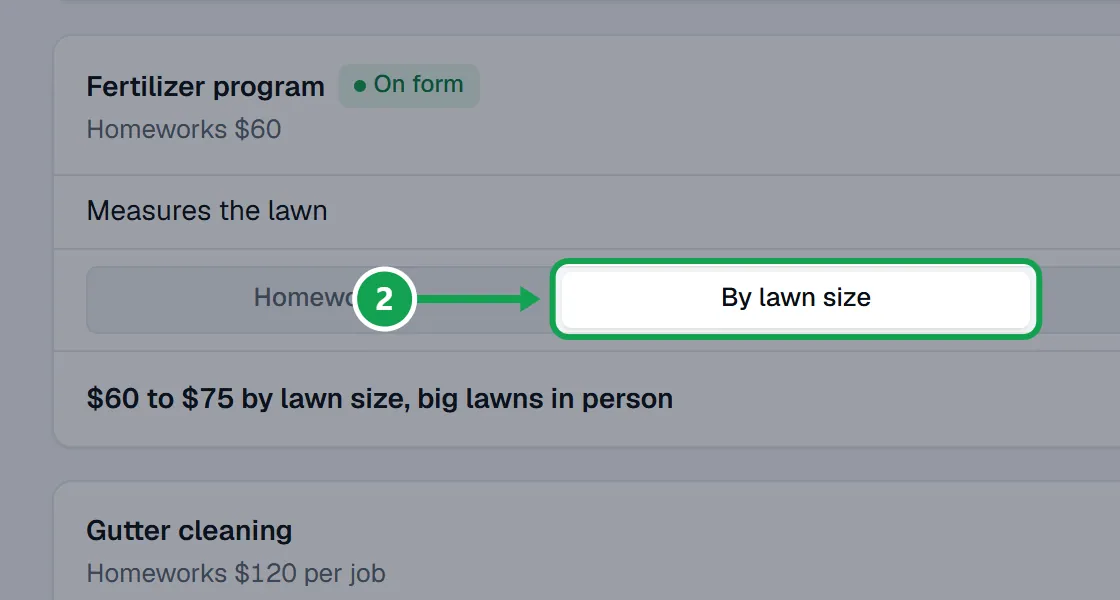
Step 2. On each service's card, choose how it is priced: Homeworks (the Homeworks price), By lawn size (a price matrix) or Per 1,000 sq ft (a rate with a minimum).
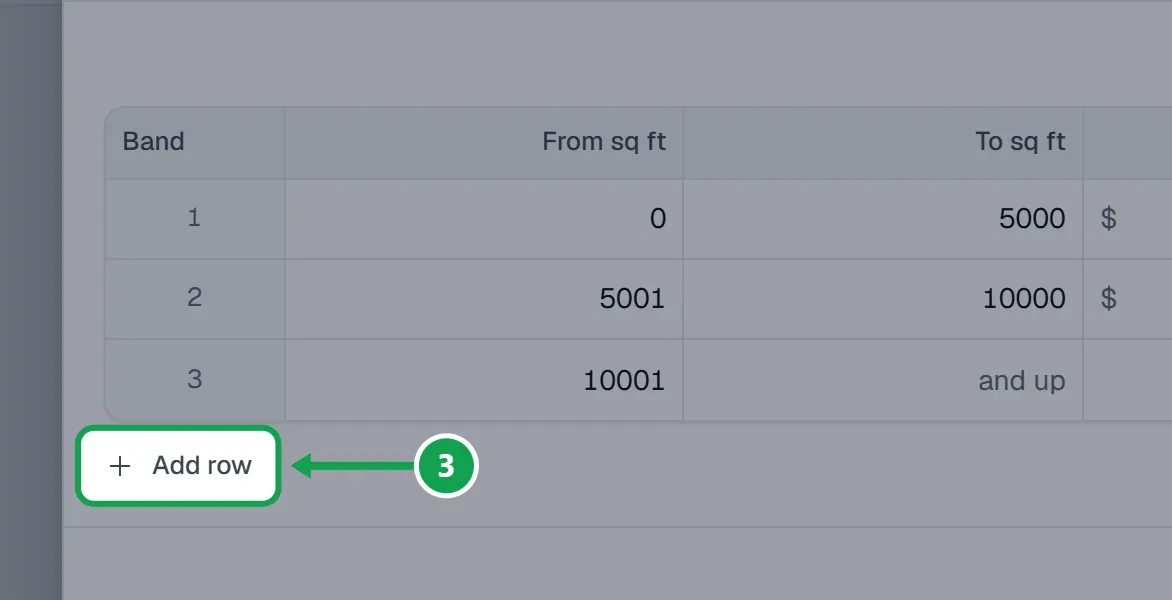
Step 3. For a matrix, press Edit matrix. Fill in From sq ft, To sq ft and a price on each row. Press Add row for another size.
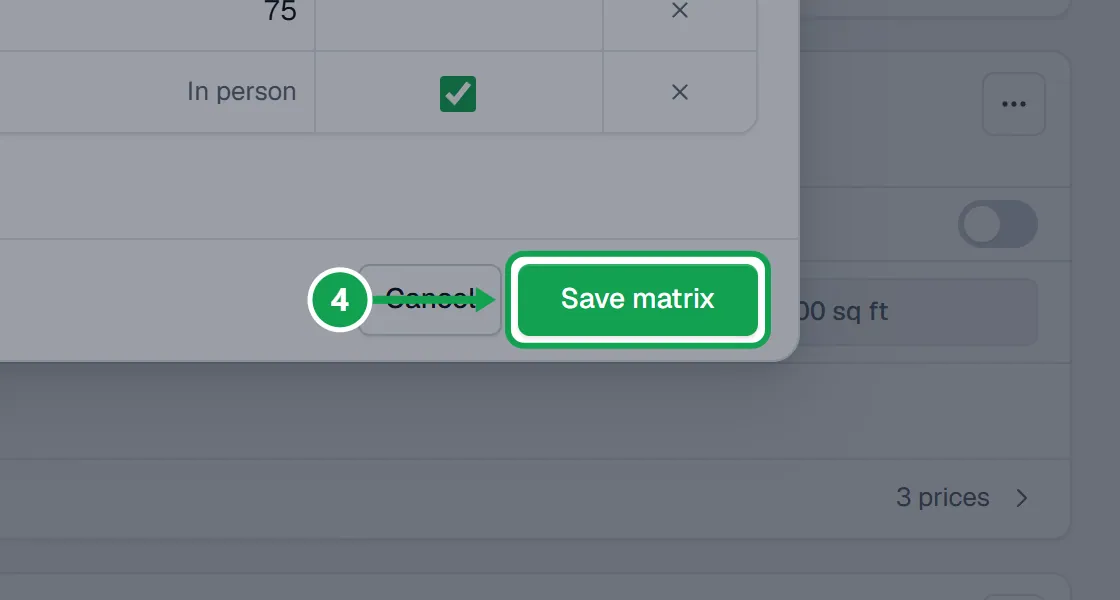
Step 4. Press Save matrix.
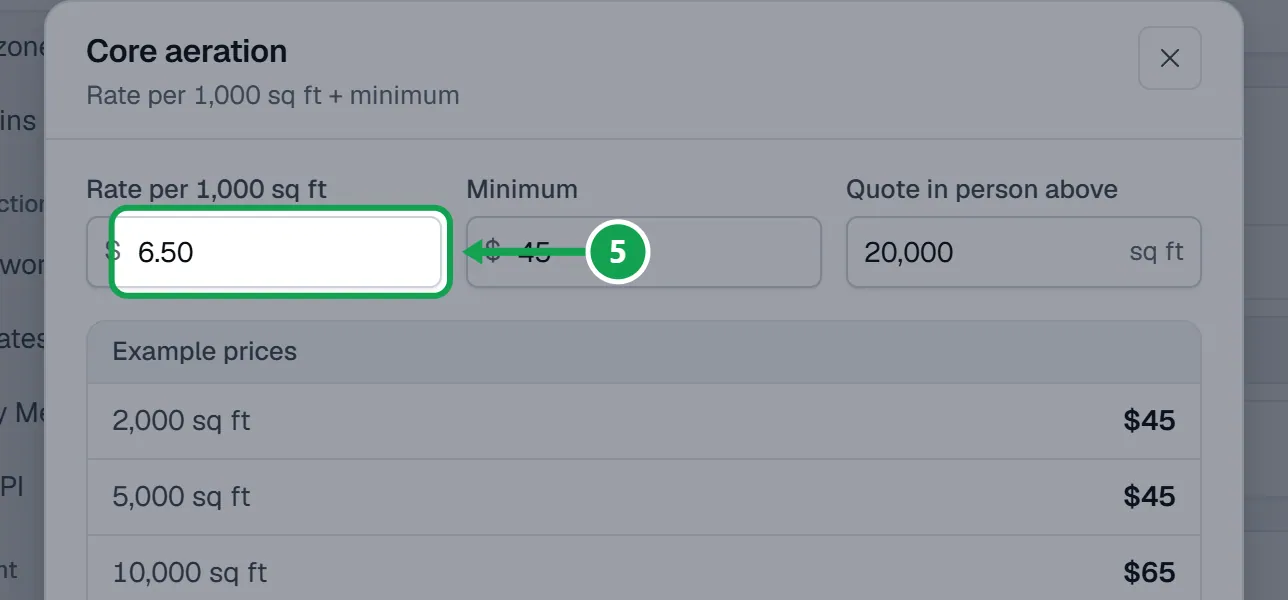
Step 5. For a rate, press Edit rate and fill in Rate per 1,000 sq ft and Minimum. Example prices shows what four lawns come to. Press Save rate.
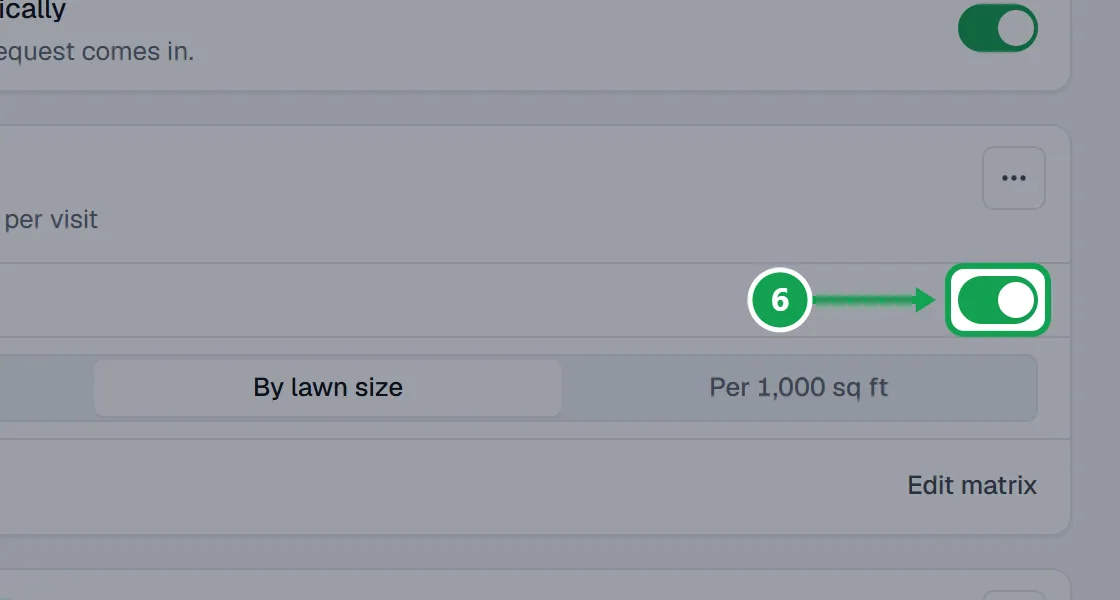
Step 6. Turn off Measures the lawn on any service that does not need a lawn size, so no paid measurement is spent on it.
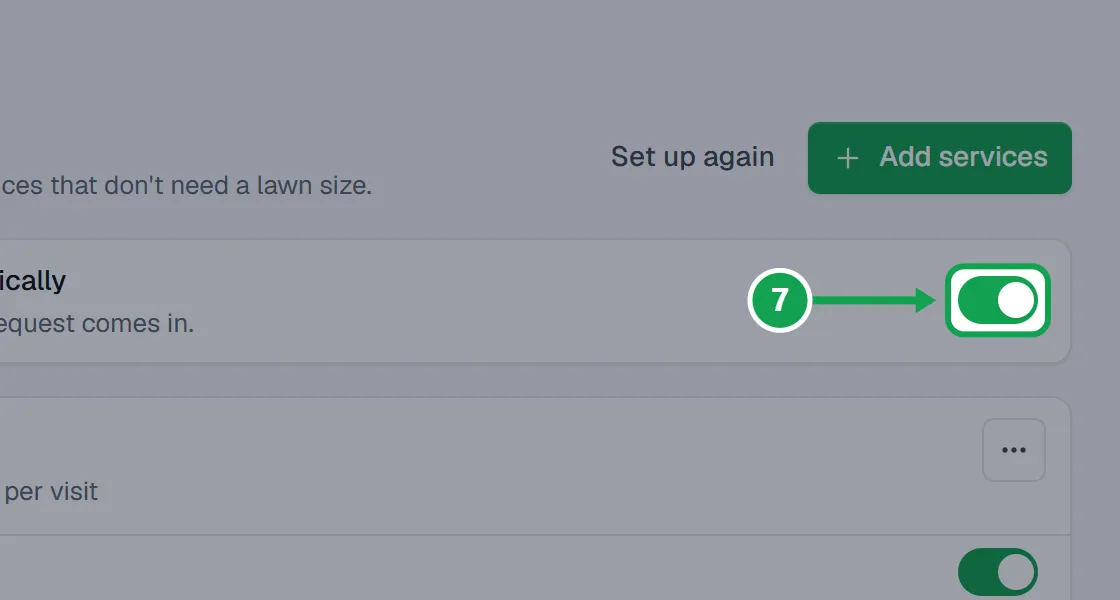
Step 7. Leave Price new estimates automatically on to price each new request with these prices.
Quote big lawns in person
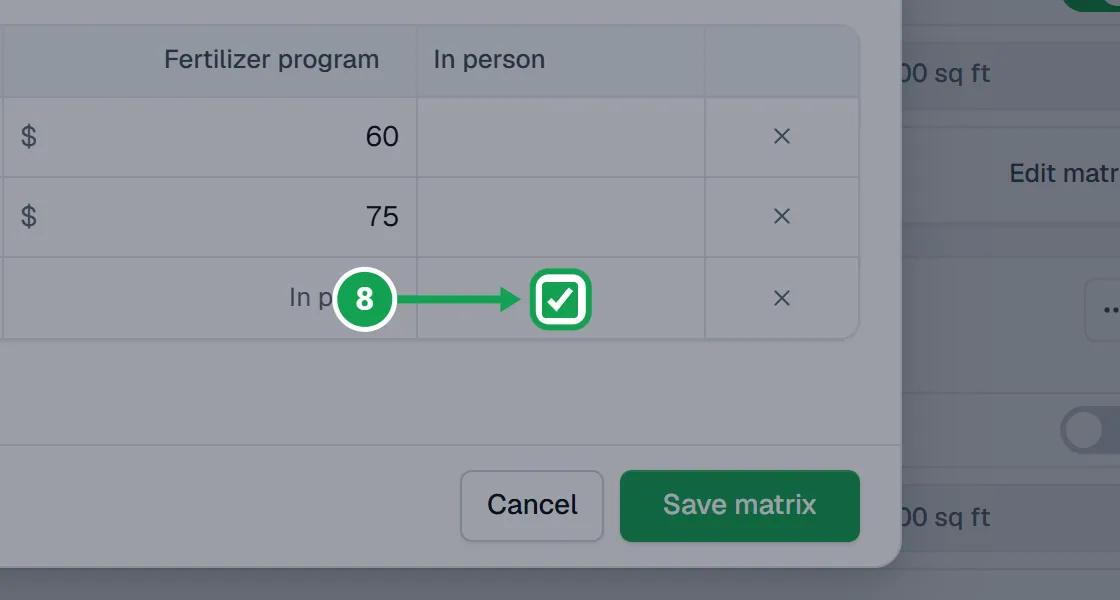
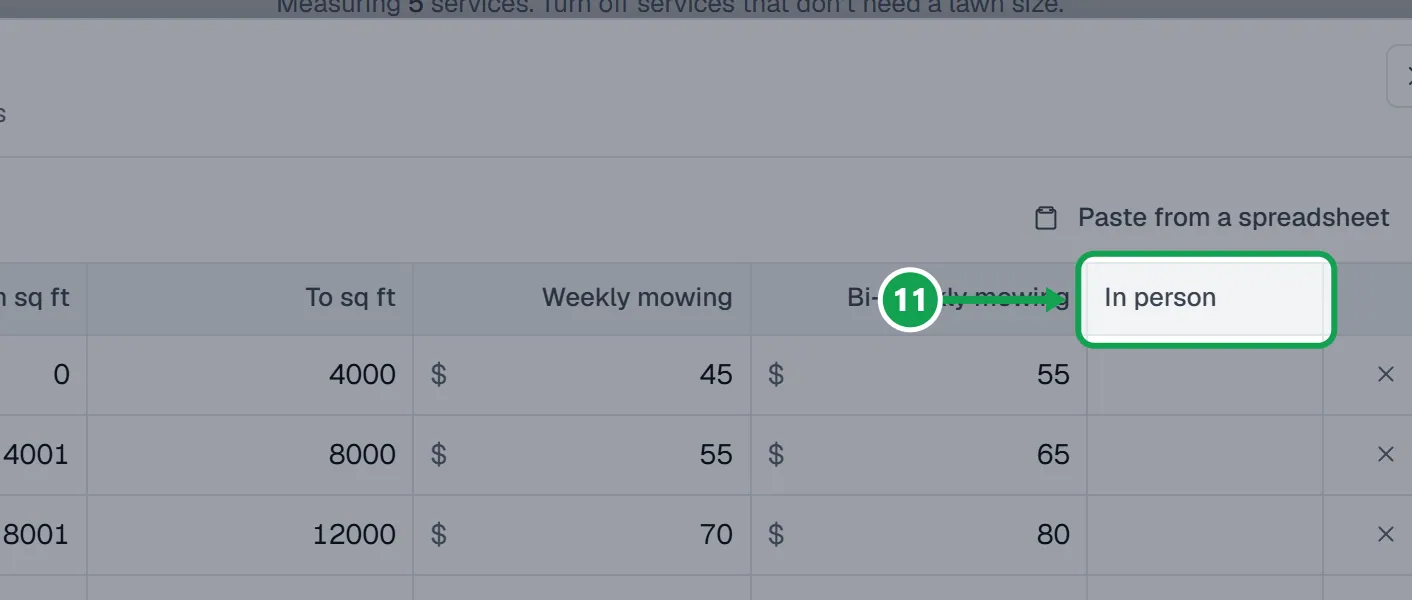
Step 1. In a matrix, tick the In person box on a row to quote that size in person instead of pricing it.
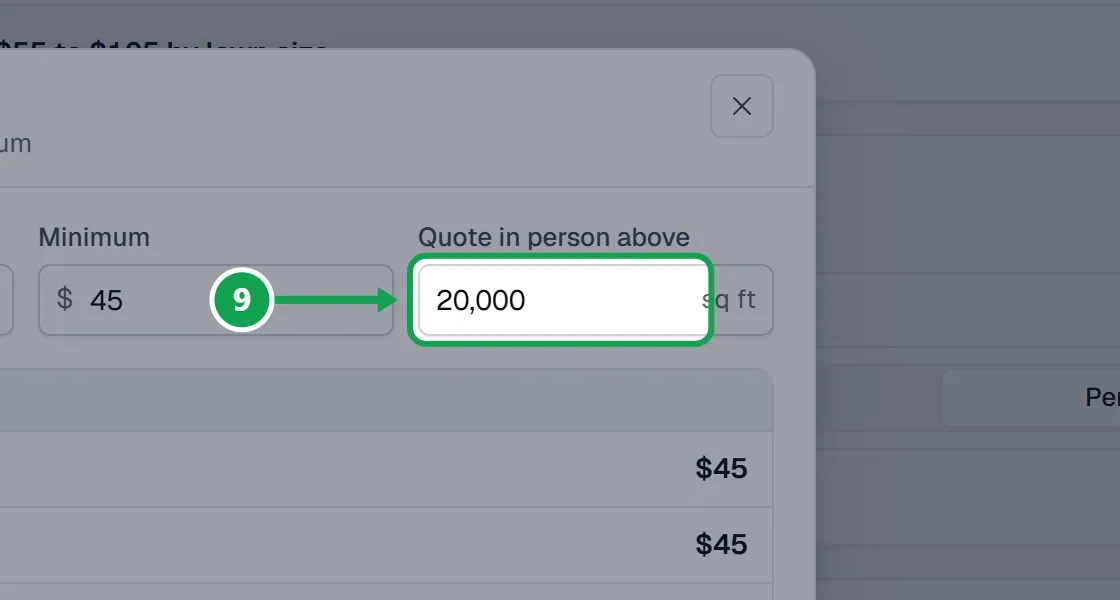
Step 2. With a rate, type a size in Quote in person above. Lawns bigger than that are quoted in person.
Mowing plans that share one matrix
Services grouped on your form into a card where customers pick one plan, like Weekly or Bi-weekly, share one matrix with a price column for each plan.
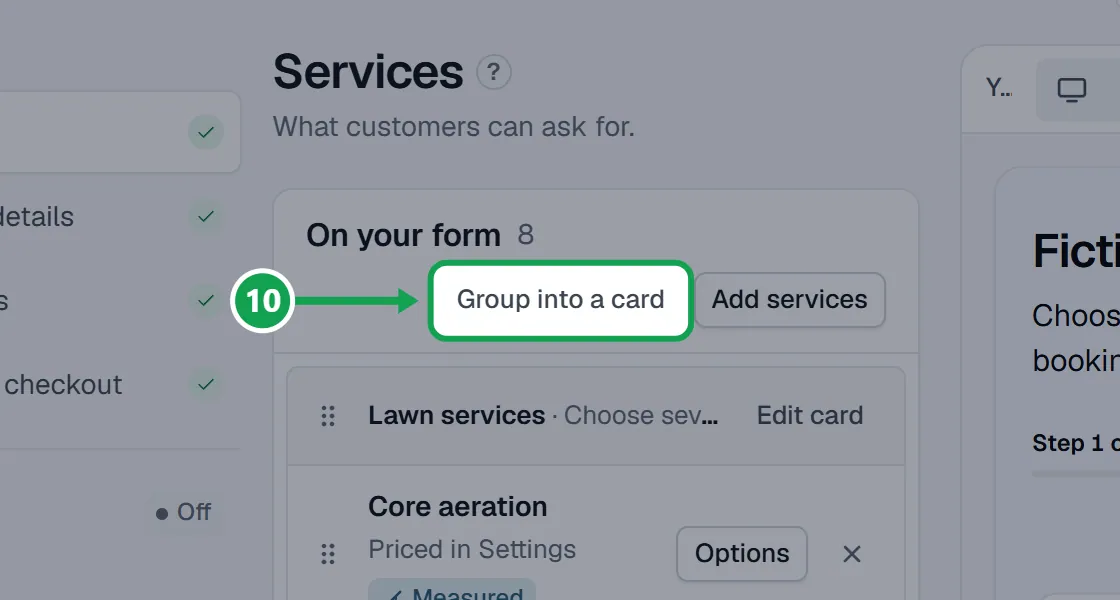
Step 1. On Form, Services, press Group into a card, tick the plans, choose Customers choose one and press Make the card.
Step 2. Back in Services & pricing, choose By lawn size on each plan and press Edit matrix. Each plan is its own price column on the same size rows.
Charge for an answer (add-ons and extras)
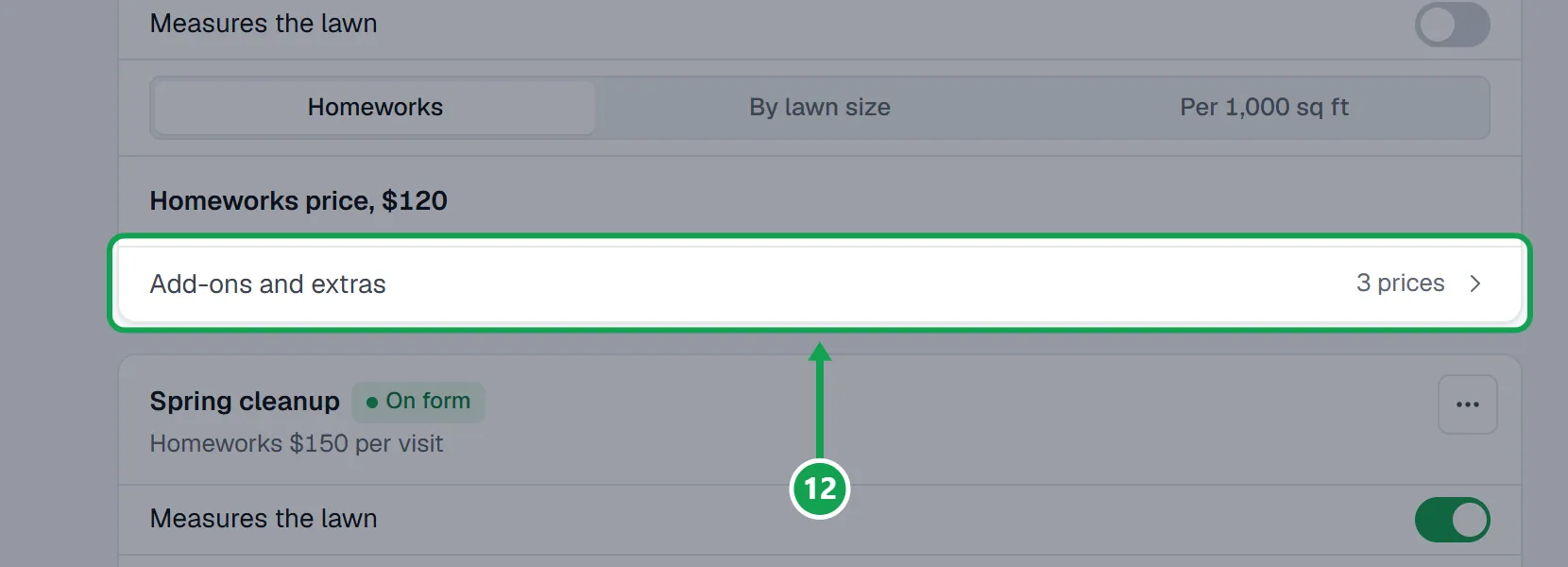
When a service asks a question with choices or a counter, its card shows an Add-ons and extras row.
Step 1. Press Add-ons and extras on the service.
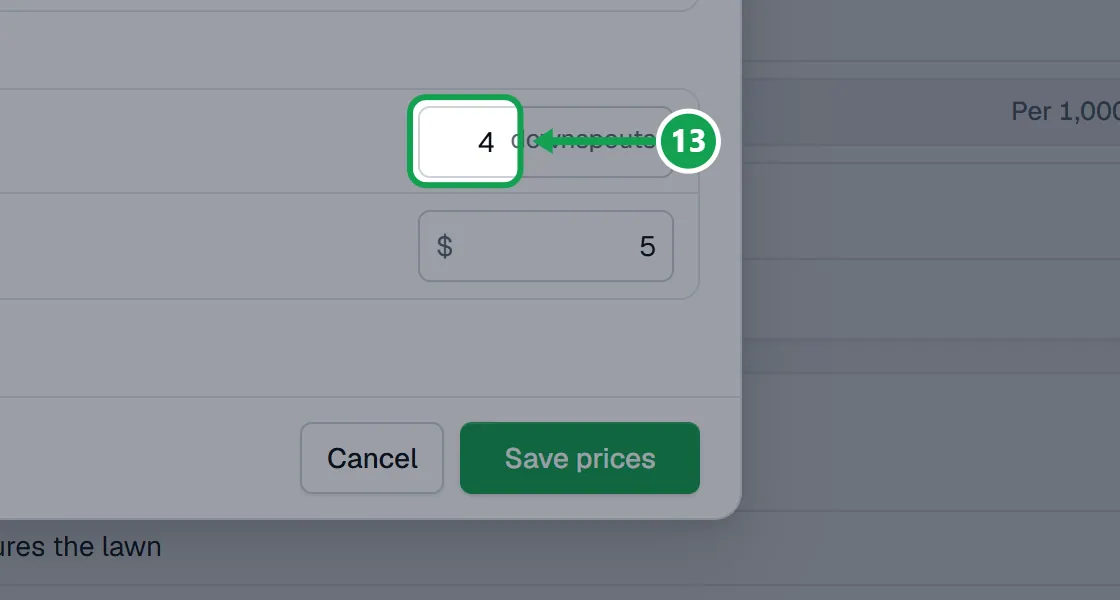
Step 2. Type a price beside each answer. For a counter, fill in Included and Each extra. Press Save prices.
Paste prices from a spreadsheet
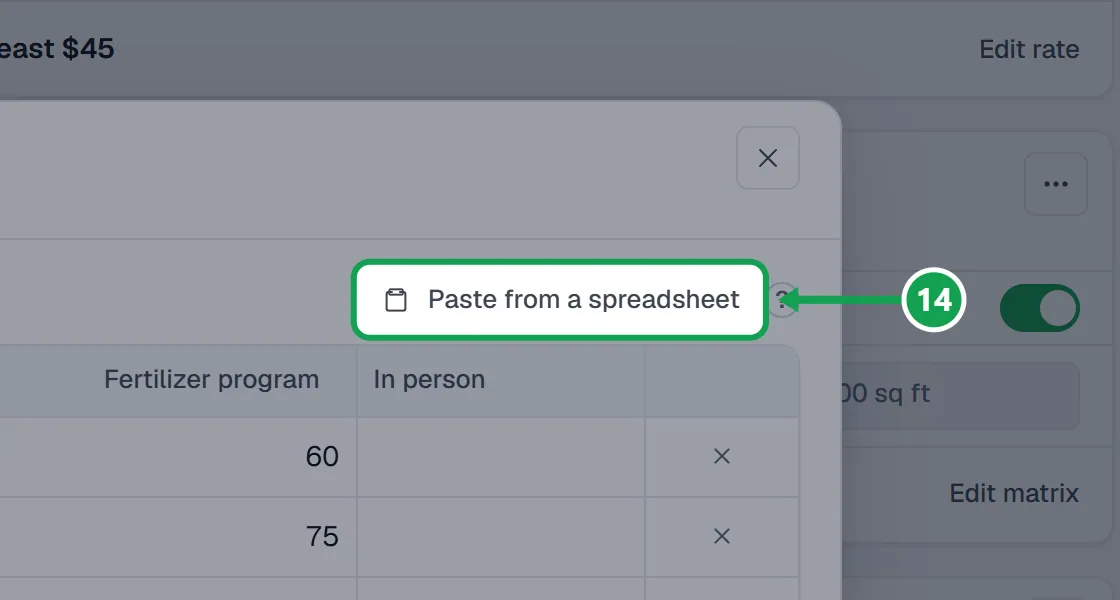
Step 1. In the matrix, press Paste from a spreadsheet.
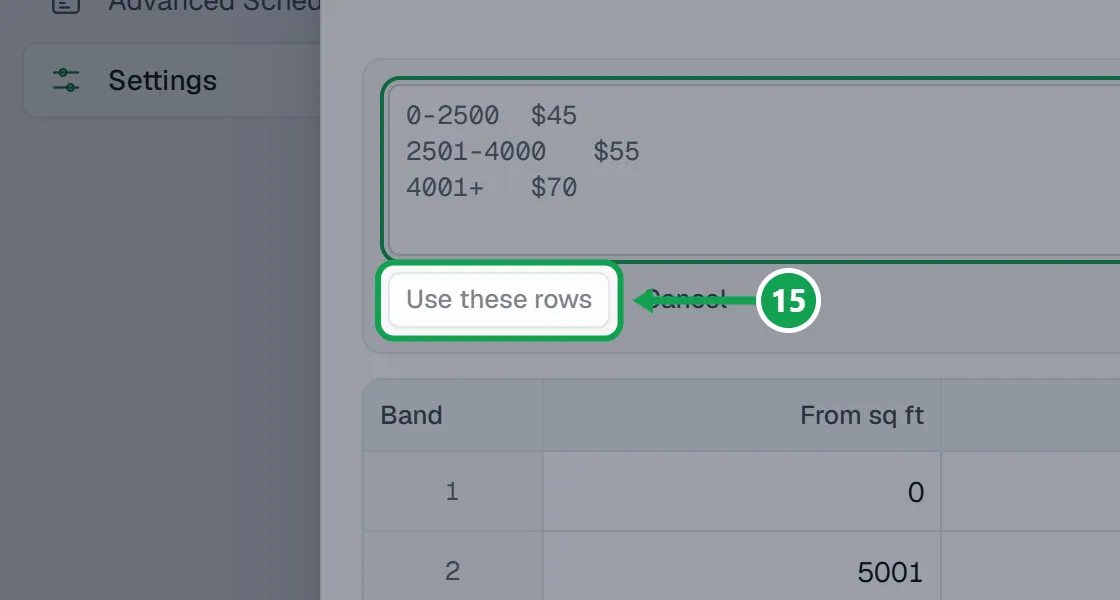
Step 2. Paste your rows, like 0-2500 then $45, and press Use these rows. Check the rows and press Save matrix.
If this, then that
- If Measures the lawn is greyed out
- Clarity Measure is not connected, or measuring is off. Press Connect it or Turn it on at the top of the page.
- If pasting says a line has a price Seasonly could not read
- Use plain numbers like 45 or 45.50 for prices and sizes like 0-2500. A row is either all prices or in person, not both.
- If a new request comes in with no price
- Check Price new estimates automatically is on, and that the service is priced by lawn size or a rate and the lawn has a size.
- If there is no Add-ons and extras row on a service
- It asks no question with choices or a counter yet. Add one on Form, Questions.
- If you see Only the owner can change these
- You are signed in as staff. Ask the owner to change prices.
Good to know
- Homeowners never see a price. These prices build the estimate after a request comes in.
- A measured service costs a paid Clarity Measure measurement per new address, and measuring only runs once Clarity Measure is connected and on.
- Prices for one campaign are set on that campaign, not here.
- Stop offering, in a service's ... menu, also takes it off your booking form.
- Only the owner can change services and prices. Staff can look.