Fix a web address that will not connect
What the check on your own address is saying (waiting, points somewhere else, proxy, certificate) and the one fix for each.
Steps
Step 1. Open the address from Settings, Domains. The check says what it found, in one line at the top, and ticks off each part it has seen.
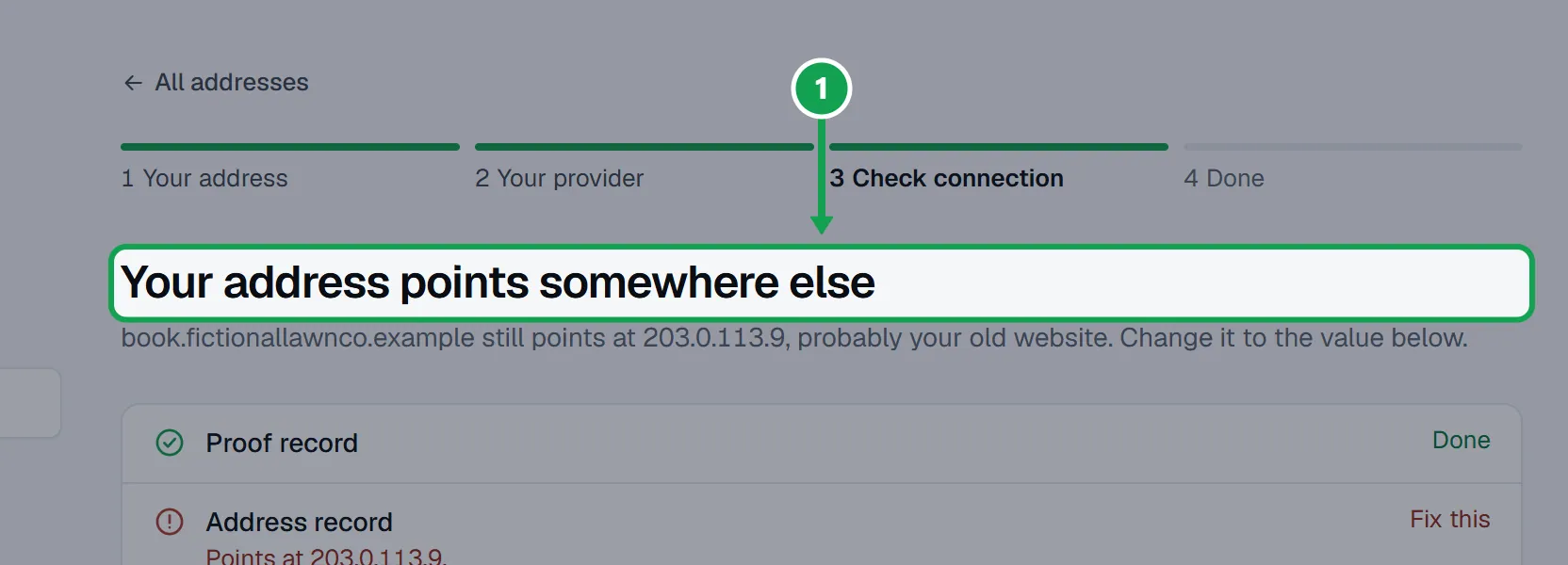
Step 2. Fix what the line says (below), then press Check now. Seasonly also checks by itself every 20 seconds while the page is open.
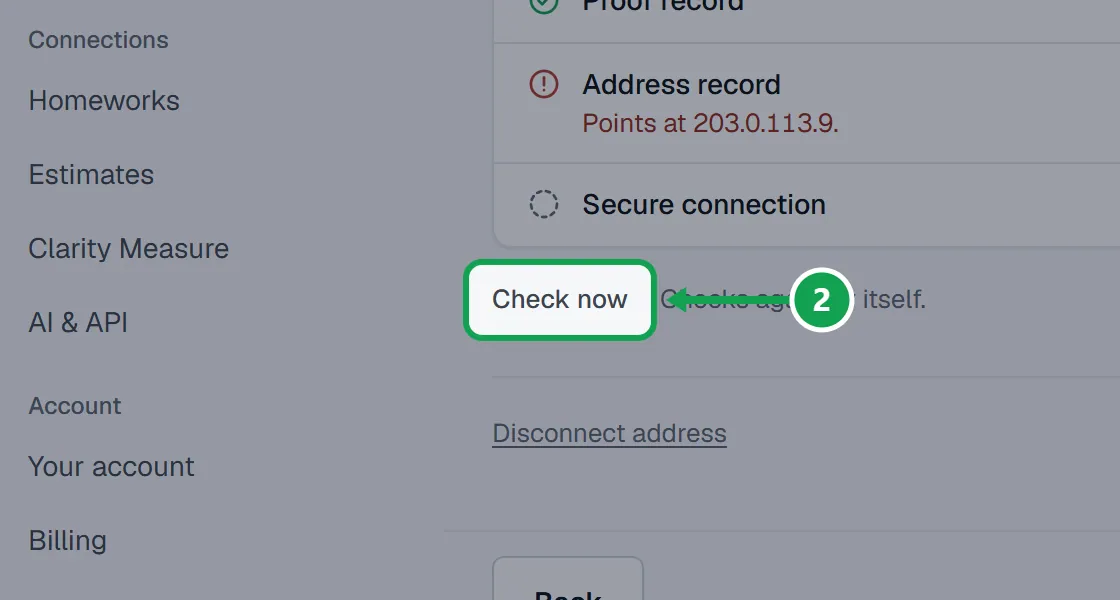
Step 3. To see the records again, press Back. Each has Copy name and Copy value.
What each line means
Step 1. Waiting for your records: Seasonly has not seen them yet. New records can take up to an hour.
Step 2. Your address points somewhere else: it still points at your old website. Edit that record so its value is the one Seasonly shows.
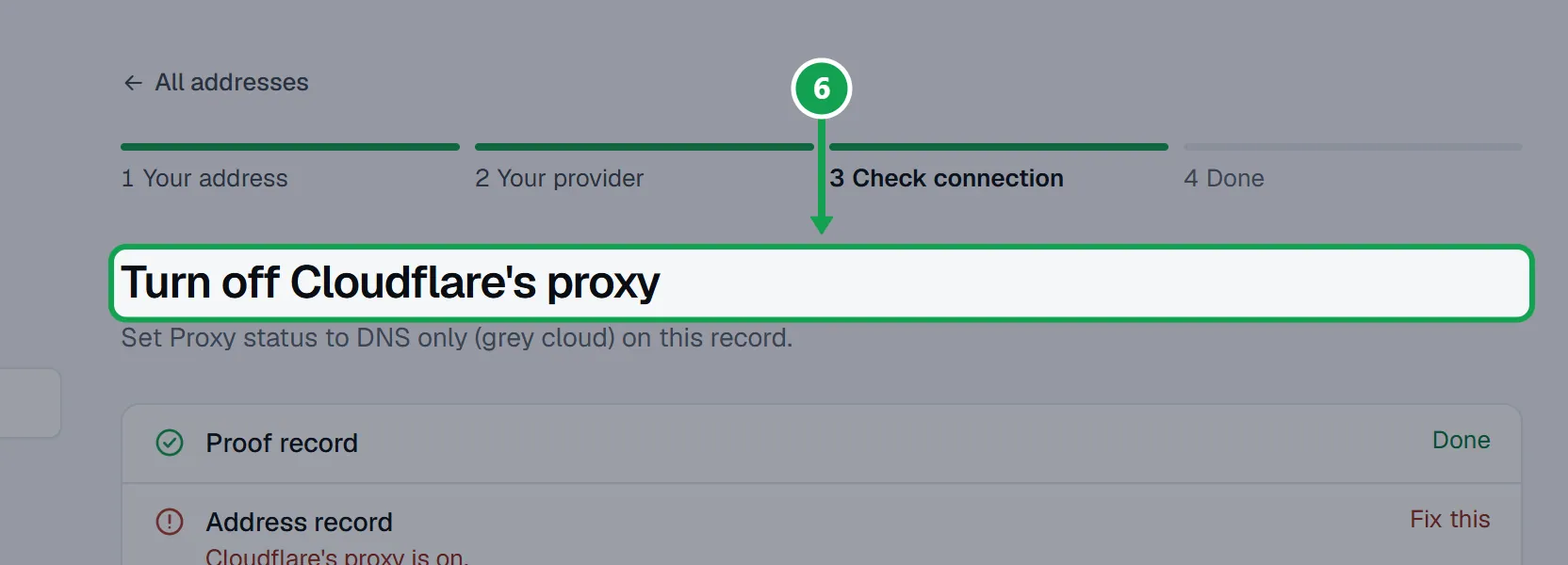
Step 3. Turn off Cloudflare's proxy: in Cloudflare set Proxy status to DNS only (grey cloud) on the address record.
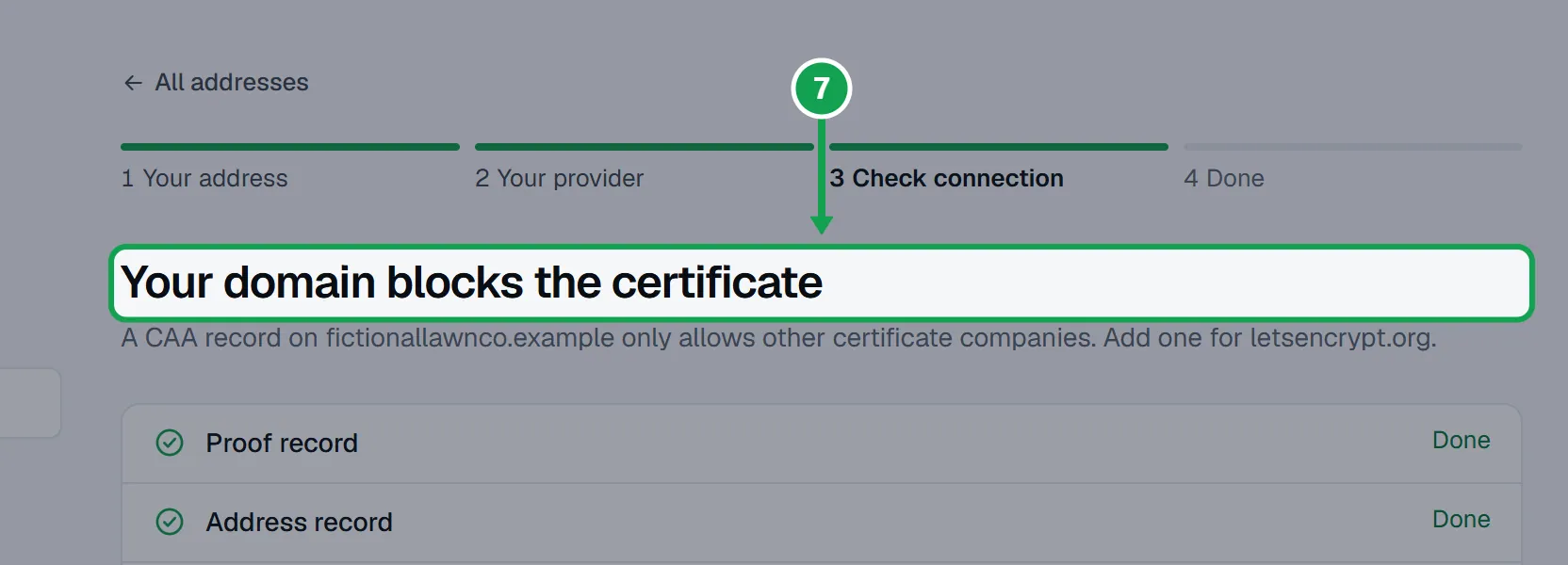
Step 4. Your domain blocks the certificate: a CAA record on your domain allows only other certificate companies. Add a CAA record for letsencrypt.org, or delete the old one.
Step 5. Connecting your address, then Securing your address: your records are right. Securing usually takes a few minutes.
Step 6. This claim ran out: the TXT record was not seen within 7 days. Press Start over and add the address again.
If this, then that
- If the name at your provider came out as book.yourcompany.com.yourcompany.com
- Your provider added the domain for you. Edit the record and type only the short name Seasonly shows.
- If your provider says a record with that name already exists
- A name holds one address record. Edit that one instead; it moves that address to your form. To keep it, pick another address, like booking.
- If you want the bare domain, like yourcompany.com
- Seasonly shows an A record at @ for it, but that replaces your website. A subdomain like book.yourcompany.com is easier.
- If it says Needs attention with a sentence about another account
- The address is set up on another hosting account. Take it off there, or press Disconnect address and pick another.
Good to know
- Add the records where your domain's DNS is managed. If you moved your nameservers, that is the new place.
- Leave TTL on your provider's default, and leave your other website and email records alone.
- The Name is always short, like book or _seasonly-challenge.book. Your provider adds the rest.