Put a form on your website
Share a form's link, or paste one line of code so the same form shows inside a page of your own website.
Steps
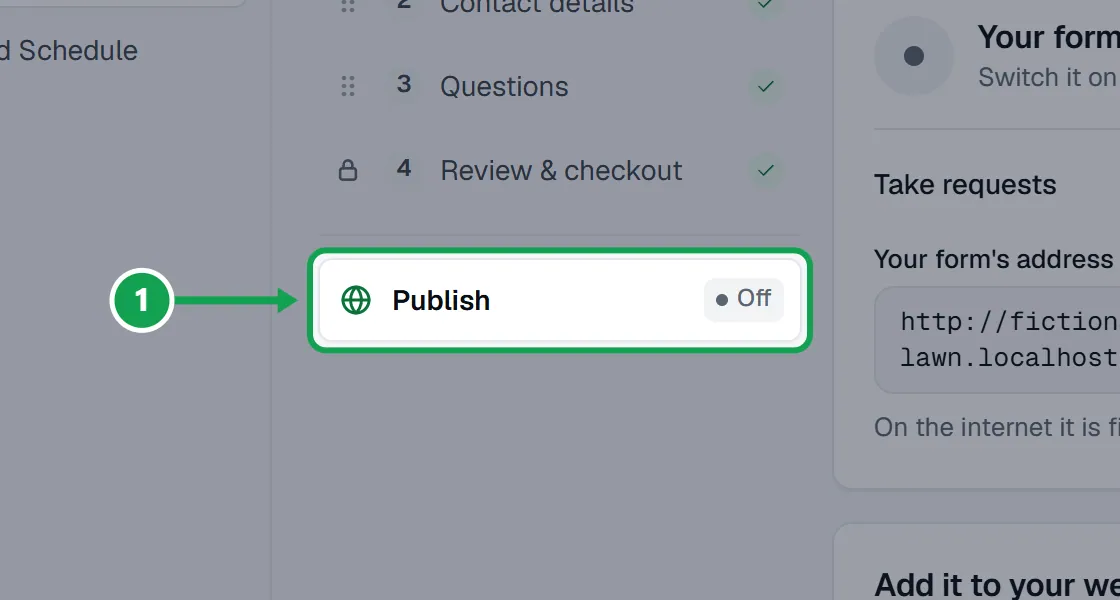
Step 1. Open Form and choose Publish.
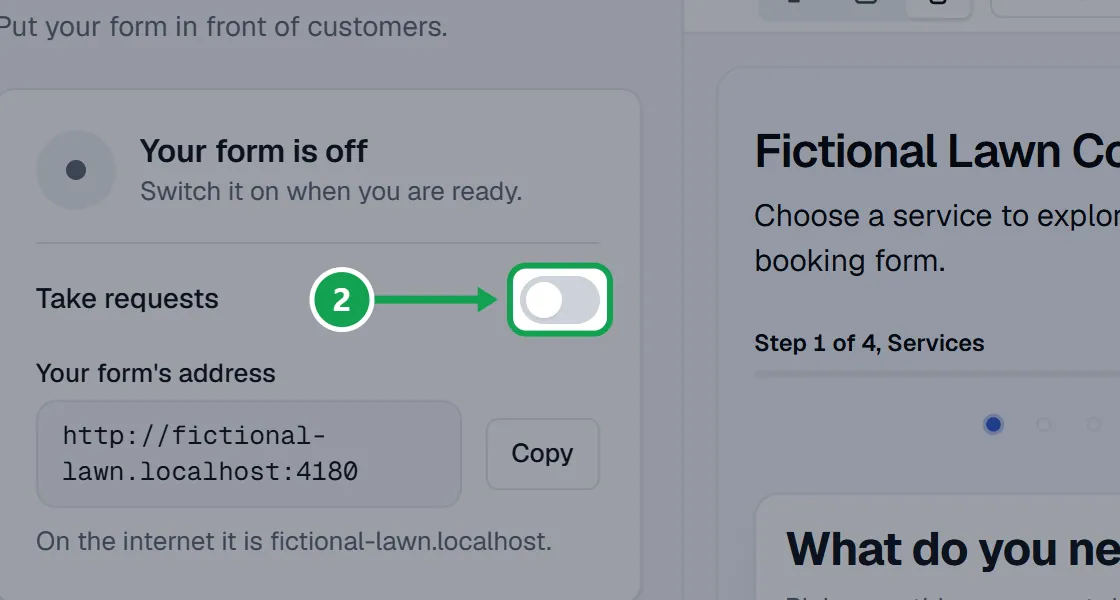
Step 2. Make sure Take requests is on. The form only shows on your website while it is live.
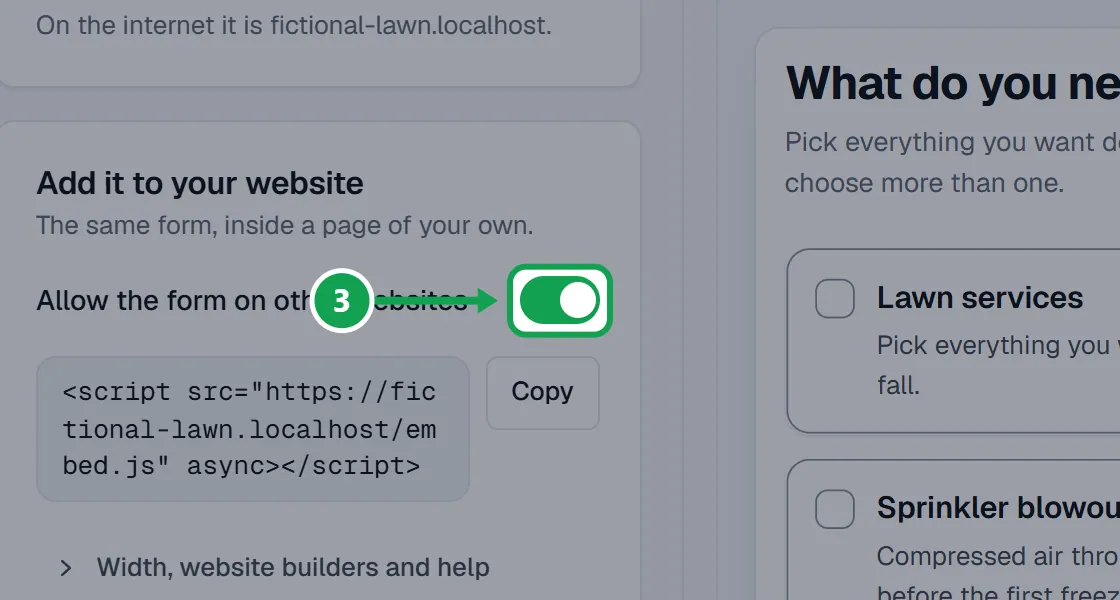
Step 3. Under Add it to your website, turn on Allow the form on other websites and press Save changes.
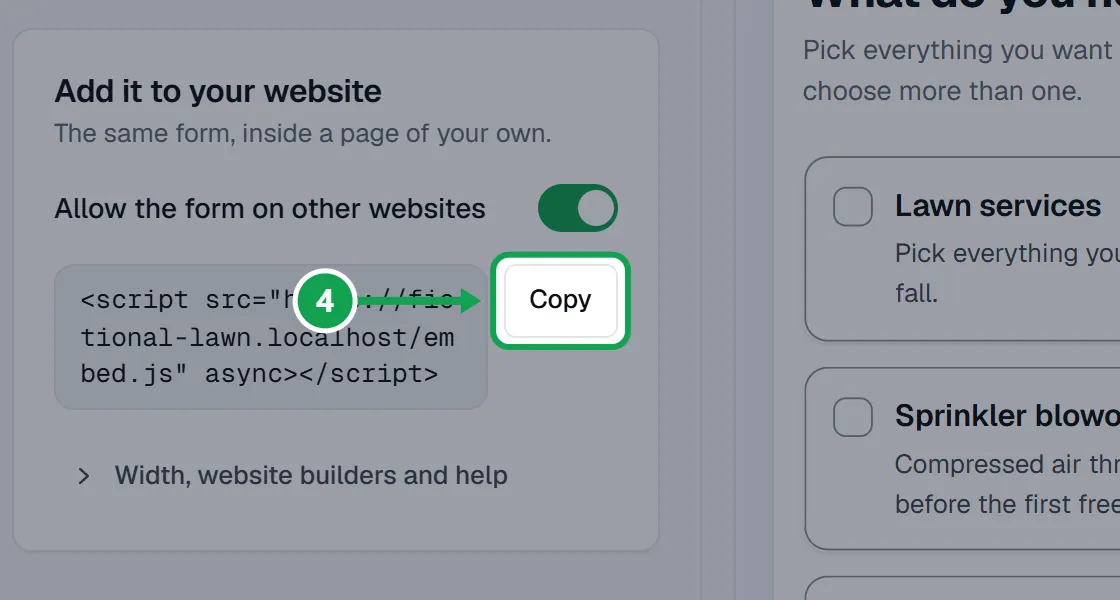
Step 4. Press Copy beside the one line of code that appears.
Step 5. In your website builder, add an HTML or code block where the form should go and paste the line in. Then publish that page.
Step 6. Open the page on your website and check the form shows and fits, on a phone too.
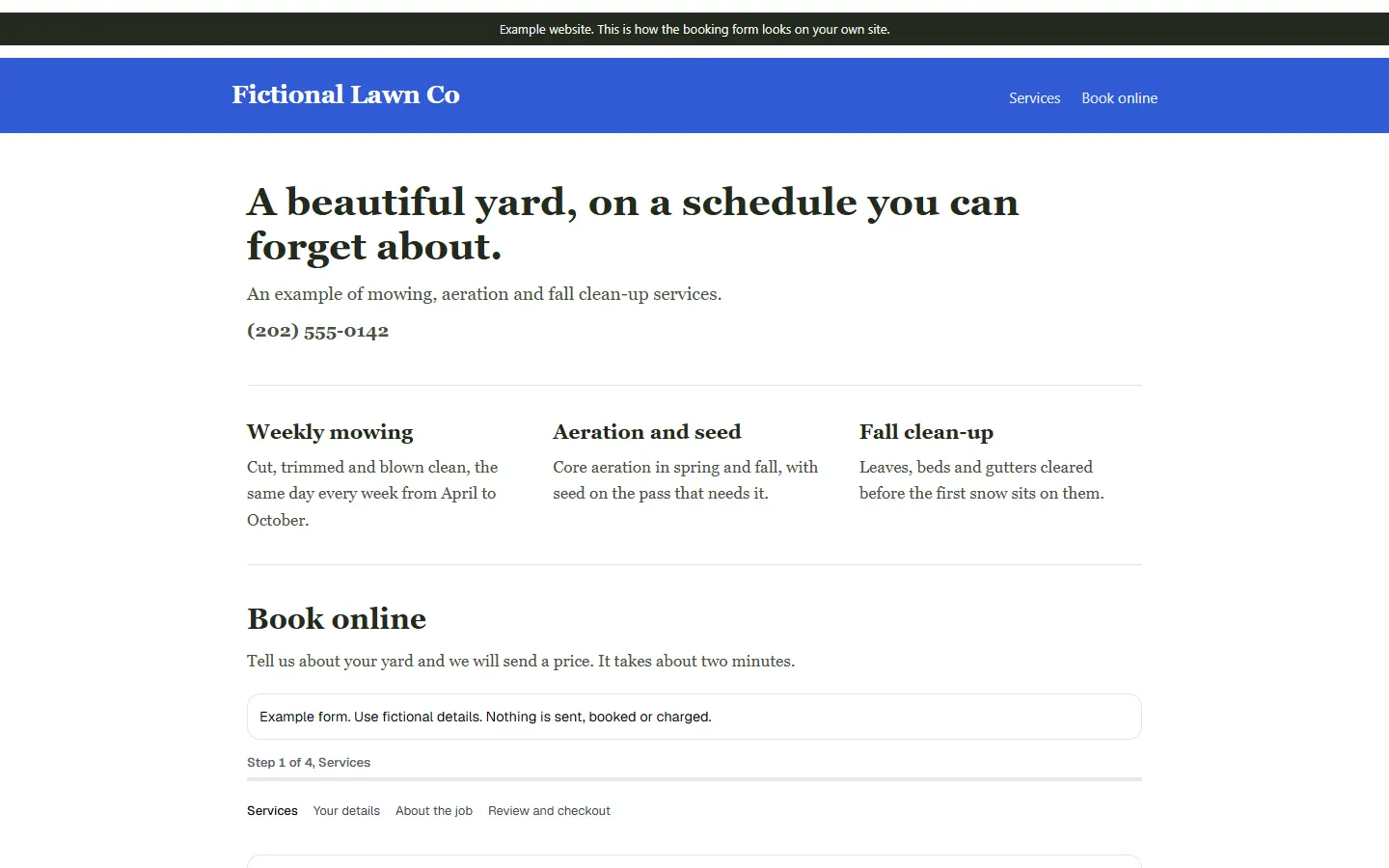
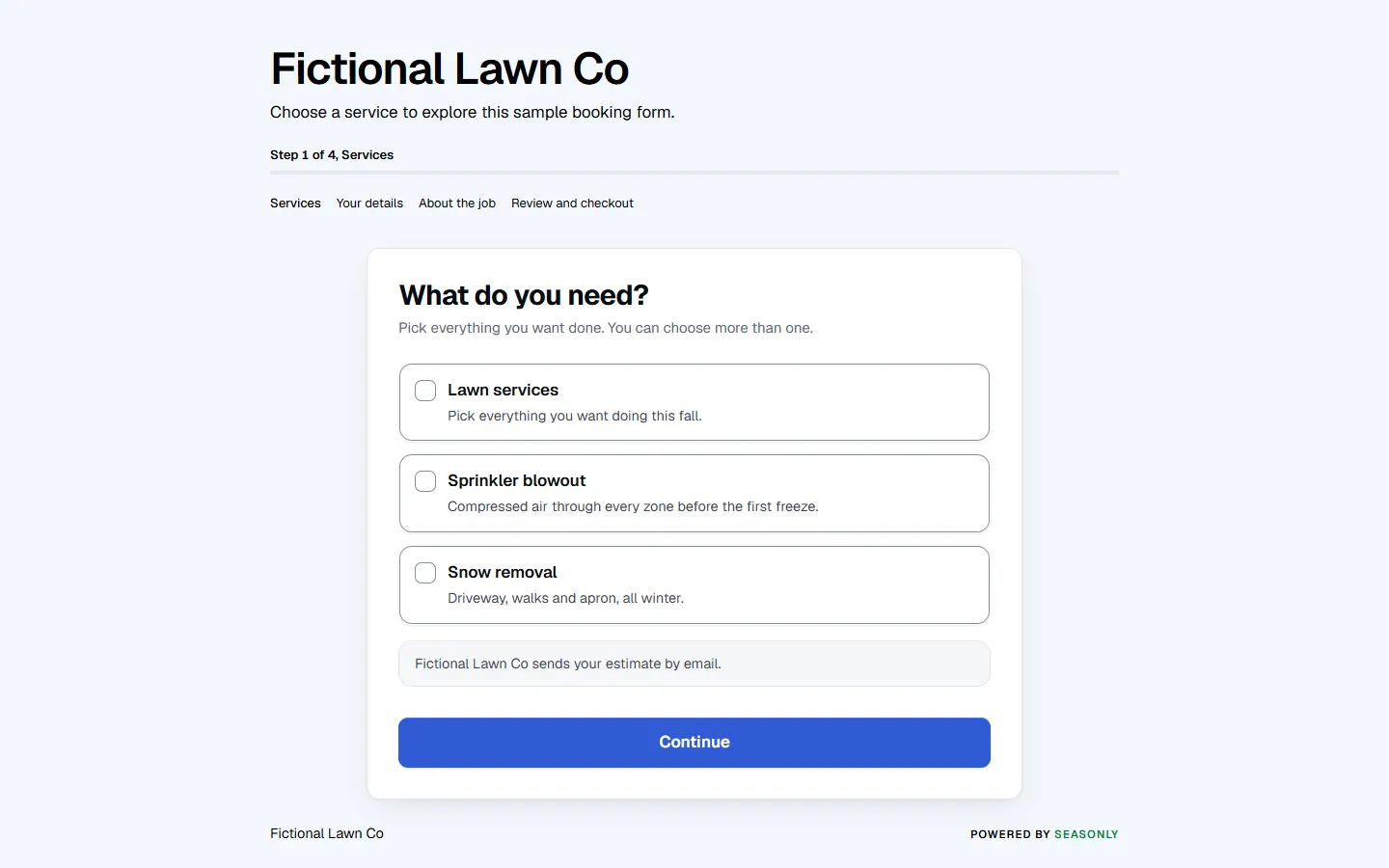
A sample lawn-care website with the booking form embedded by one line.
Share a link instead
No website needed. The link opens the same form.
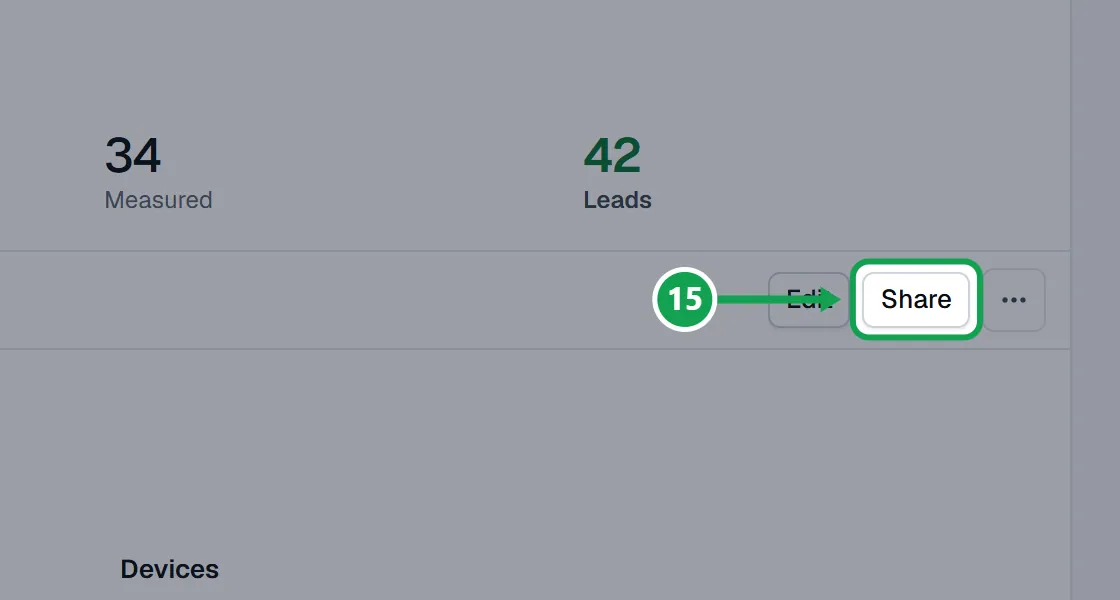
Step 1. On Publish, press Copy under Your form's address. Or press Share at the top of any form page.
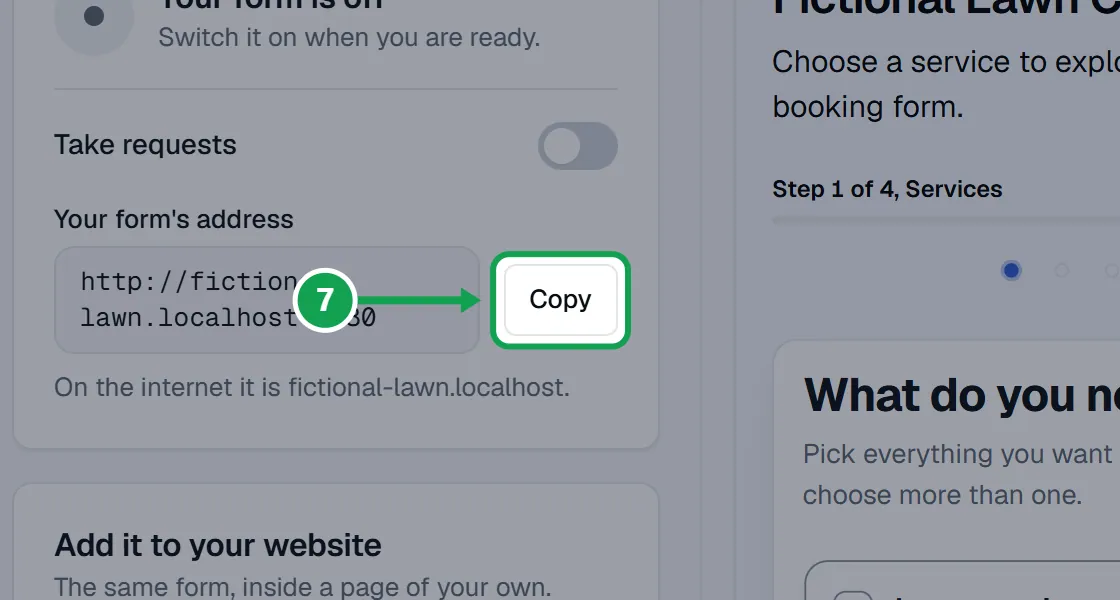
Step 2. Paste it into your Google profile, your Facebook page or your own emails.
Step by step for your website builder
Open Width, website builders and help, then Put it on your website, step by step. In short:
Step 1. Open Width, website builders and help under the line of code.
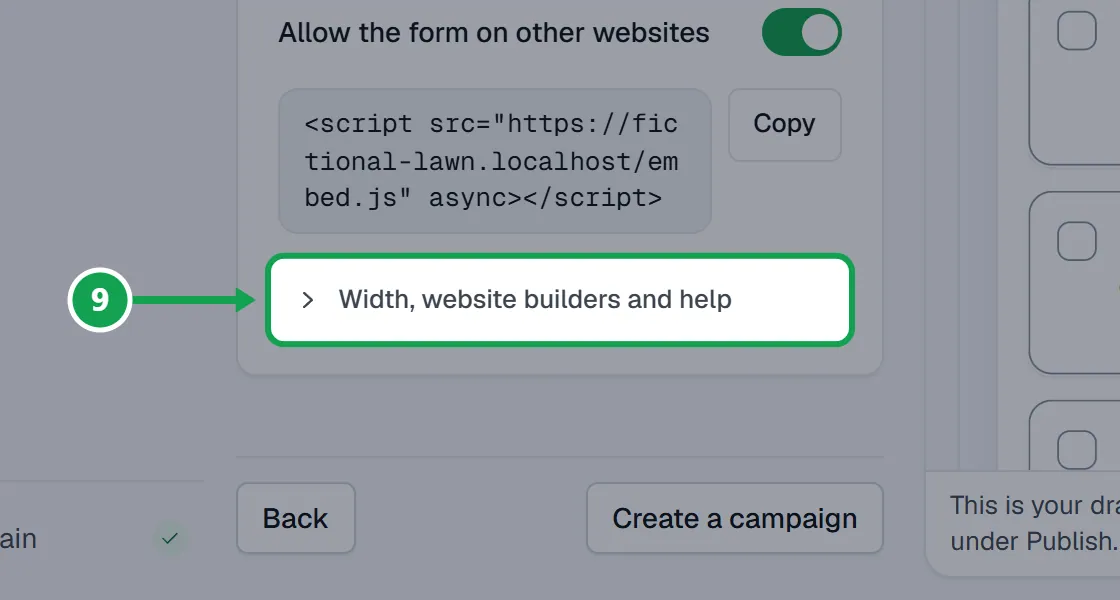
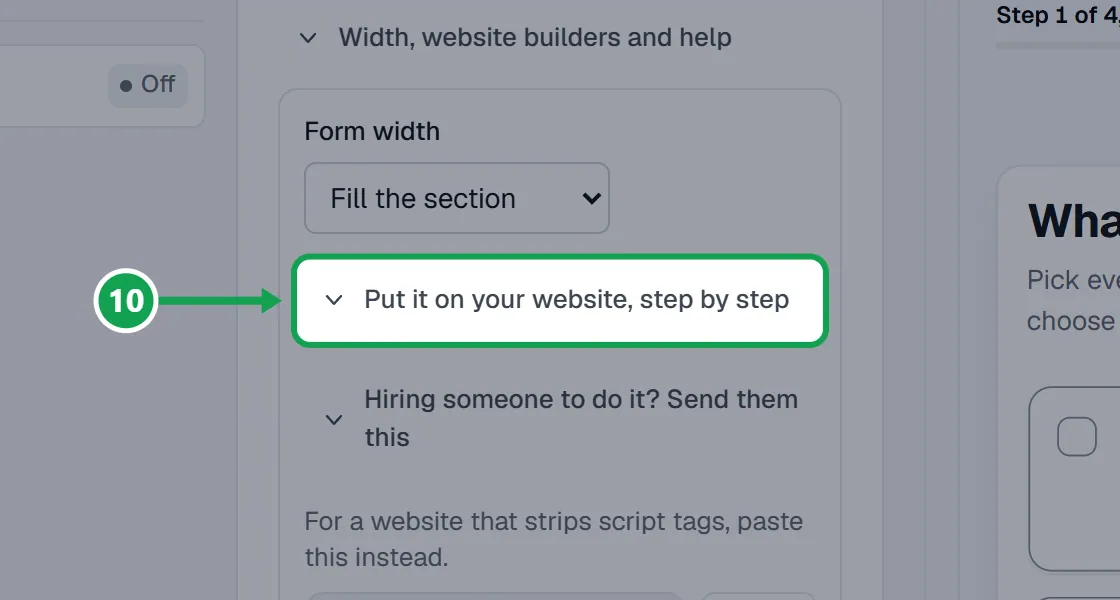
Step 2. Open Put it on your website, step by step and find your builder.
Step 3. WordPress: edit the page, press the plus, choose the Custom HTML block, paste the line and press Update. WordPress.com strips scripts below a Business plan.
Step 4. Squarespace: edit the page, add a Code block, paste the line, untick Display Source and press Save. Code blocks need a Business plan.
Step 5. Wix: press Add, then Embed Code, then Embed HTML. Paste into the Code box, set the box about 900 tall, and press Publish.
Step 6. GoDaddy Website Builder, Webflow and Shopify: the same section lists their clicks. Each is an HTML, Embed or Custom Liquid block, then Publish or Save.
Another form's link and code
With more than one form, each has its own link and its own line of code.
Step 1. Open Forms and press Share on the form's card.
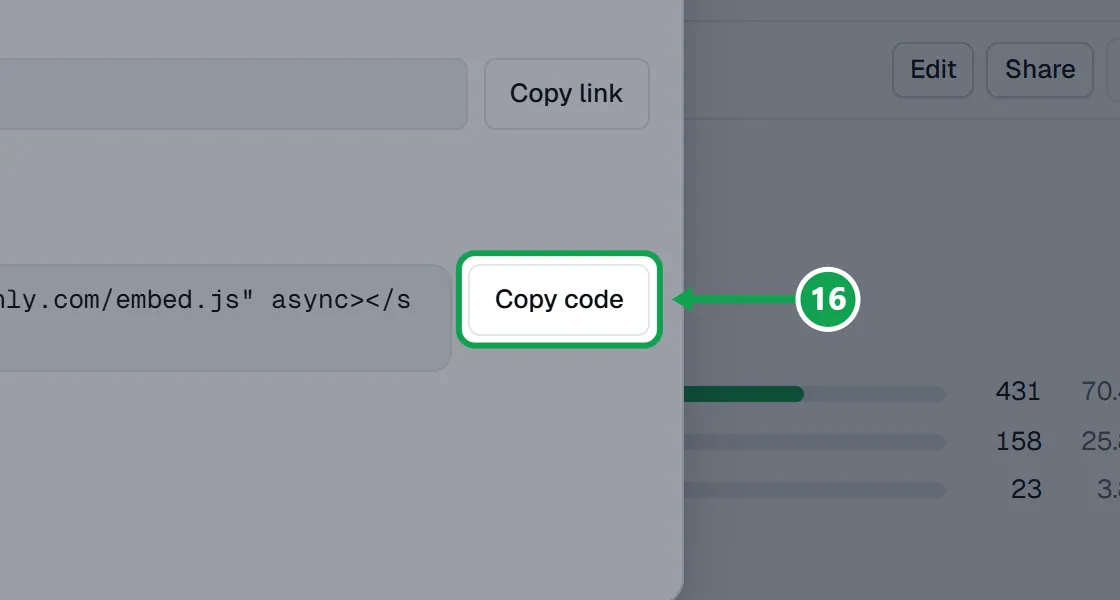
Step 2. Press Copy link to share it, or Copy code for the line to paste on your website. The line names the form, so each form can go on its own page.
Step 3. A form only shows once it is on. A new form starts as a Draft.
Someone else looks after your website
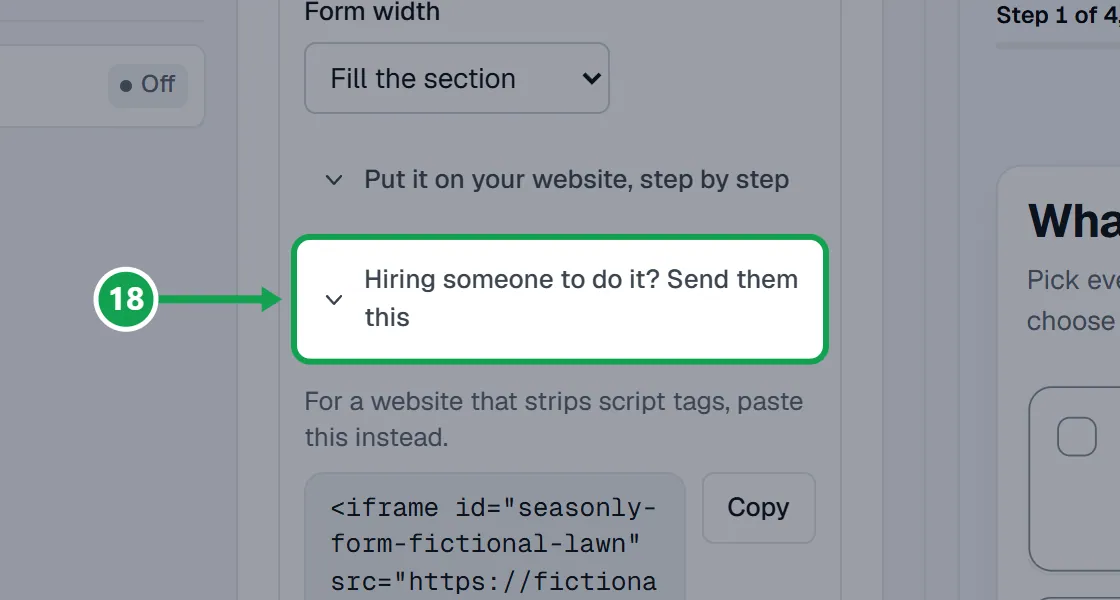
Step 1. Open Width, website builders and help, then Hiring someone to do it? Send them this.
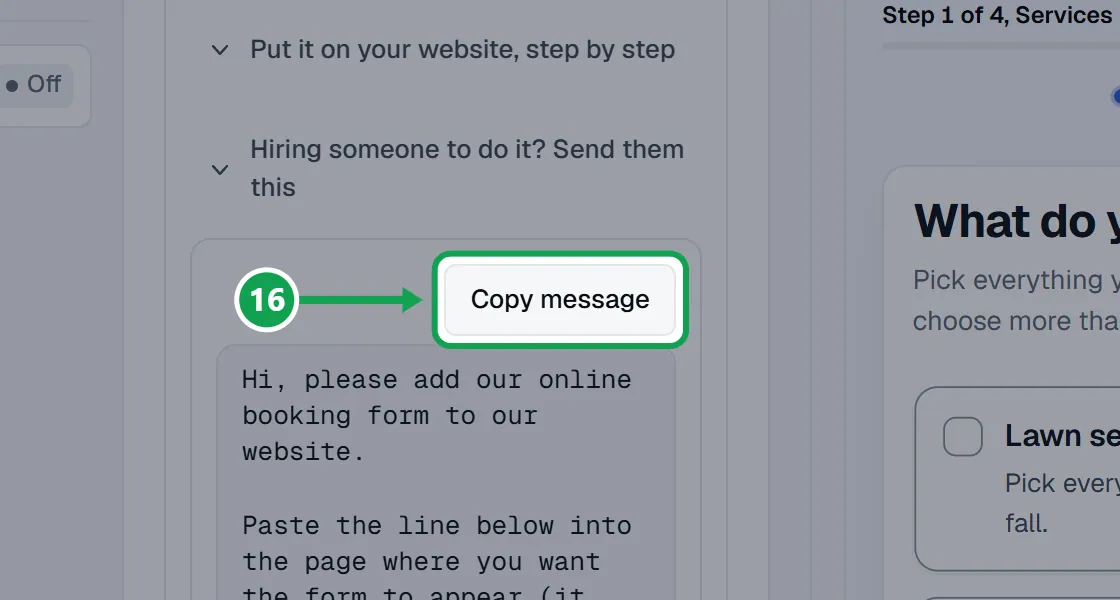
Step 2. Press Copy message and send it to them. It holds the line and a longer version for sites that block scripts.
Change the width, or use the longer code
Step 1. In Width, website builders and help, set Form width to A maximum width and type the Maximum width in pixels (320 to 1600).
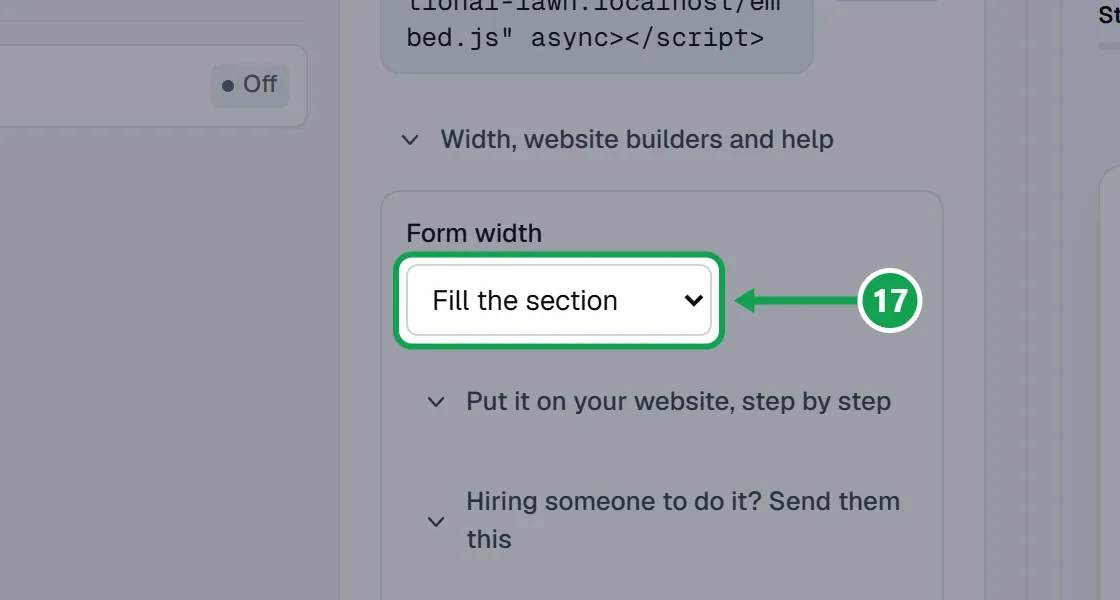
Step 2. Copy the line again. It now carries that width.
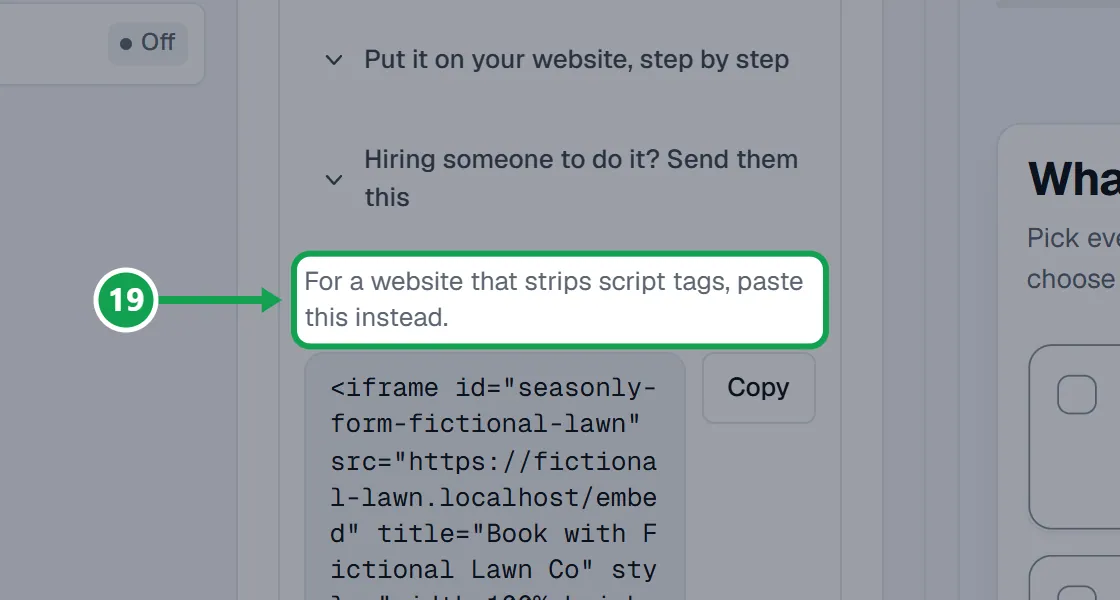
Step 3. If your website strips script tags, copy the longer code at the bottom of the same section instead.
If this, then that
- If the form does not show on your website
- Check Take requests and Allow the form on other websites are both on, and that you published the page in your website builder.
- If your website builder removes the line or shows it as text
- It blocks scripts. Copy the longer code at the bottom of Width, website builders and help instead, or use a code block on a plan that allows it.
- If the form is cut off on Wix
- Wix does not let the form grow. Drag the embed box to about 900 tall.
- If the form is too wide for the page
- Set Form width to A maximum width, type a number of pixels, and copy the line again.
- If you changed your web address or added your own domain
- Copy the line again from Publish and replace the old one on your website.
What it looks like
Good to know
- The one line is a script tag ending in embed.js from your form's address. It sizes itself on most builders. On Wix, set the box height by hand.
- Requests sent from your website arrive in Seasonly like any other request.
- If you move your web address, copy the new line. The old one stops working.
- Only the owner can switch the form or the embed on or off.