Make a second form
Add another booking form beside your website form: its own services, prices and questions, its own link, and its own numbers.
Steps
Step 1. Open Forms and press New form.
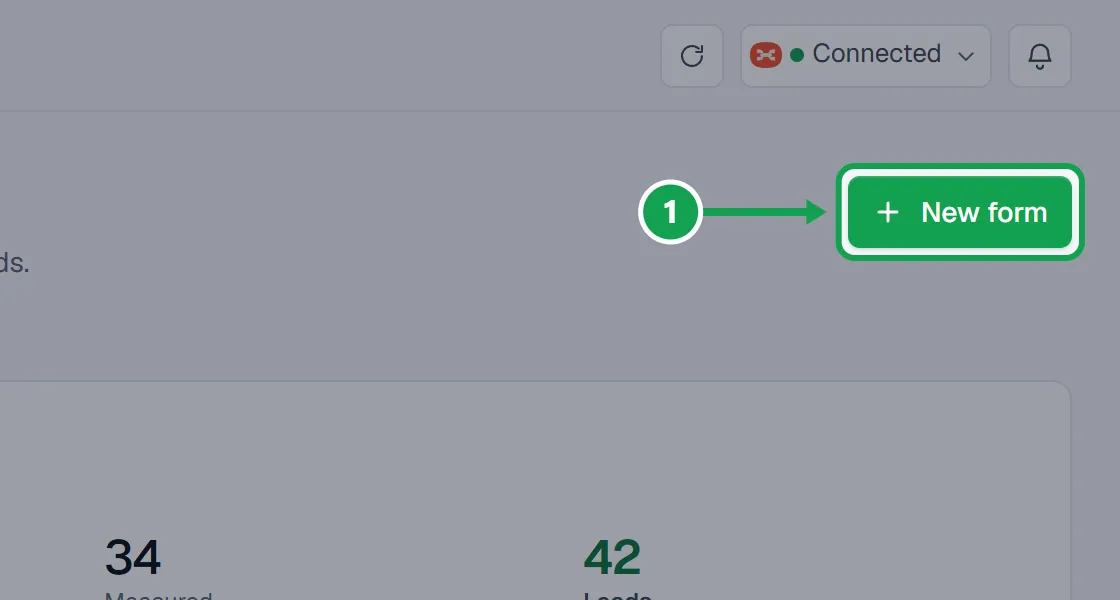
Step 2. Seasonly copies your website form, services, questions and prices included, and opens the copy. Type its Form name, like Spring cleanup form. Only you see it.
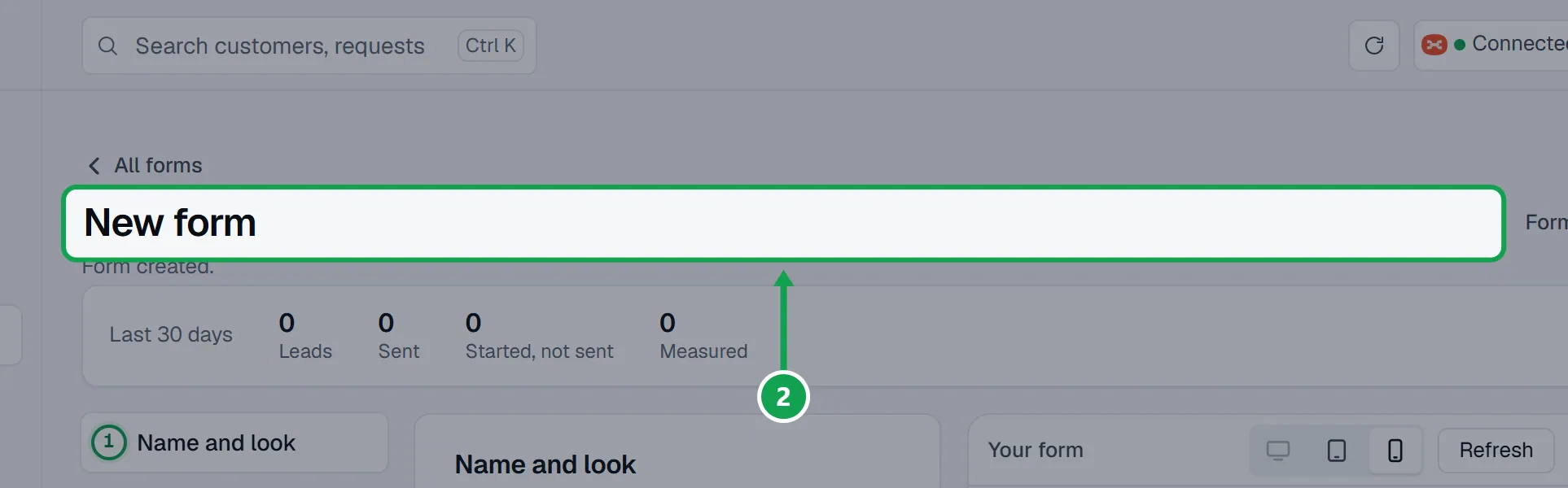
Step 3. Work through Services, Questions, Contact details and Review and checkout. Changes here are this form's own; your website form stays as it is.
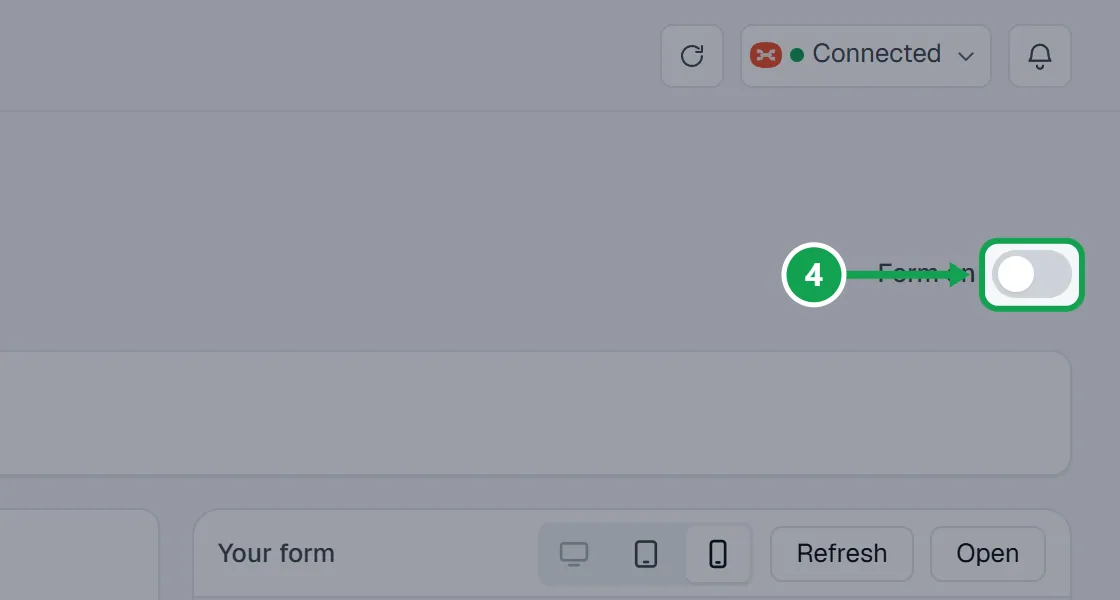
Step 4. Open Put it on your website and switch Form on. Until then the form is a Draft and homeowners cannot open it.
Copy a form you already have
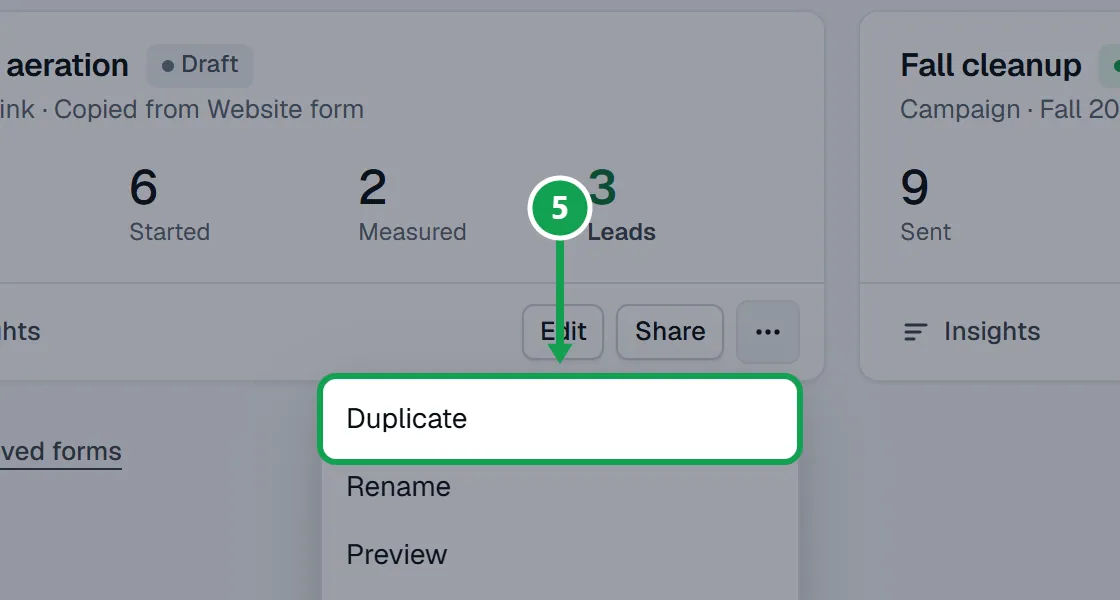
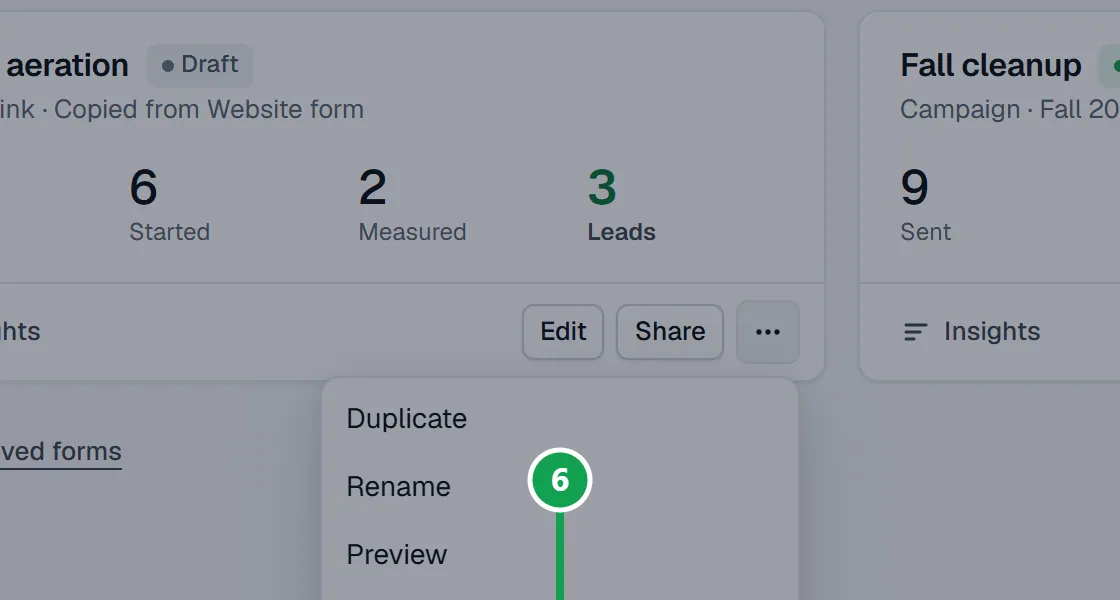
Step 1. On Forms, open the menu on the form's card and choose Duplicate. The copy starts as a Draft.
Archive a form, or bring one back
The website form cannot be archived. Nothing is deleted.
Step 1. Open the menu on the form's card and choose Archive. It stops taking requests and leaves the list.
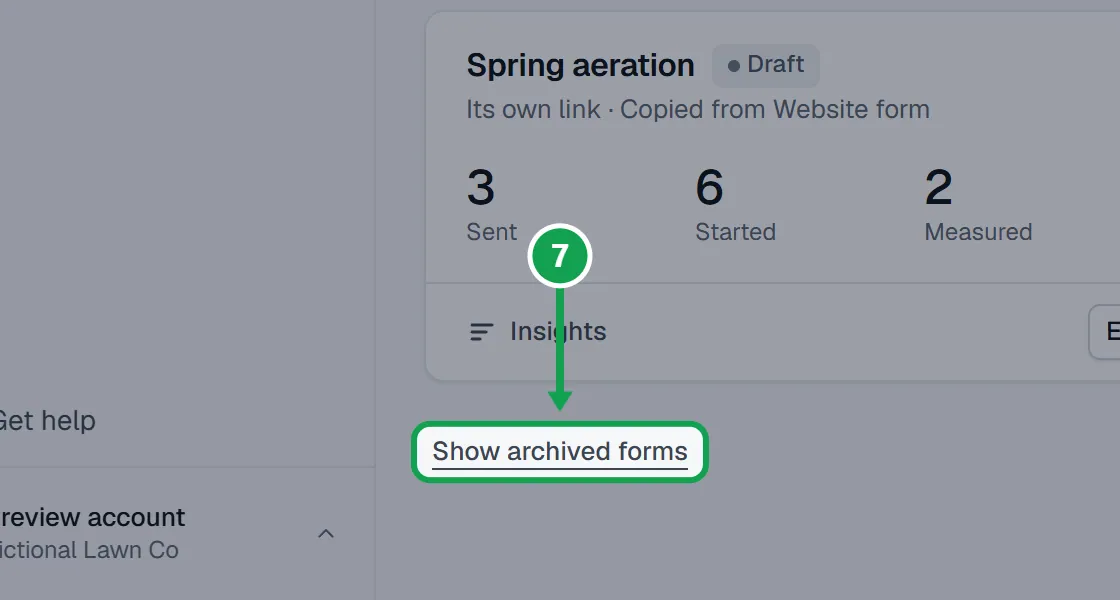
Step 2. To bring it back, press Show archived forms and then Restore. It comes back as a Draft.
If this, then that
- If you see Free has 2 forms. Your forms stay live, but a new one needs Premium. Archive one, or upgrade.
- Archive a form you no longer use, or press Upgrade. Your forms keep taking requests either way.
- If you do not see Forms in the menu
- More than one form is not switched on for your account yet. Your one booking form is under Form.
- If homeowners see a closed page on the new form
- It is still a Draft. Switch Form on under Put it on your website.
Good to know
- Free has 2 forms, the website form included. A campaign's own form does not count. Premium has no limit.
- Your logo, business name and contact line are the same on every form. Change them in Settings.
- Each form has its own services, prices, questions, colours and page order.
- Requests from every form land in Requests. The Form filter narrows them to one.
- Only the owner can make, copy, archive or restore forms.