Read a form's numbers and Insights
Each form card shows its last 30 days. Insights shows where people stop, their devices, towns and sources, and who asked from outside your area.
Steps
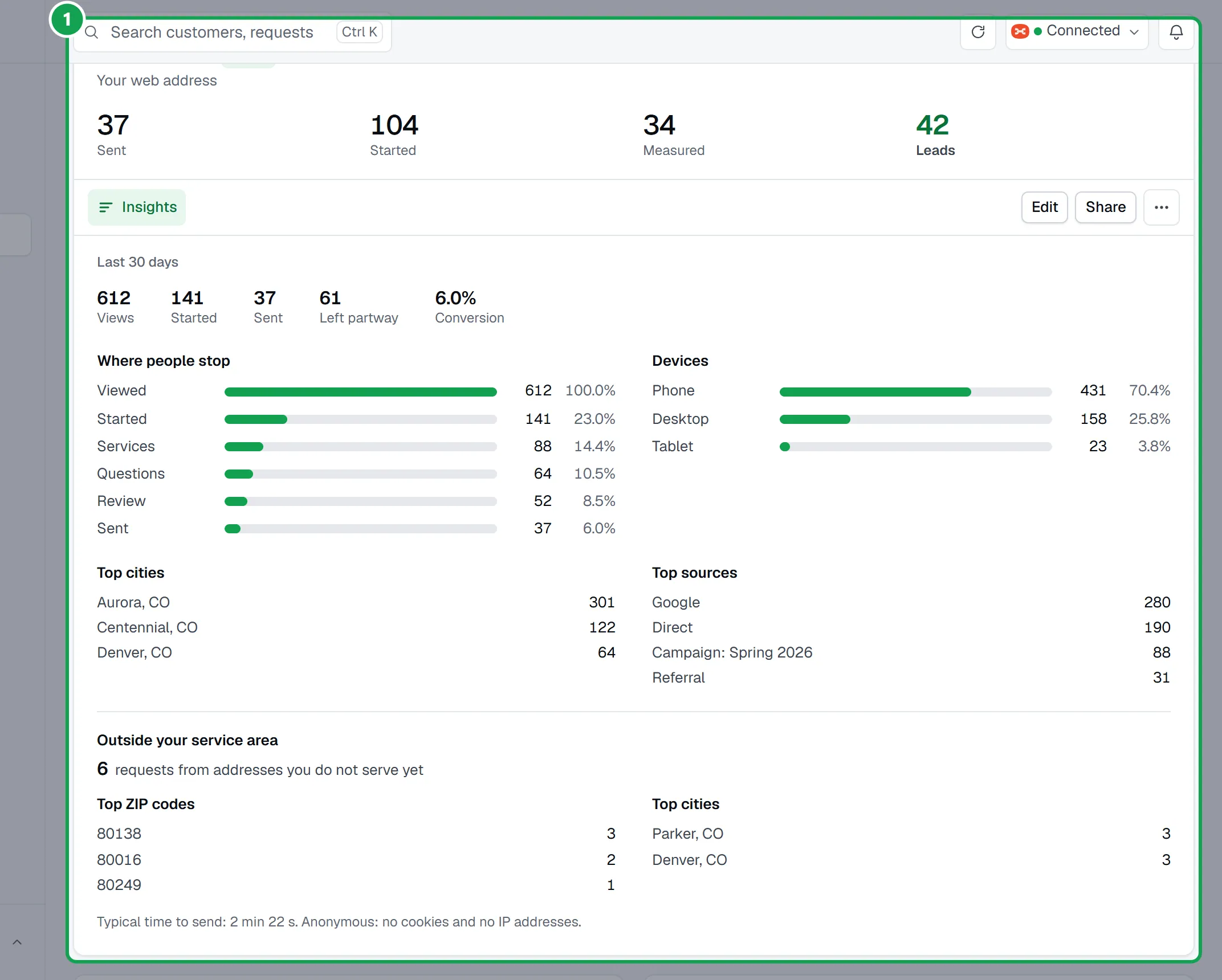
Step 1. Open Forms. Each card shows the last 30 days: Sent, Started, Measured and Leads.
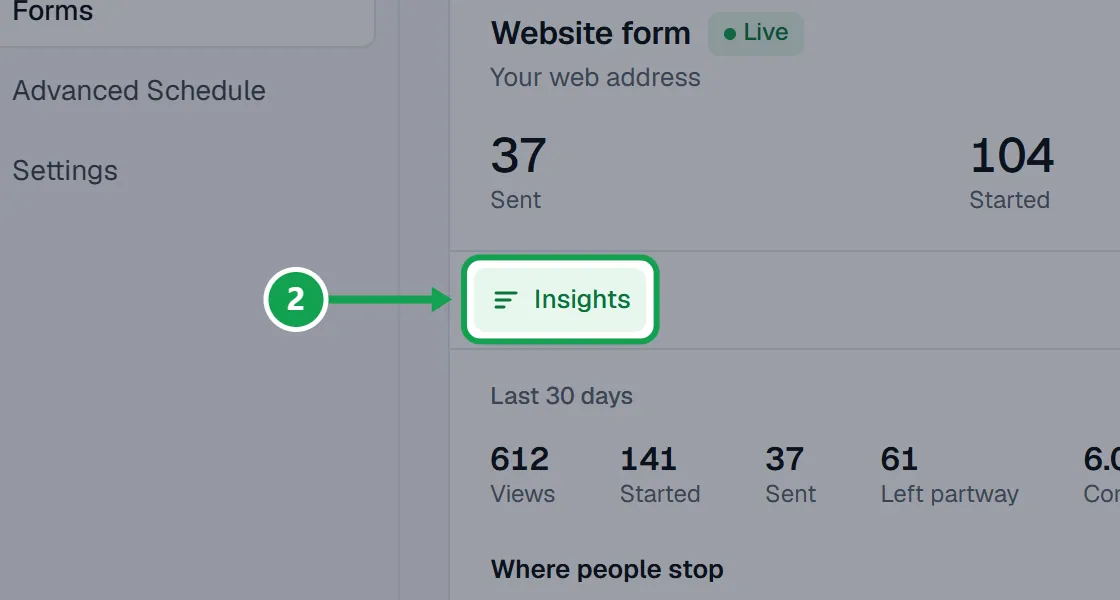
Step 2. Press Insights on a card.
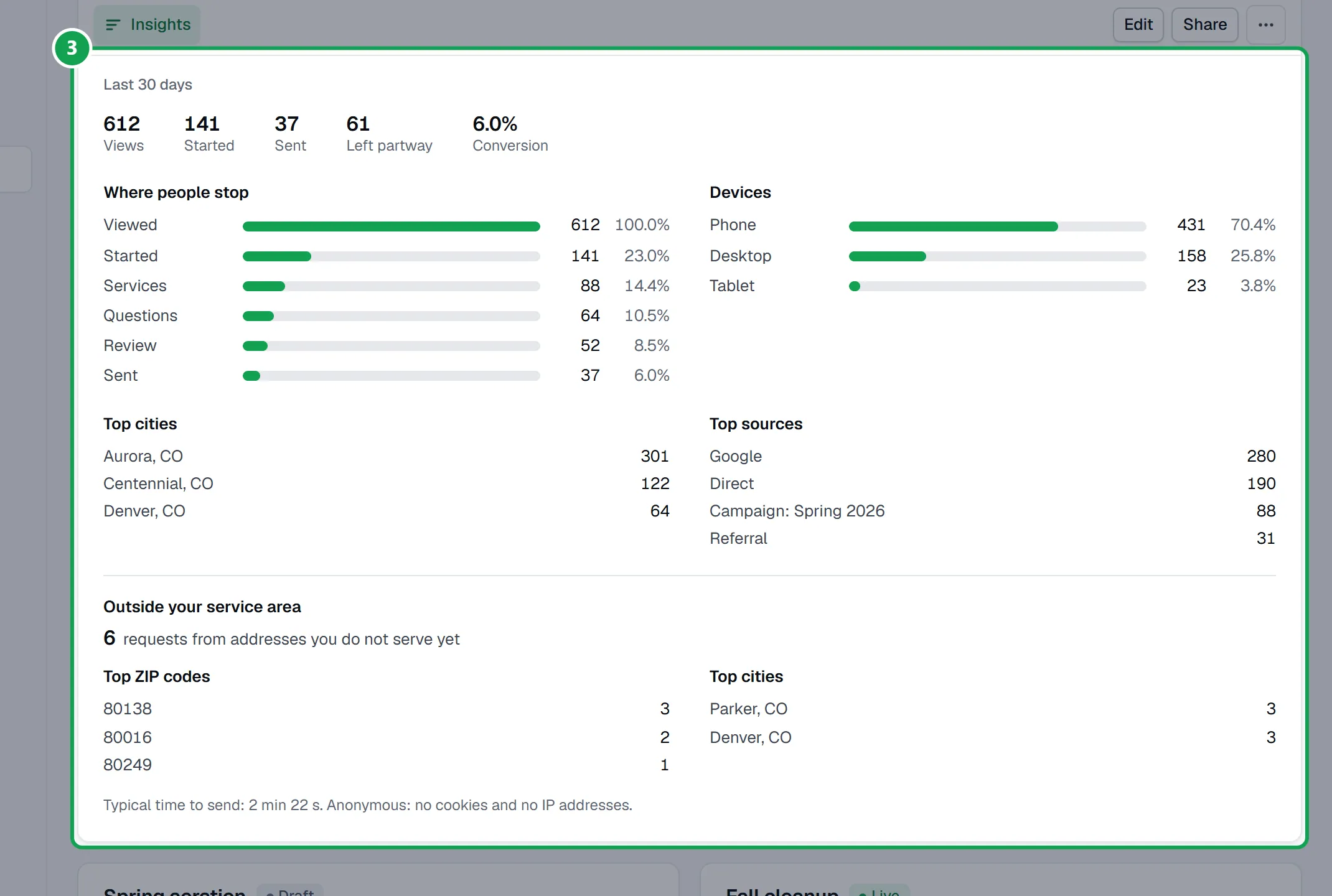
Step 3. Read Views, Started, Sent, Left partway and Conversion, then Where people stop, Devices, Top cities and Top sources.
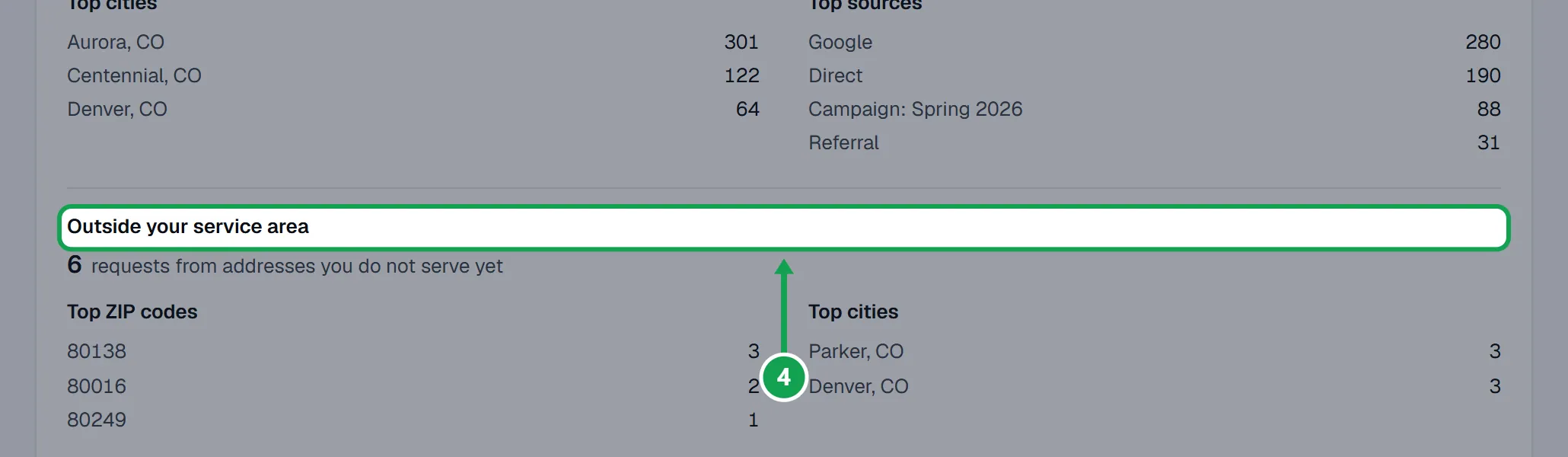
Step 4. Outside your service area counts requests from addresses you do not serve yet, by ZIP code and town.
If this, then that
- If a form shows no views
- Nobody opened it in the last 30 days. Put it on a page people visit, or share its link.
- If Outside your service area shows nothing
- Draw your service area on Customers first; without it nobody counts as outside.
Good to know
- Anonymous: no cookies and no IP addresses.
- Started on a card counts people who started and did not send. Leads leaves out requests you marked not real.
- Measured counts requests whose lawn Clarity Measure measured.
- Numbers start the day the form is first opened after this came in.