Give a campaign its own form
A new campaign starts from a form you pick and gets its own copy, so its link offers its own services and prices.
Steps
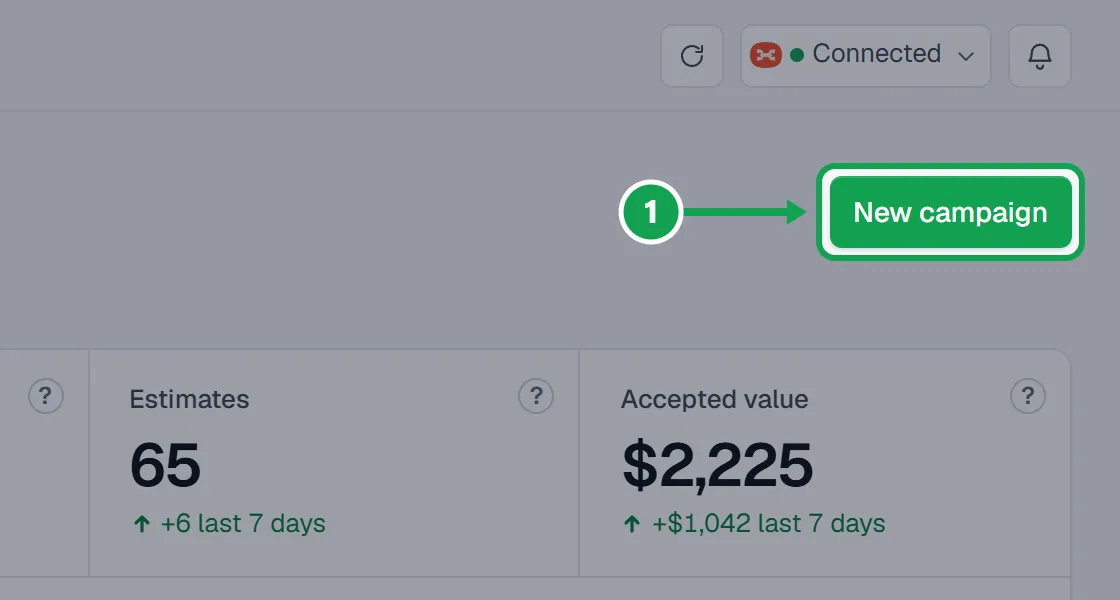
Step 1. On Campaigns, press New campaign, name it and press Next.
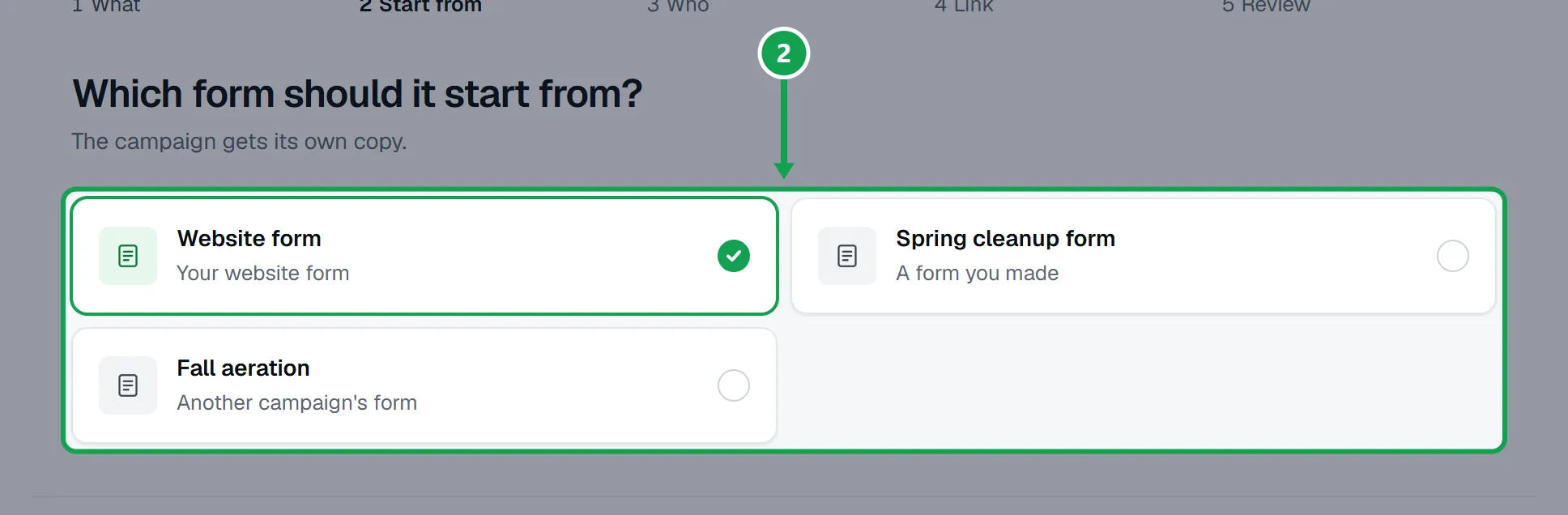
Step 2. Start from: pick the form the campaign copies. Your website form is picked to start with.
Step 3. Finish the steps and press Create campaign. The campaign gets its own copy of that form, named after the campaign.
Step 4. Open the campaign. Beside Form: press Edit to change the services, prices and questions its link offers.
If this, then that
- If there is no Start from step
- More than one form is not switched on for your account yet. The campaign uses your website form.
- If the campaign was saved but its form was not made
- Its link uses your website form. Seasonly says so when you create it; try again from Forms.
Good to know
- Changing a campaign's form never changes the form it was copied from.
- Going live puts the campaign's form live with it.
- Campaigns made before this stay on your website form until they end.
- A campaign's form is listed under Forms too, marked with its campaign.