Put a campaign live or end it
Go live at the top of a draft opens its link. End campaign in the options menu closes the link for good and stops its tagging and follow-ups.
Steps
Step 1. On Campaigns, open the draft. It has a Draft pill beside its name.
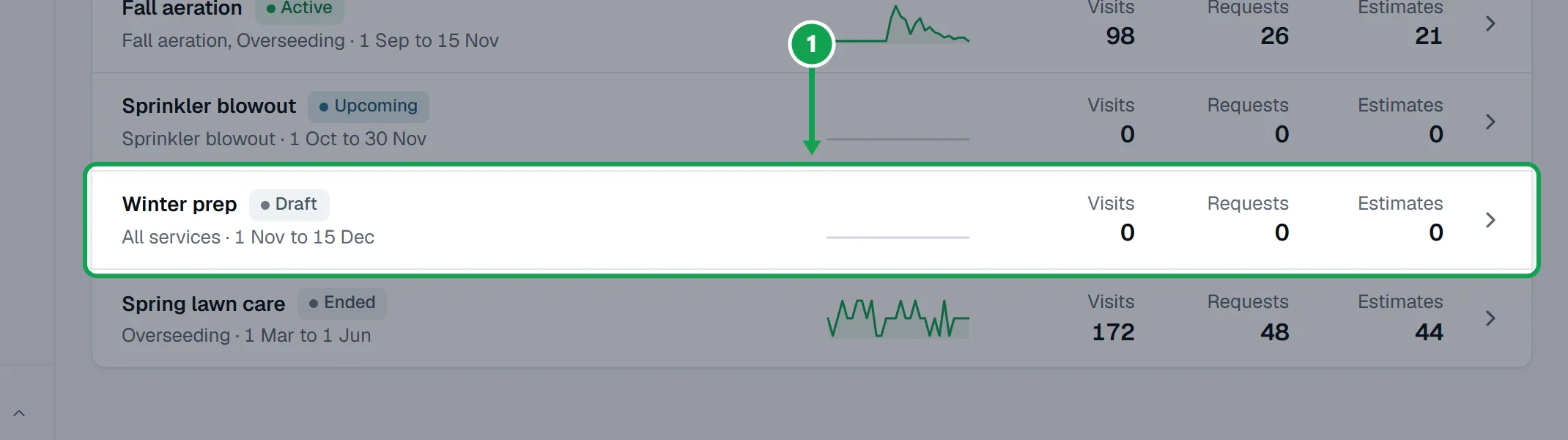
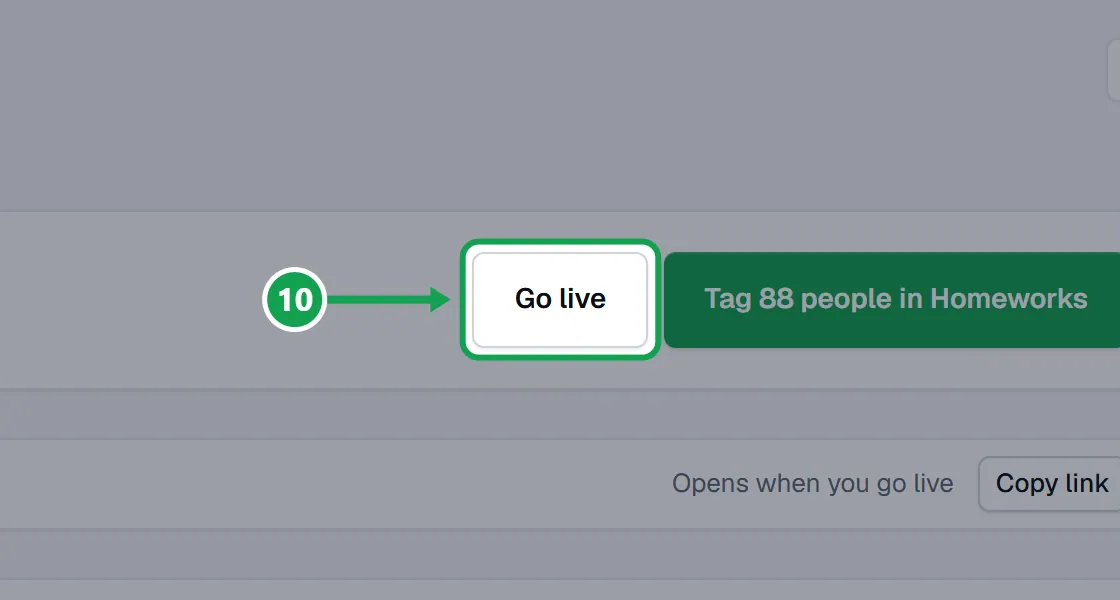
Step 2. At the top of the campaign, press Go live. You can tag people first: Go live sits beside the tag button, and once they are tagged it becomes the next step.
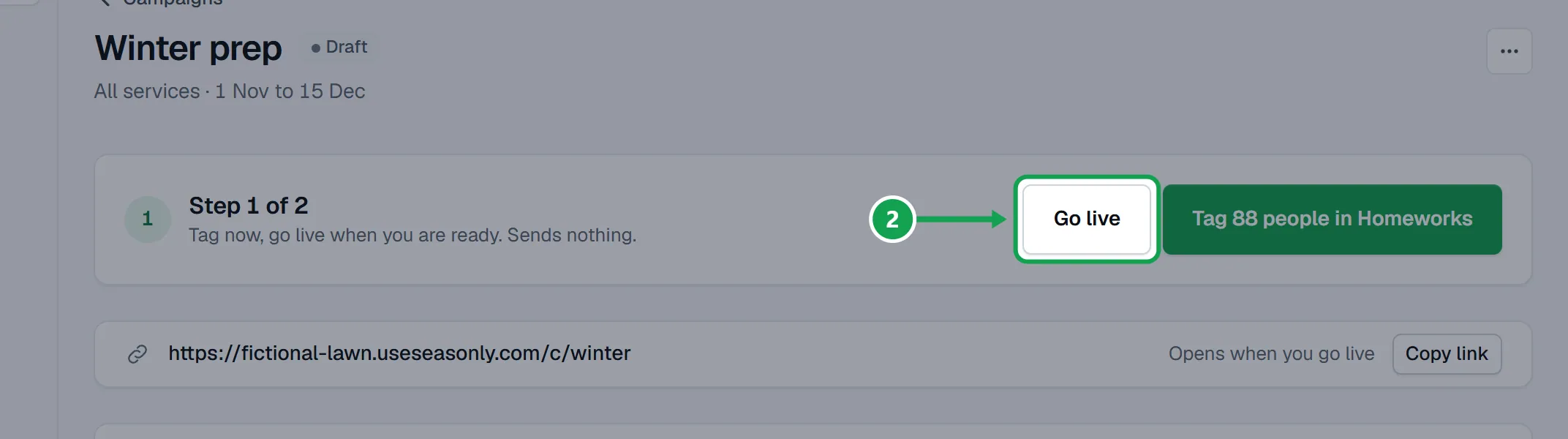
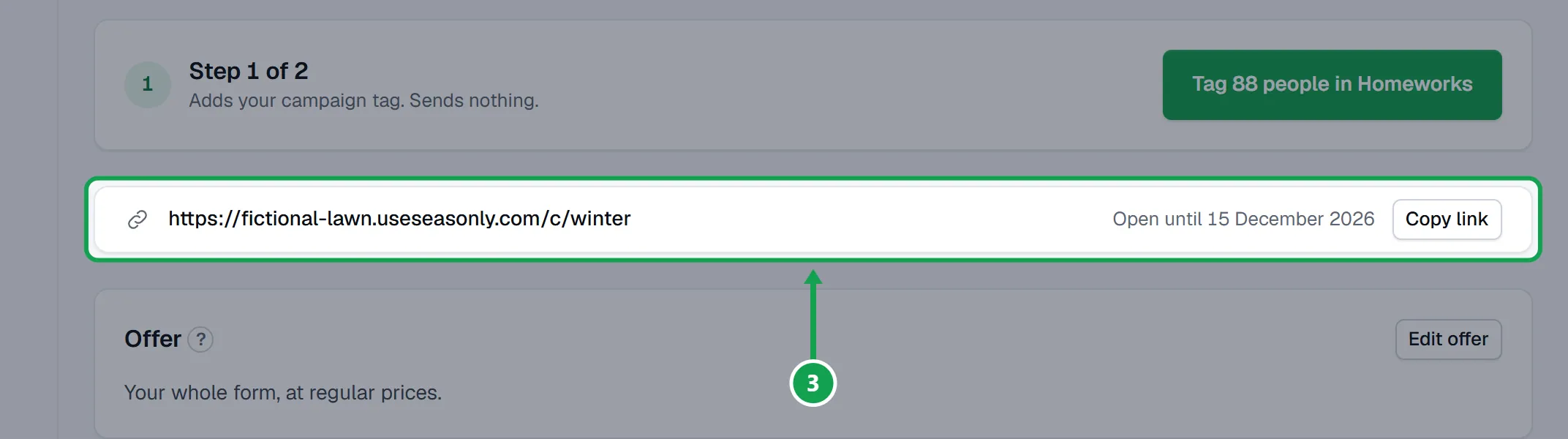
Step 3. The link works from now on. Going live tags nobody and sends nothing. Before its start day the campaign shows Upcoming, then Active.
End a campaign
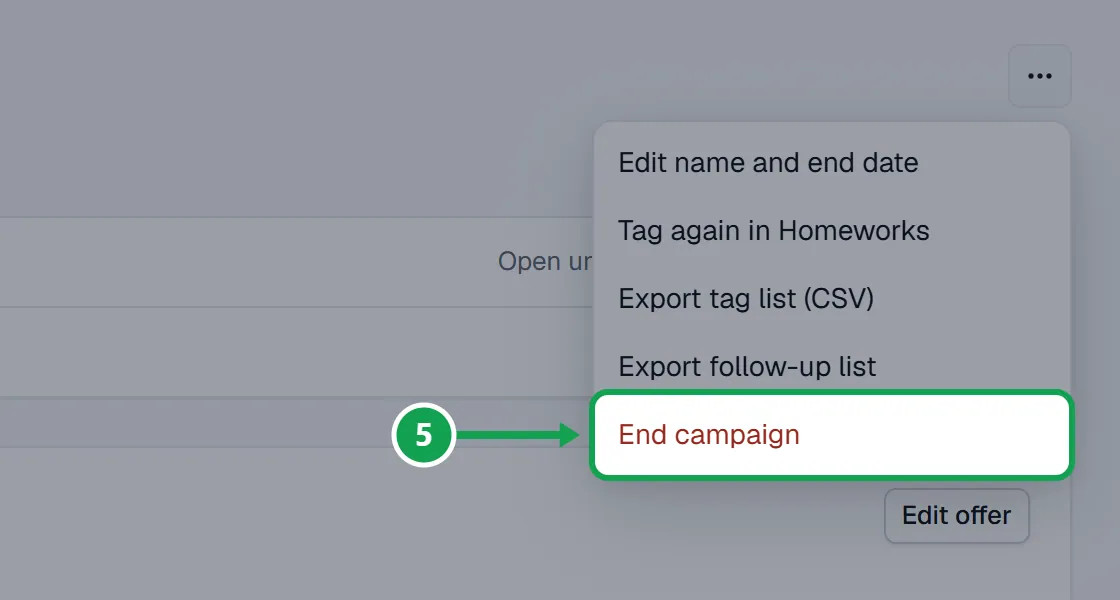
Step 1. Open the campaign, then the three-dot menu beside its name.
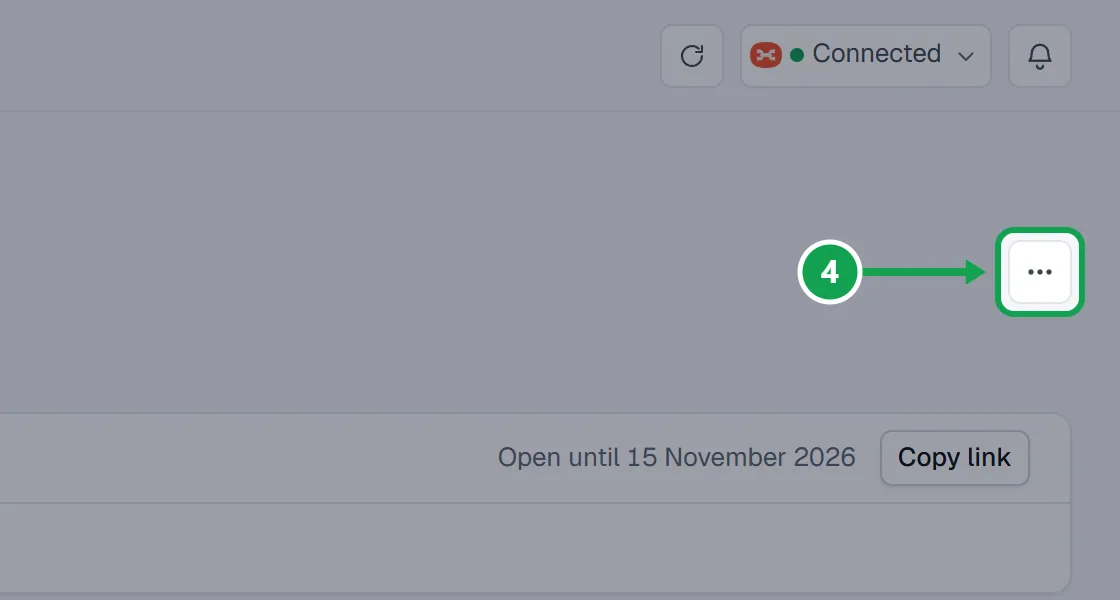
Step 2. Choose End campaign, then press End campaign in the box that opens.
Step 3. If Seasonly tagged people, you can also switch on taking Seasonly's tag off them in Homeworks. Tags others added stay.
Step 4. Press End campaign (or End and take the tag off) to finish, or Keep it running to back out.
If the end date has passed
A campaign past its end date cannot be tagged or go live until you move the date.
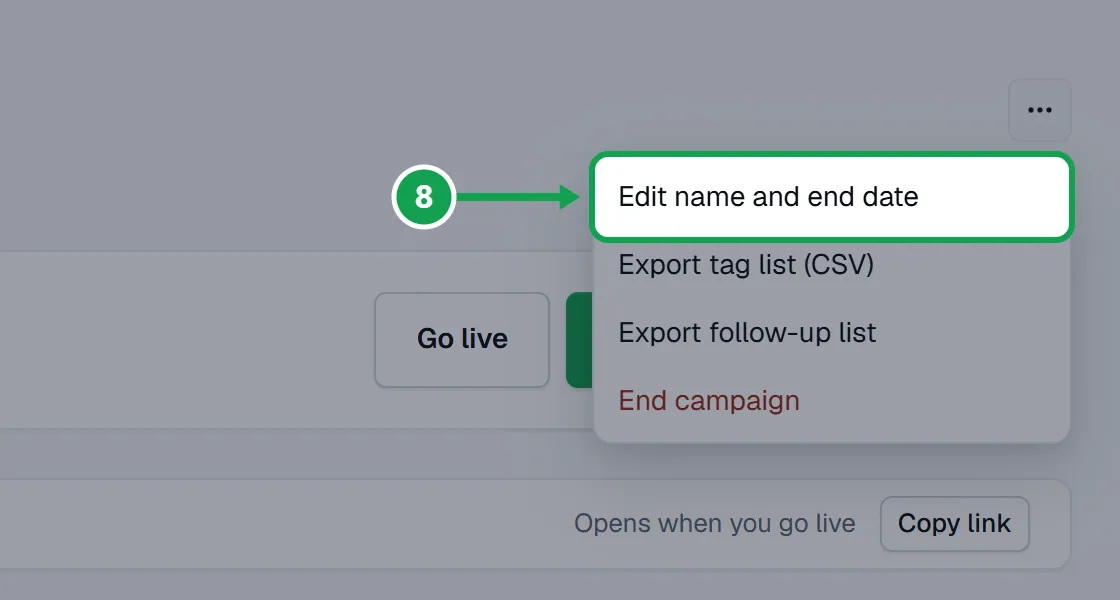
Step 1. Open the three-dot menu and choose Edit name and end date.
Step 2. Set a later Ends, or turn on Never expires, and press Save end date.
Step 3. Press Go live at the top.
If this, then that
- If the top of the campaign says The end date has passed
- Open Edit name and end date, set a later Ends or turn on Never expires, press Save end date, then Go live.
- If you do not see Go live
- The campaign is already live (it shows Active or Upcoming) or it has ended. Only a draft has Go live.
- If you want to run an ended campaign again
- Ending cannot be undone. Make a new campaign with New campaign; it can use the same people and offer.
- If the campaign offers campaign prices and Claude puts it live
- You approve it on the Approvals page first, unless you trusted that connection for live form changes.
- If you see Only the owner can do this.
- Staff can see campaigns but only the owner can go live or end one.
Good to know
- Ending cannot be undone. The link shows your closed page from then on; make a new campaign to run it again.
- Ending stops the campaign's tagging and its follow-up steps. Its numbers stay.
- Tags already in Homeworks stay unless you choose to take Seasonly's tag off. A tag someone else added is never taken off.
- A live campaign closes by itself after its end date and then shows Ended.
- Only the owner can go live or end a campaign.