Change your form's Seasonly web address
Change the useseasonly.com address your form lives at, what happens to the old one, and where your own address goes instead.
Steps
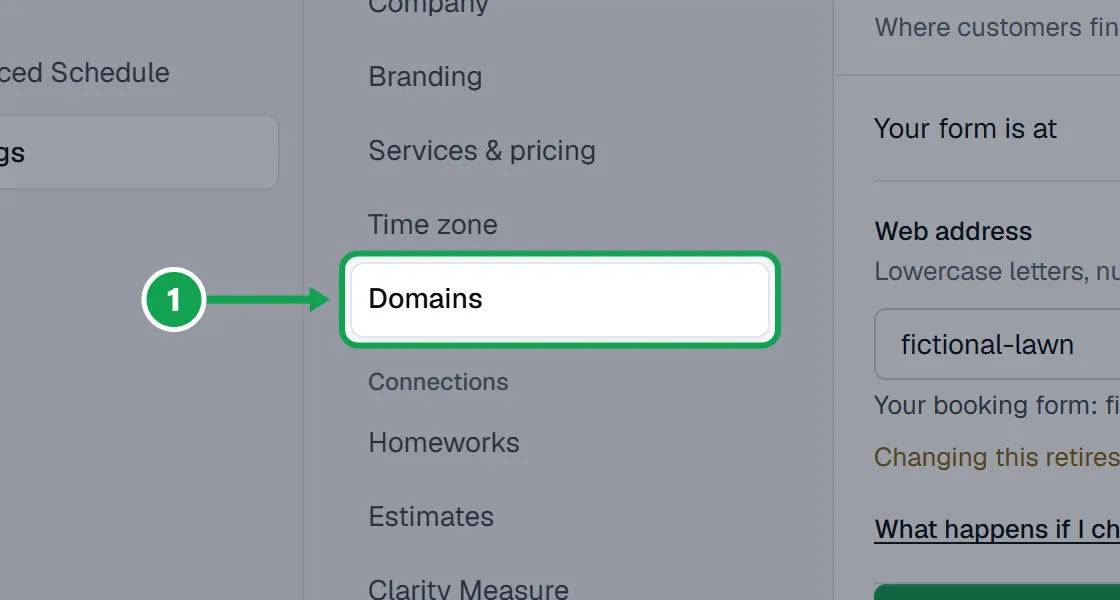
Step 1. Open Settings and choose Domains. Your form is at shows the address now.
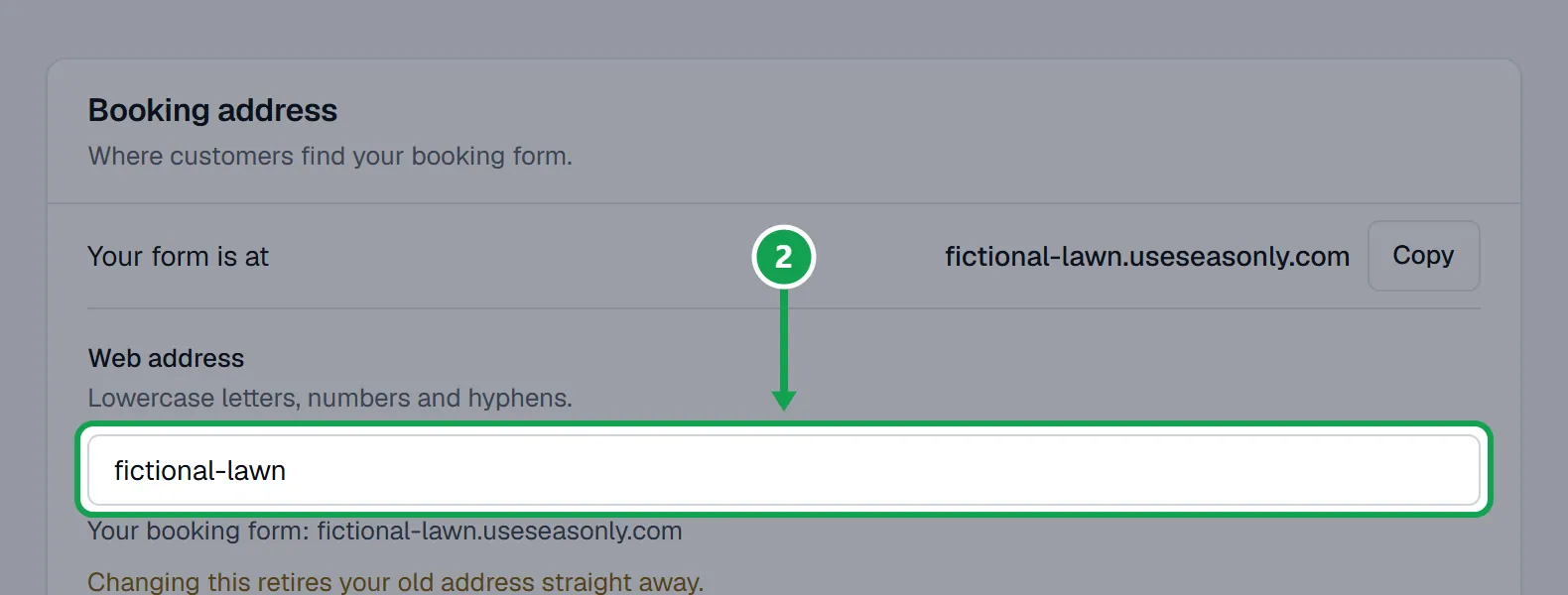
Step 2. Type the new name in Web address. Use 3 to 40 lowercase letters, numbers and hyphens. The line under it shows the full new address.
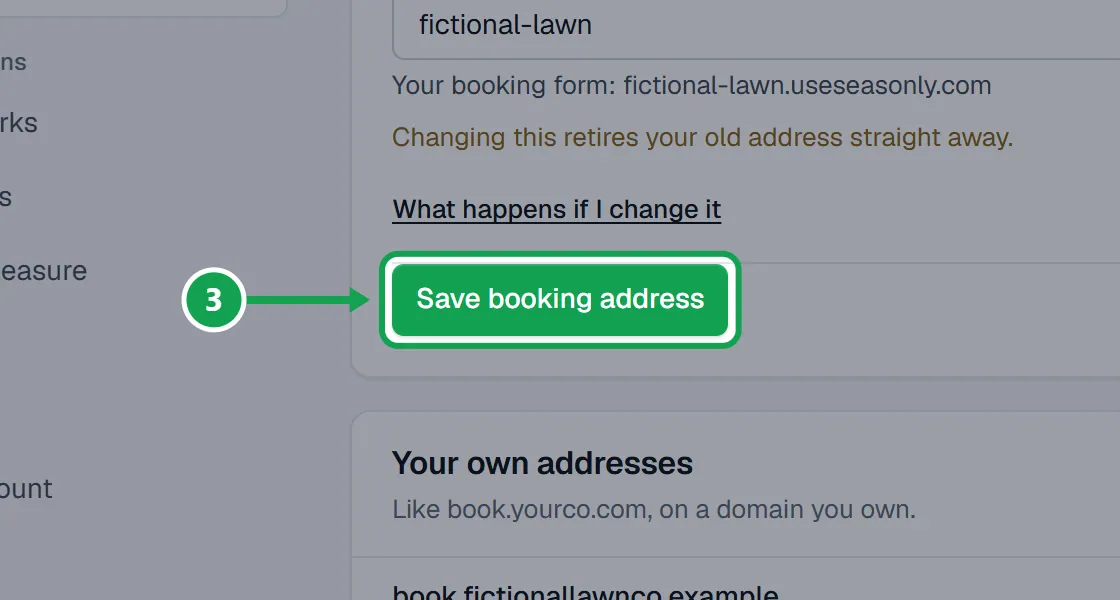
Step 3. Press Save booking address. Changing this retires your old address straight away, so yard signs, flyers and website links that use it stop working.
Use an address of your own instead
Like book.yourcompany.com. Your Seasonly address keeps working beside it.
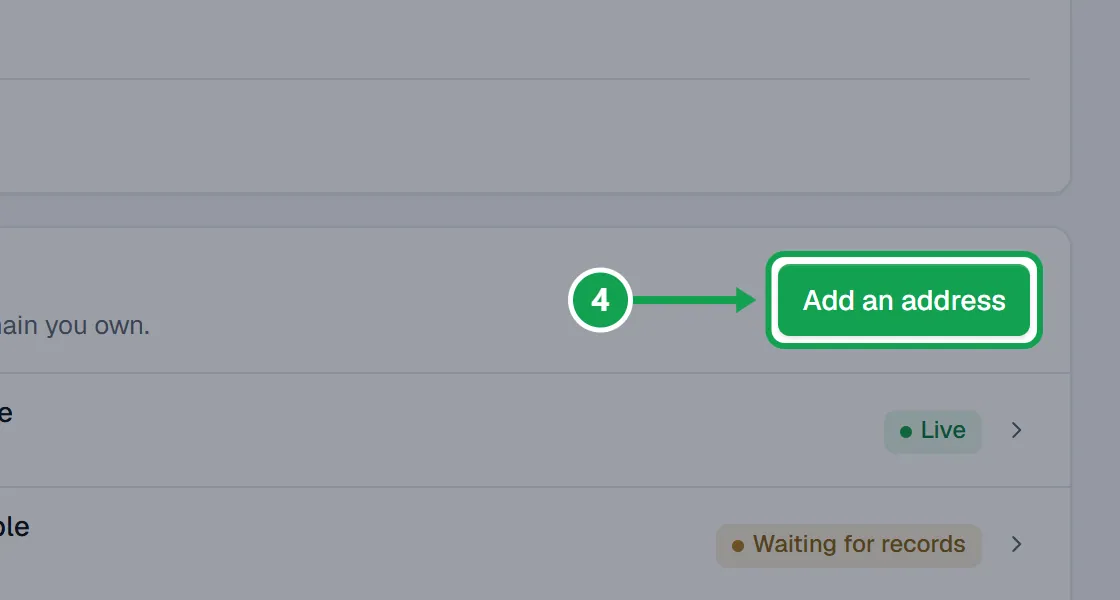
Step 1. Under Your own addresses, press Add an address and follow the steps. The article Connect your own web address walks through each one.
If this, then that
- If it says That one is kept for Seasonly itself
- Some names are reserved. Pick another.
- If it says the name is taken
- Another company has it. Try adding your town or a word like lawn.
- If printed links stopped working after a change
- Change the web address back to the old name. It is kept for you for a year.
Good to know
- Your old Seasonly web address stays reserved for you for a year, so you can change back.
- Only the owner can change the web address.
- The same field is on the Form page, under Branding & domain, on the Web address tab.