Hide a junk or test request
Mark spam, tests and duplicates as not real so they leave Requests and give back their booking spot. Undo puts them back.
Steps
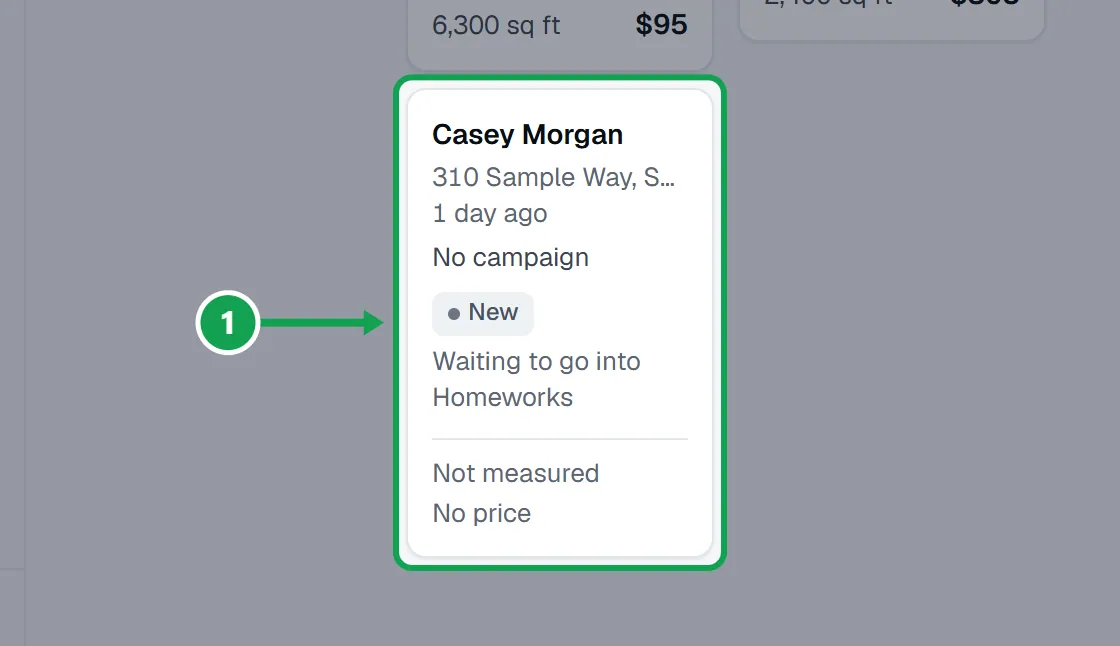
Step 1. Open Requests and press the junk request to open it.
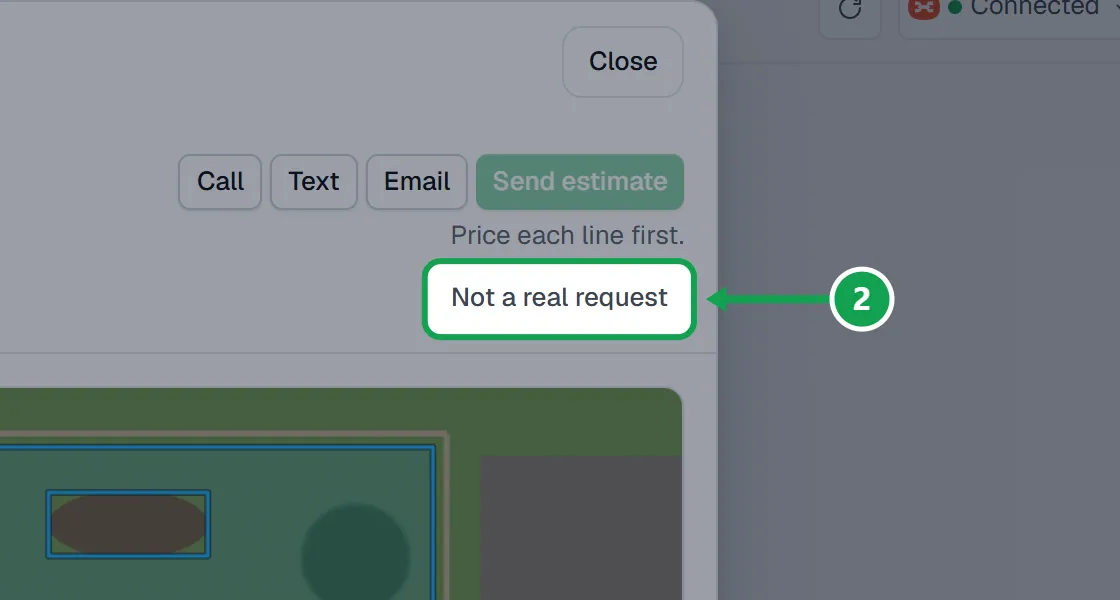
Step 2. Press Not a real request at the top of the request.
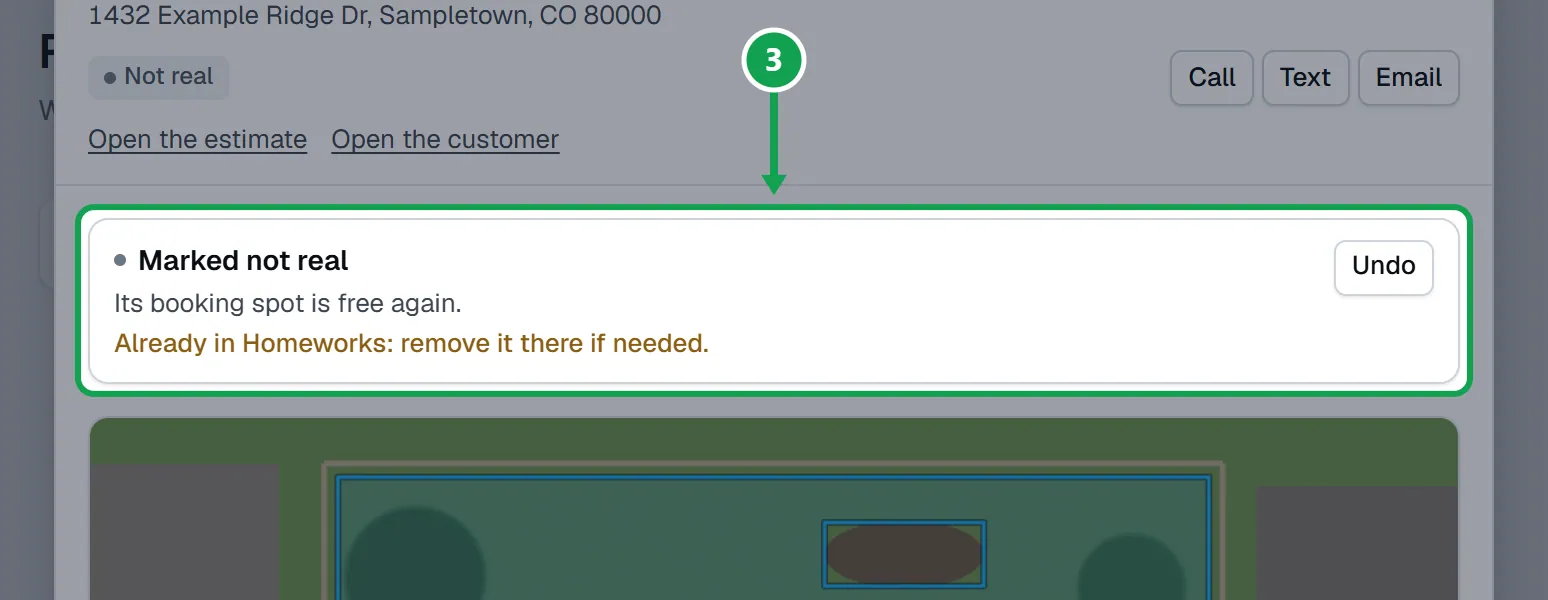
Step 3. It now says Marked not real. If the booking held a spot, it also says the spot is free again. If it already reached Homeworks, it says so.
Step 4. Close the request. It leaves the list and every stage count.
Undo it
Marked one by mistake? It is kept, not deleted.
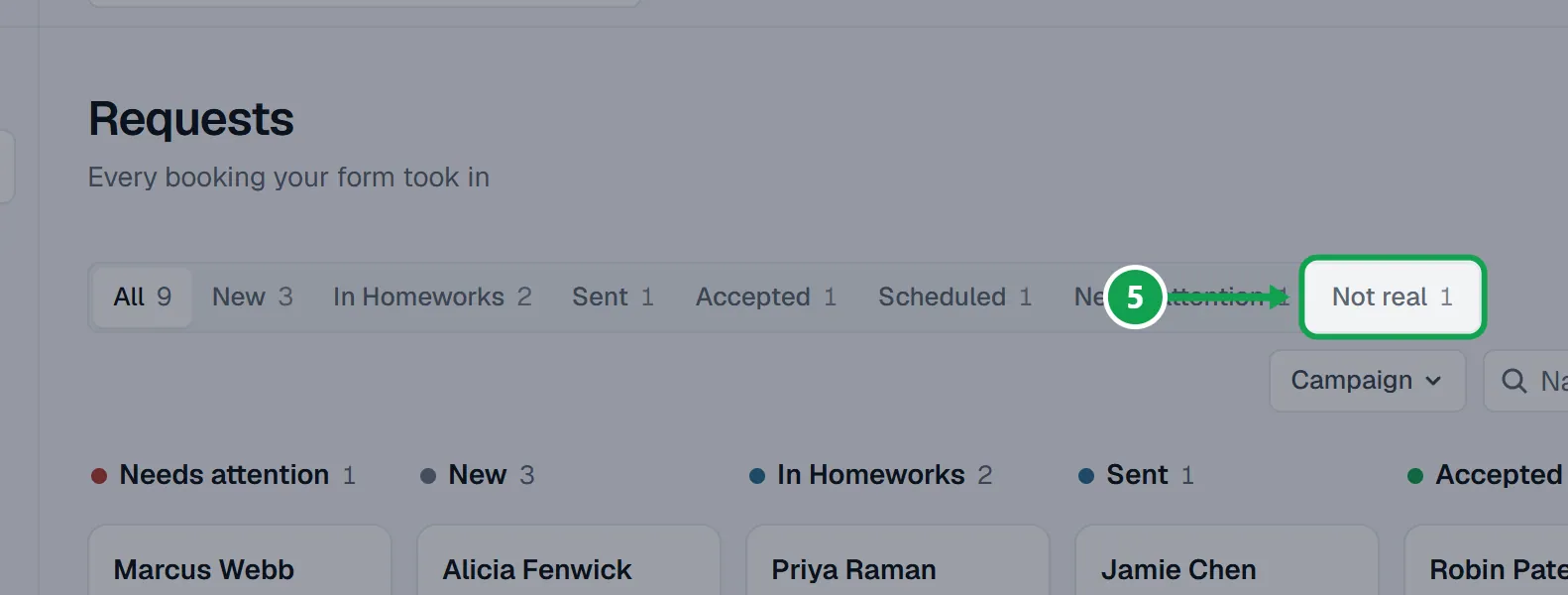
Step 1. On Requests, press the Not real tab.
Step 2. Open the request and press Undo.
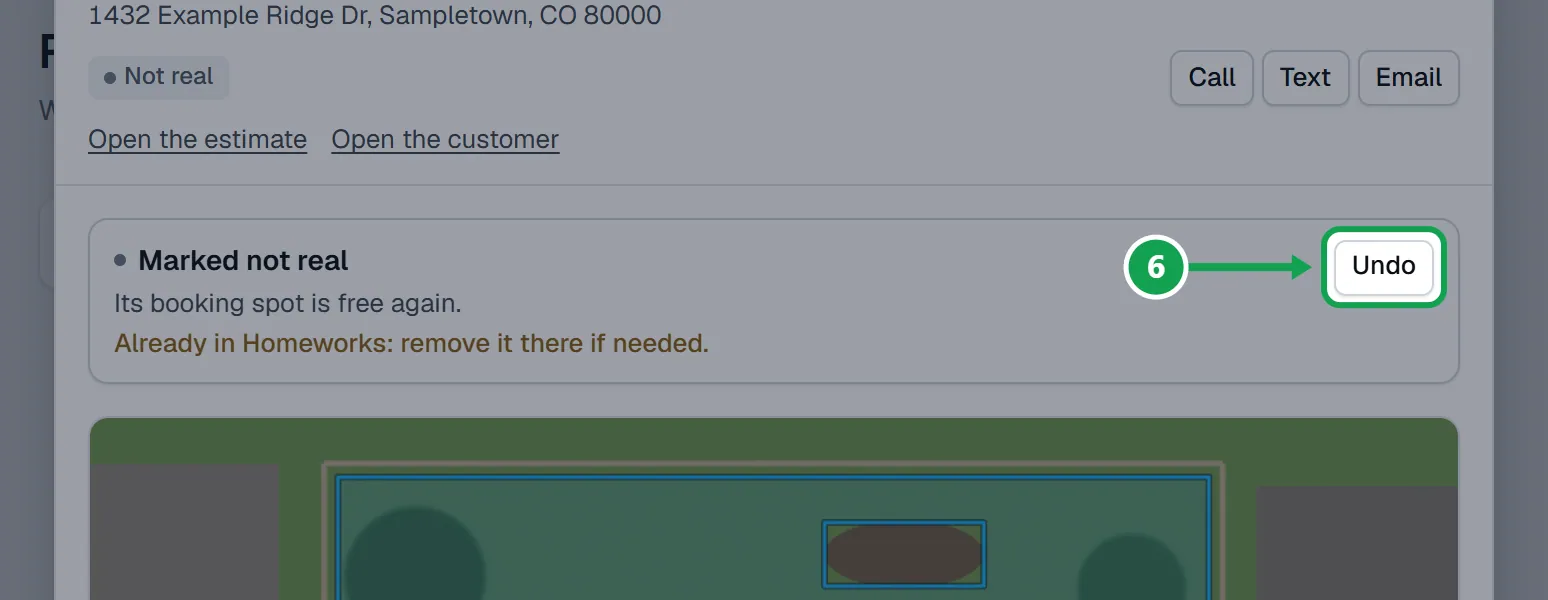
Step 3. It is back in Requests at its normal stage.
If this, then that
- If you do not see Not a real request
- You are signed in as staff, or the request is already marked. Look under the Not real tab.
- If it says Already in Homeworks: remove it there if needed.
- Seasonly hid it but did not touch Homeworks. Delete or archive the customer or estimate in Homeworks yourself if you want it gone there too.
- If you press Undo and it says the booking spot stays free
- That booking limit filled up while it was marked. The request is back, but it does not take a spot.
- If it says Nothing changed. Try again in a moment.
- Seasonly could not save it. Wait a moment and press the button again.
- If you want the person's details gone for good
- Use Delete their data on the customer instead. That cannot be undone.
Good to know
- Homeworks is never changed. If the request already reached Homeworks, Seasonly says so and you remove it there if needed.
- While it is marked, nothing is priced, measured or sent for it. Press Undo first.
- On Undo, its booking spot is taken again only if that limit still has room.
- Only the owner can mark or undo. Staff see that it is marked.
- To erase a person's details from Seasonly for good, use Delete their data instead.