See and change your week on the schedule board
See your Homeworks week by crew and person, book accepted estimates, and move, assign, complete or skip visits.
Steps
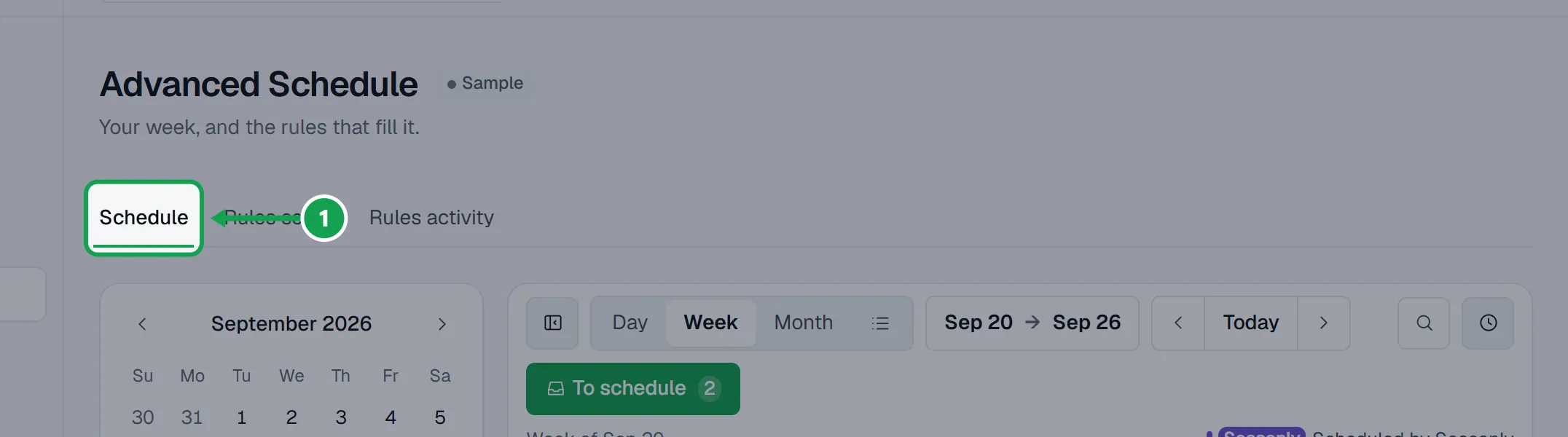
Step 1. Open Advanced Schedule. The Schedule tab shows your week, read live from Homeworks.
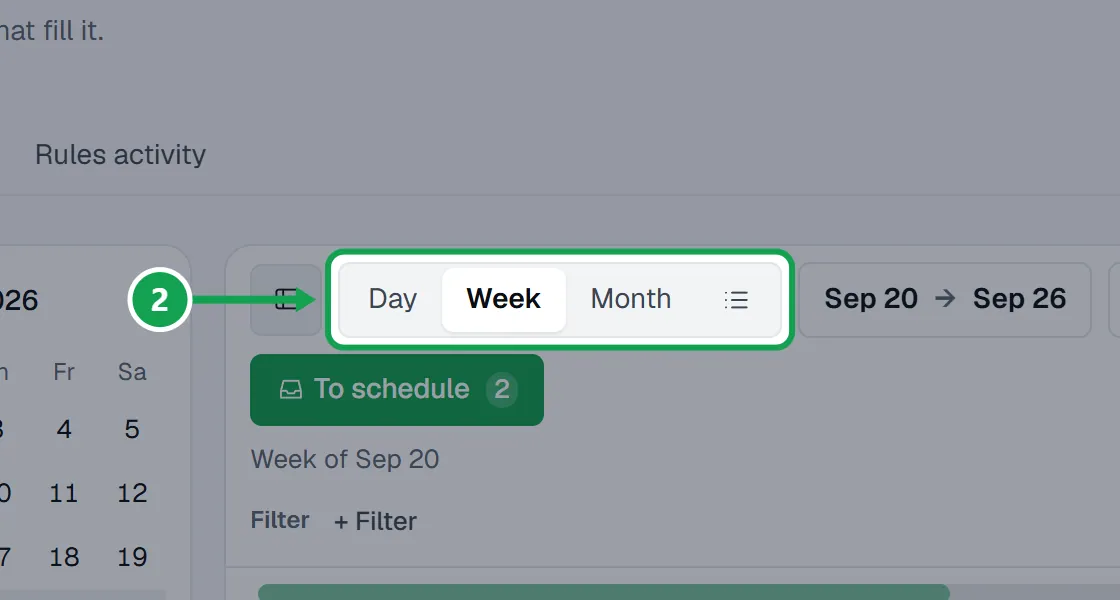
Step 2. Pick Day, Week, Month or List. Use the arrows or Today to move, or press the date to jump.
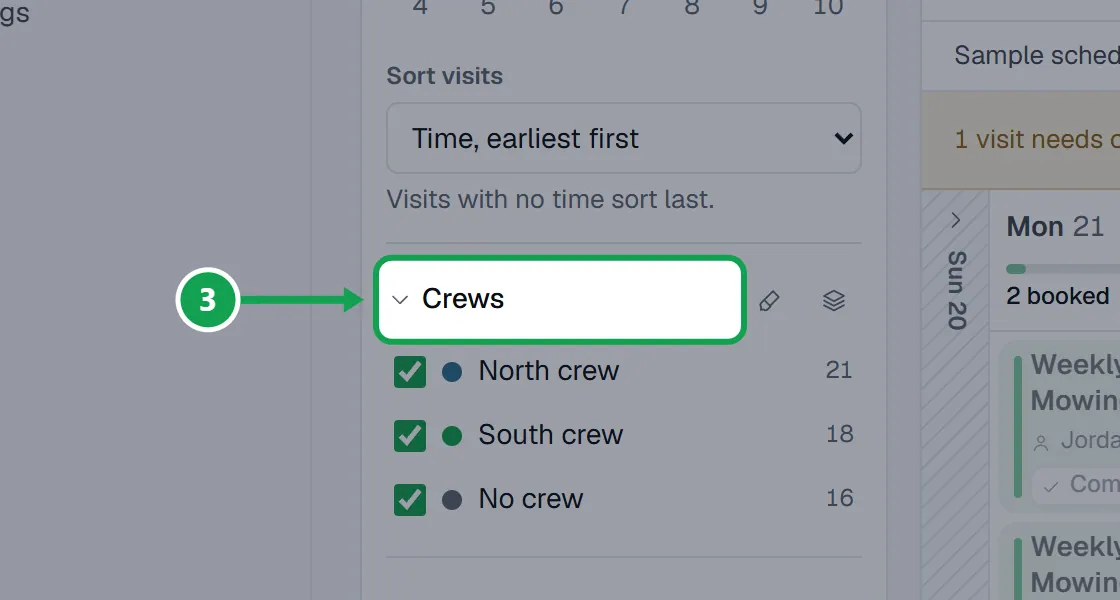
Step 3. In the left panel, tick or untick Crews, People and Status to show only what you want. Hide filters folds the panel away.
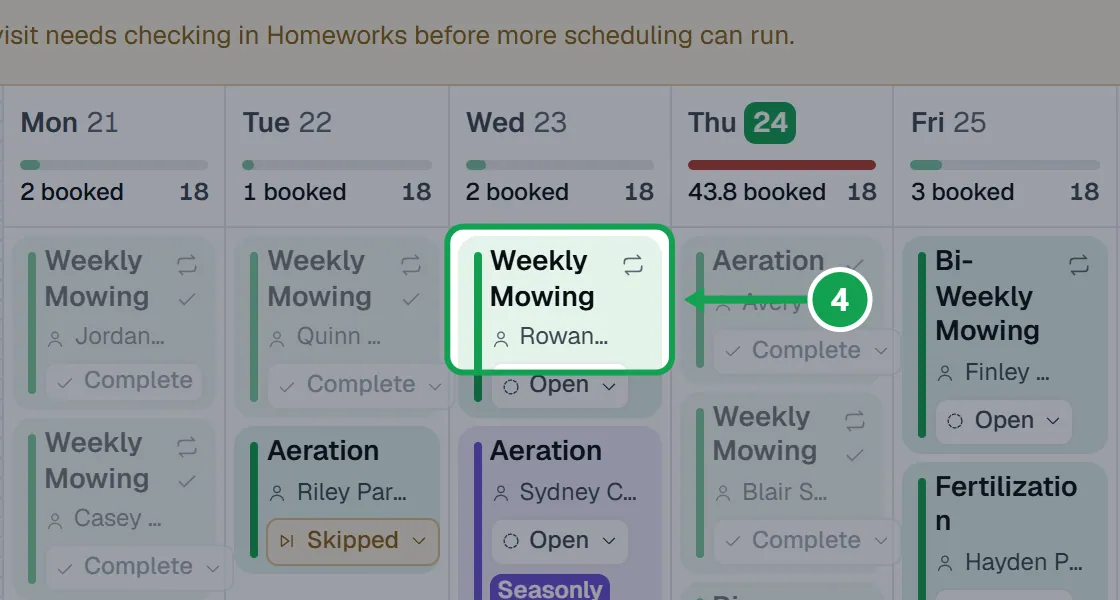
Step 4. Press a visit to open it: the customer, address, budgeted hours, price, who is on it and the notes.
Step 5. Press Move to another day, Assign a crew, Assign people, Mark complete or Skip this visit.
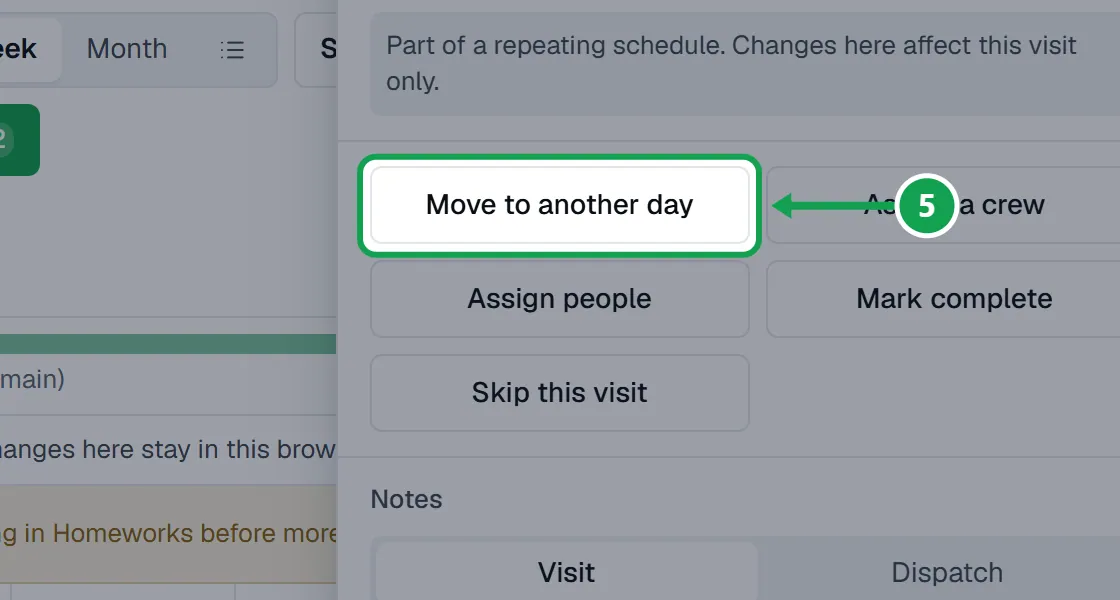
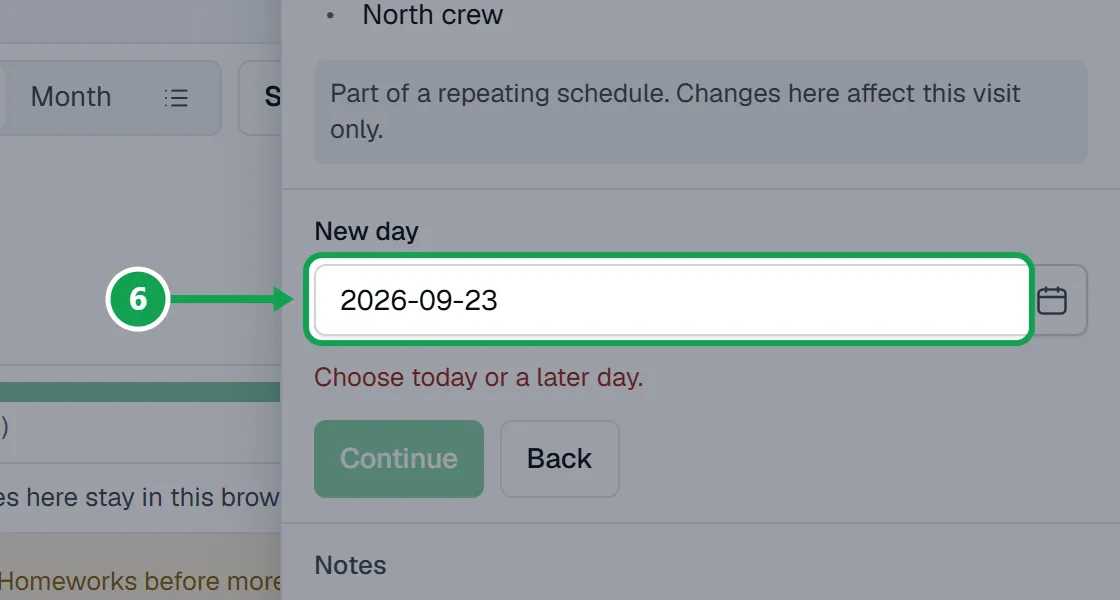
Step 6. Fill in what it asks, such as the New day, and press Continue.
Step 7. Read what will happen and press Confirm. Nothing changes in Homeworks before that.
Turn on changes from the board
Until you turn this on, the board is view only.
Step 1. In the left panel, under Schedule changes, turn on Let Seasonly change my schedule.
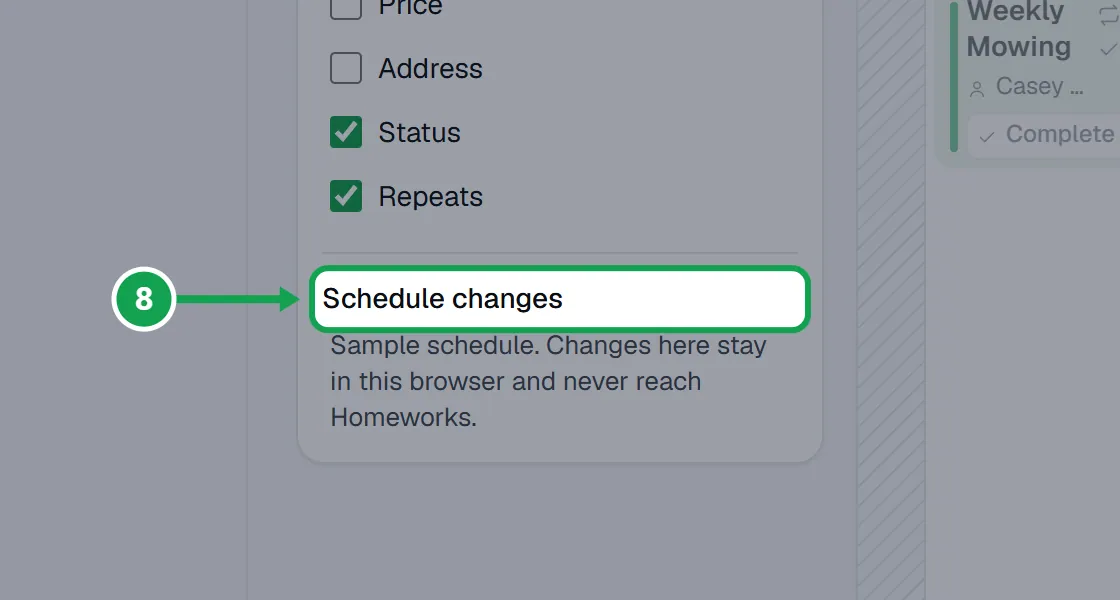
Step 2. Each change you confirm now goes to Homeworks straight away. On a computer you can also drag a visit to another day in Week; it still asks you to confirm.
Book an accepted estimate
Accepted estimates from your form wait here until they are on the calendar.
Step 1. Press Waiting to schedule at the top right. On a smaller screen it says To schedule.
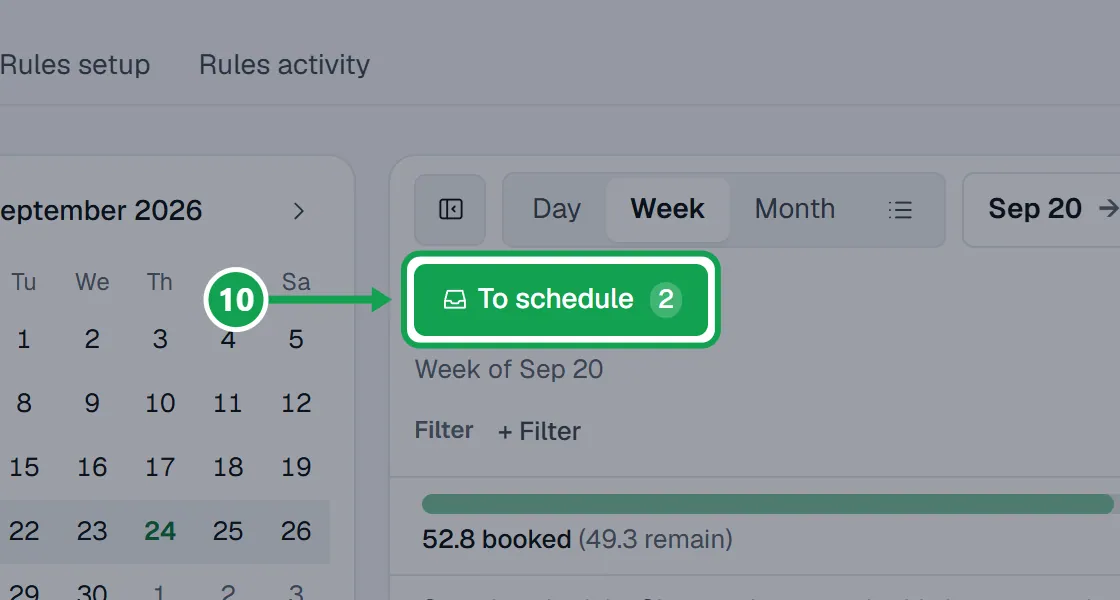
Step 2. Press the button under a customer. It names Homeworks' best day, or says Pick a day.
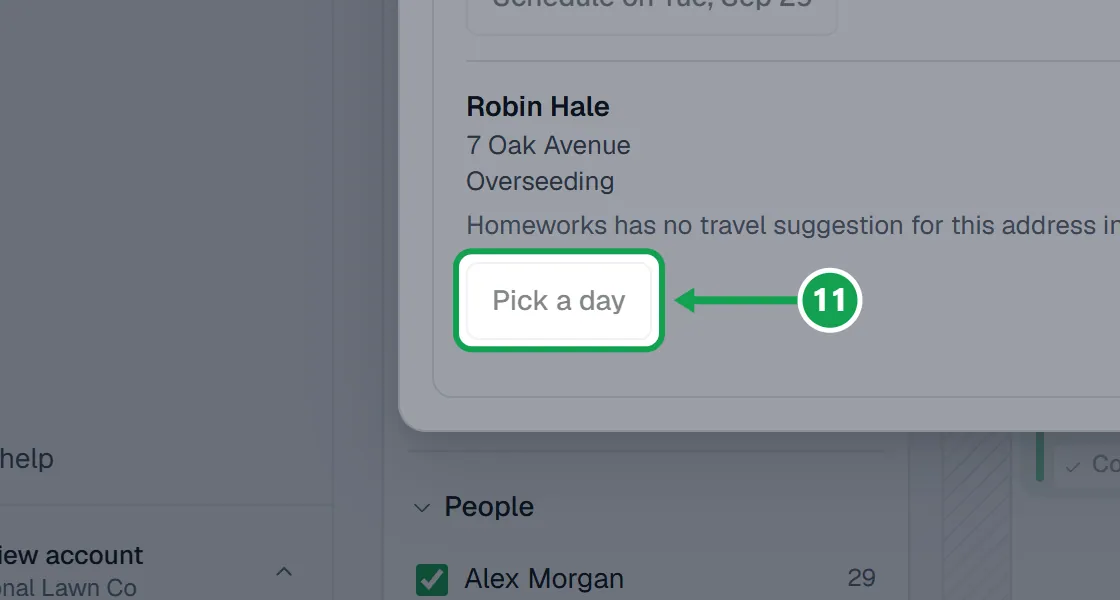
Step 3. Set the Day, Start and Length, then pick A crew or People.
Step 4. Press Continue, then Create visit.
When a visit needs checking in Homeworks
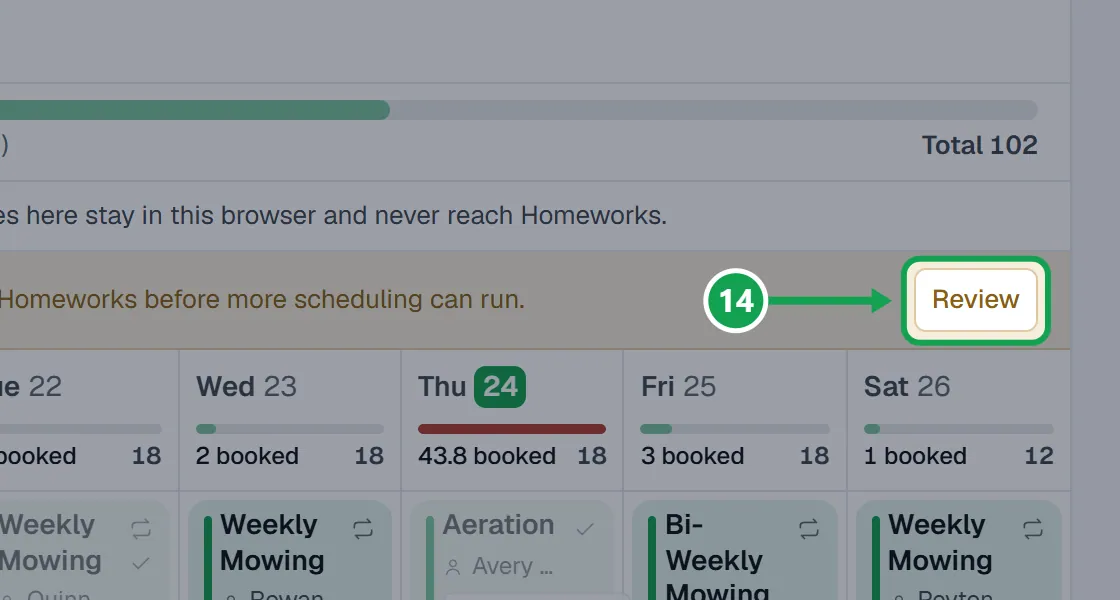
If Seasonly did not hear back after creating a visit, more scheduling waits for you.
Step 1. Press Review on the line over the board that says a visit needs checking.
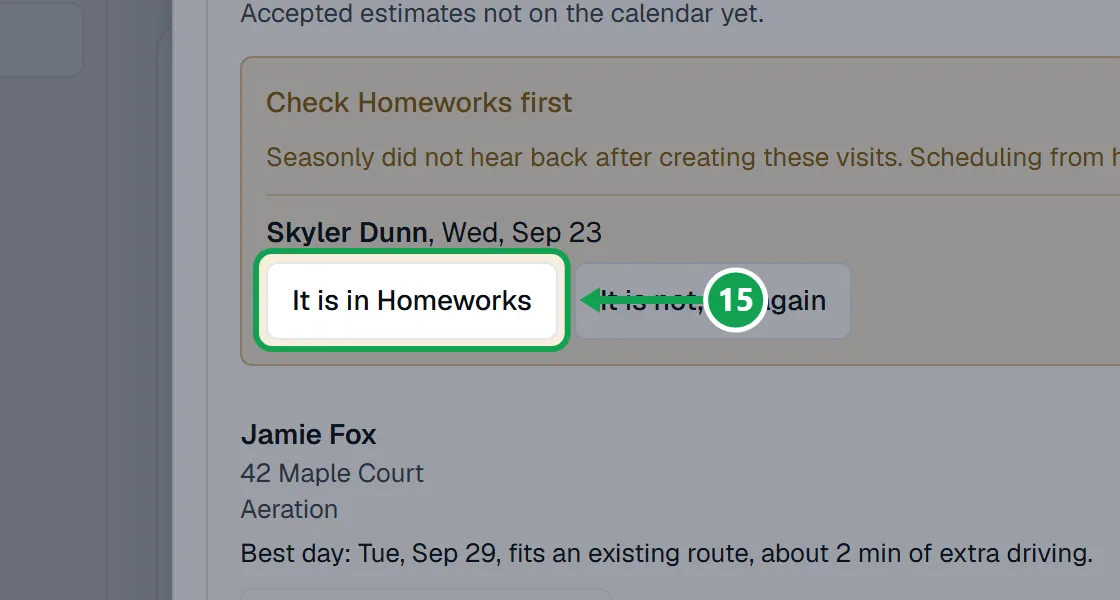
Step 2. Look in Homeworks, then press It is in Homeworks or It is not, try again.
If this, then that
- If you see Advanced Schedule is part of Premium.
- Your company is on Free. The owner presses Upgrade to turn it on.
- If the board says Viewing only
- Turn on Let Seasonly change my schedule under Schedule changes in the left panel.
- If it says Only the account owner can change jobs here.
- You are signed in as staff. You can see the week; ask the owner to make changes.
- If it says Connect Homeworks to see and change your schedule here.
- Homeworks is not connected or has lapsed. Reconnect it in Settings under Homeworks.
- If Pick a day and the other booking buttons are greyed out
- A visit needs checking in Homeworks first. Answer It is in Homeworks or It is not, try again, then book.
- If a visit has no move or skip buttons
- It is already complete. If Homeworks made an invoice for it, reopen it in Homeworks.
- If it says Seasonly has paused schedule changes for now.
- Seasonly stopped changes for everyone for a while. You can still see your week; make urgent changes in Homeworks.
Good to know
- Advanced Schedule, including scheduling from the Requests map, is part of Premium.
- Every change you confirm goes to Homeworks at once, and Seasonly records that you made it. Claude cannot turn on Let Seasonly change my schedule.
- Changing a visit on a repeating schedule changes that one visit only.
- Marking a visit complete may create an invoice if Homeworks invoices completed visits. Reopen an invoiced visit in Homeworks.
- Notes are edited in Homeworks. Only the owner can change visits; staff can look.
- Seasonly never books a second visit for the same estimate. Prices come from the accepted estimate.