See campaign replies and handle STOP texts
Read what people texted back to a campaign. Anyone who texts STOP is left out of every campaign and follow-up, and can get a Do not text tag.
Steps
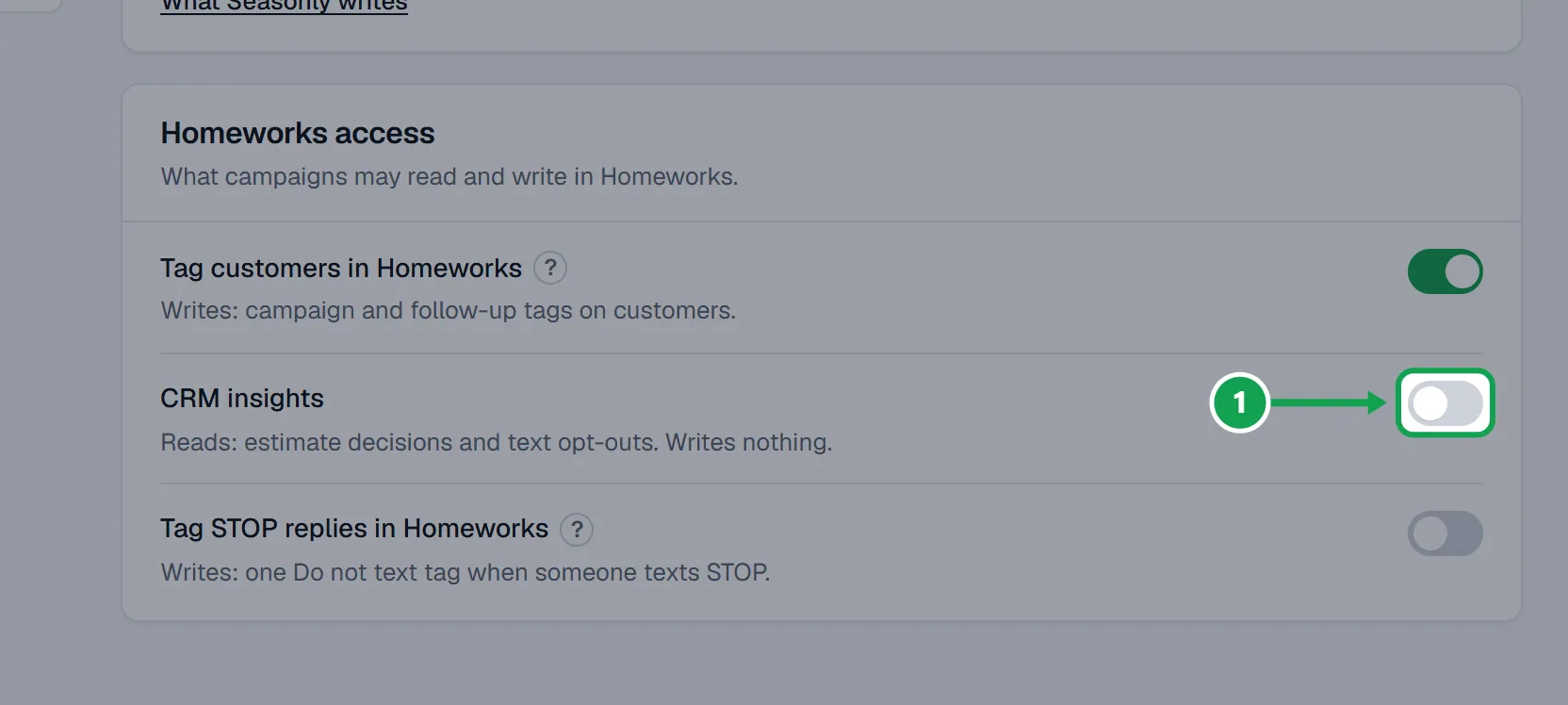
Step 1. Replies need CRM insights. Open Settings, then Homeworks, and turn on CRM insights. It reads your Homeworks texts and writes nothing.
Step 2. Open the campaign. The Replies card shows People who replied, STOP opt-outs and the newest replies.
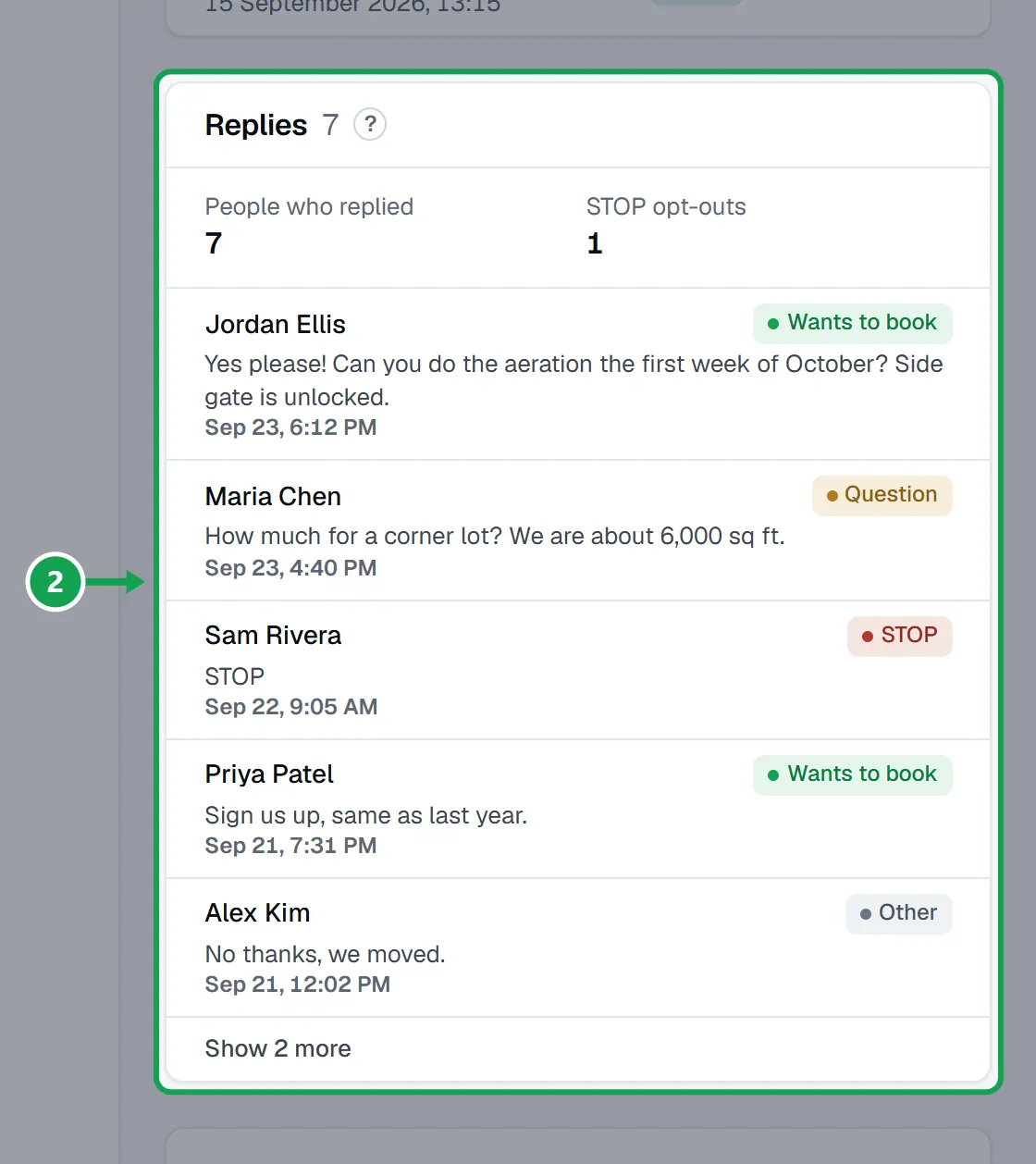
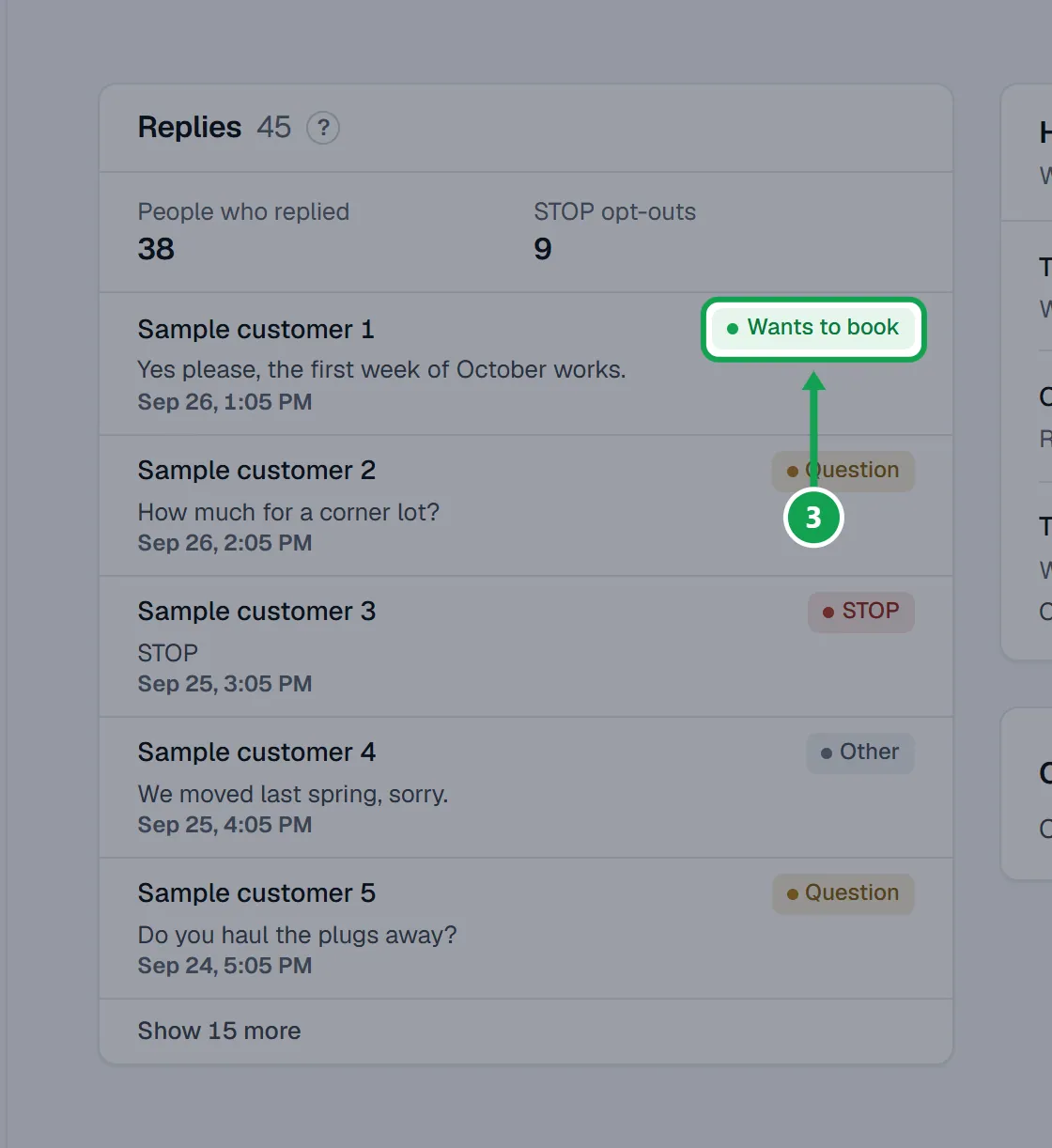
Step 3. Each reply has a label: Wants to book, Question, STOP, Opted back in or Other. Labels are a quick reading of the words, so read the text before you act.
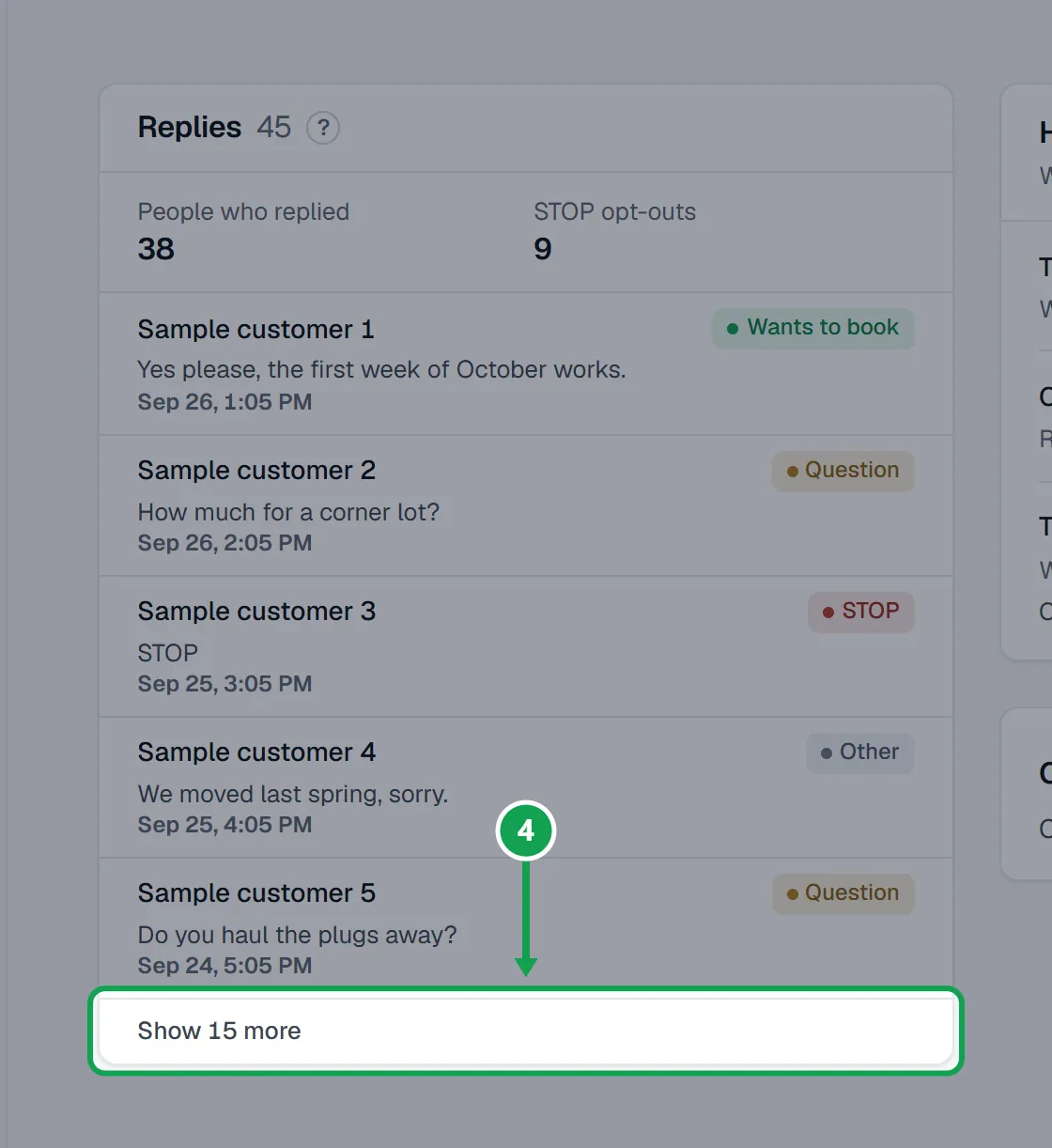
Step 4. Press the Show more button under the list to read further back, twenty at a time.
Step 5. Answer people from Homeworks, the same place you sent the campaign. Seasonly never replies or sends a text itself.
Step 6. To see one person's texts, open them on Customers. Their card shows Campaign replies.
Tag people who text STOP in Homeworks
Optional. STOP already keeps them out of Seasonly's campaigns; this also marks them in Homeworks.
Step 1. Open Settings and choose Homeworks.
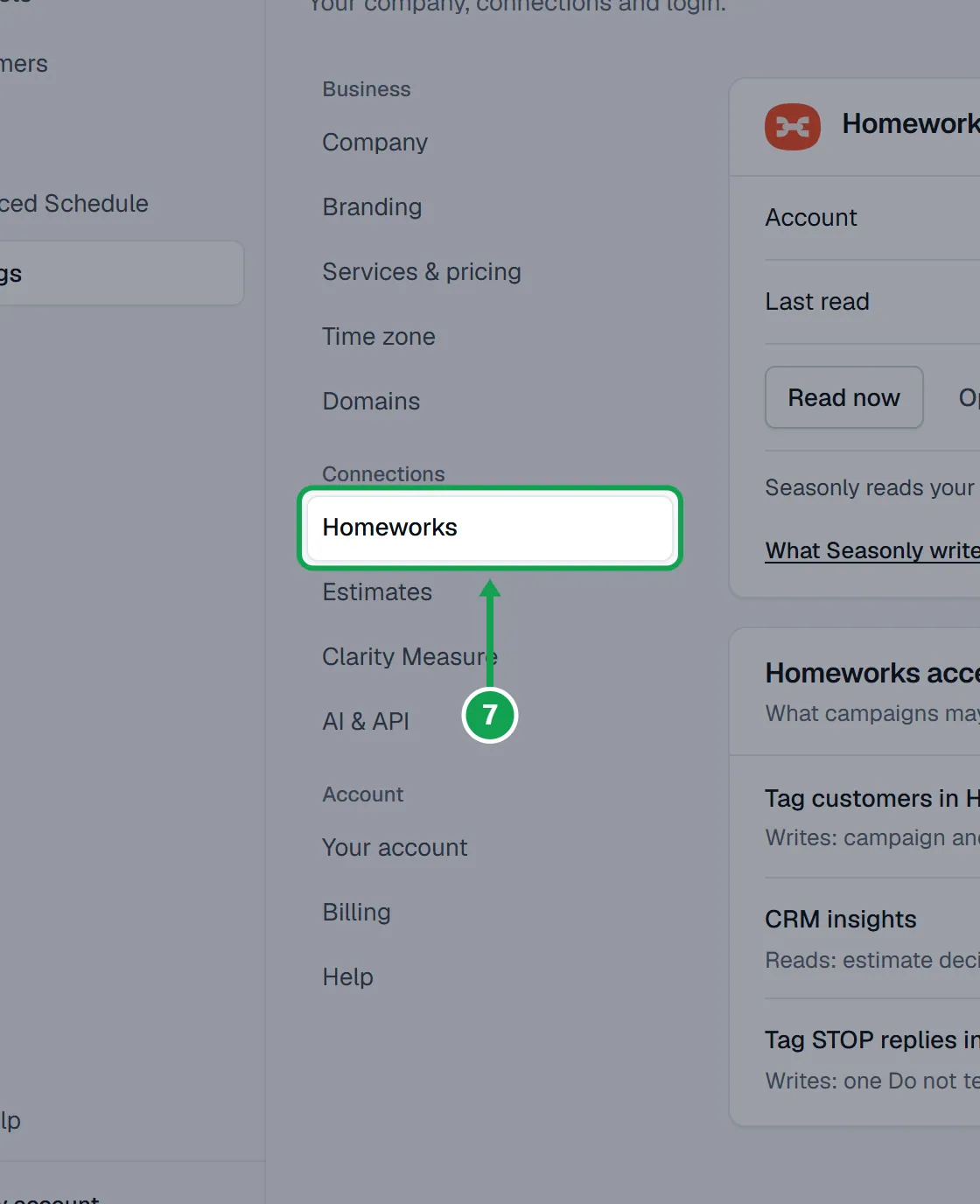
Step 2. Under Homeworks access, turn on Tag STOP replies in Homeworks.
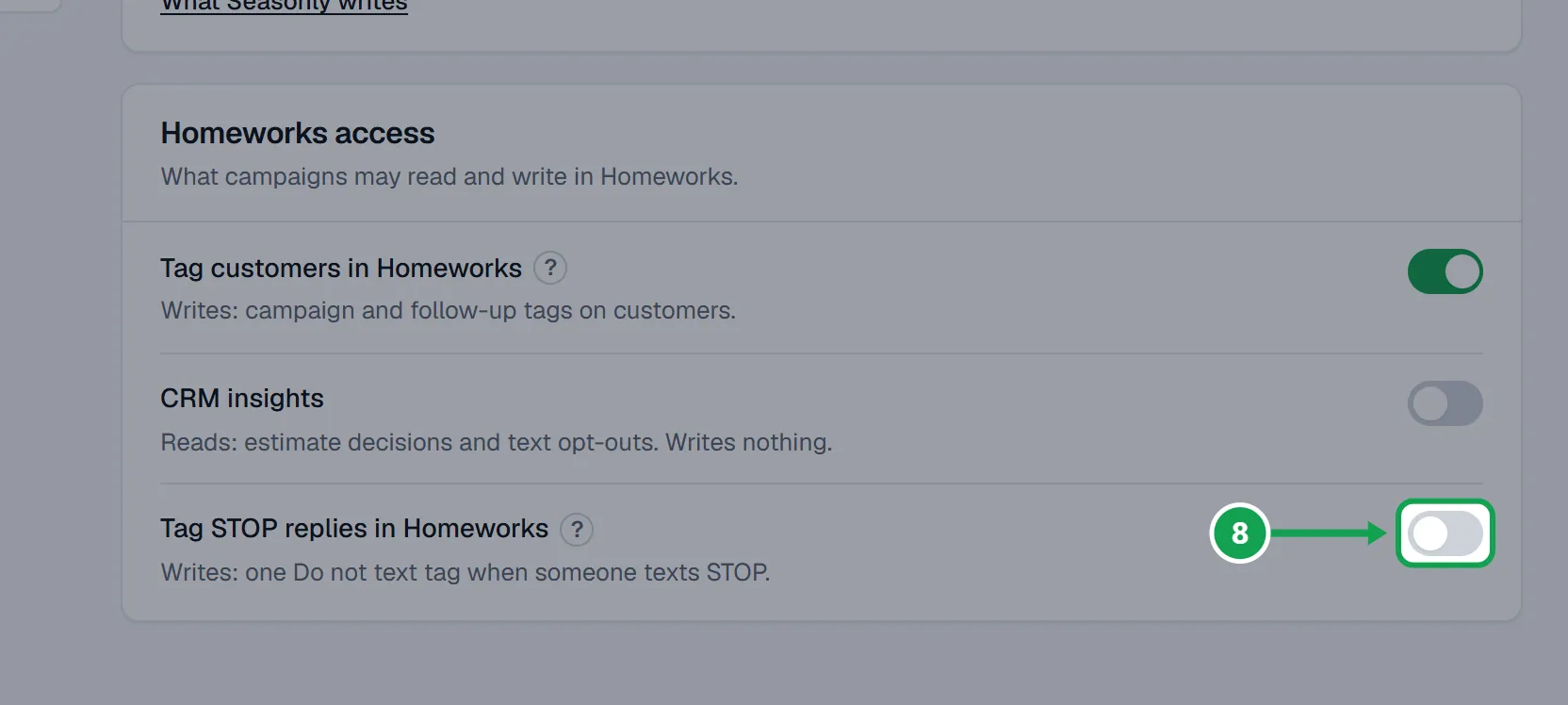
Step 3. Keep CRM insights on too, so Seasonly can see the STOP replies.
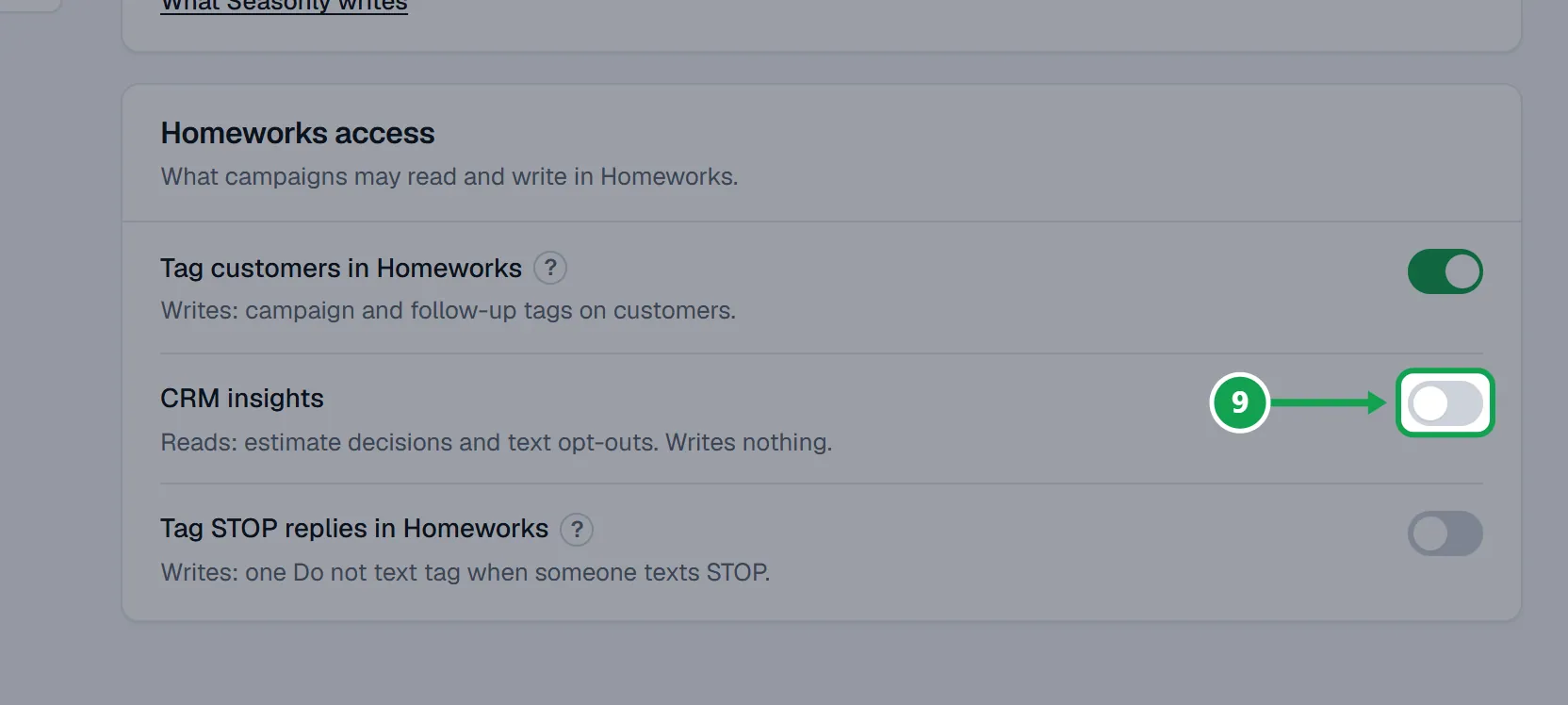
Step 4. From then on, anyone who texts STOP to a campaign gets one Do not text tag in Homeworks. Their other tags stay.
If this, then that
- If a customer texts STOP
- Seasonly leaves them out of every campaign tag and follow-up from then on, until they text START. With Tag STOP replies in Homeworks on, they also get a Do not text tag in Homeworks.
- If they text START or UNSTOP later
- Seasonly lifts its own opt-out and labels the reply Opted back in. The Do not text tag in Homeworks stays; take it off in Homeworks yourself if you want.
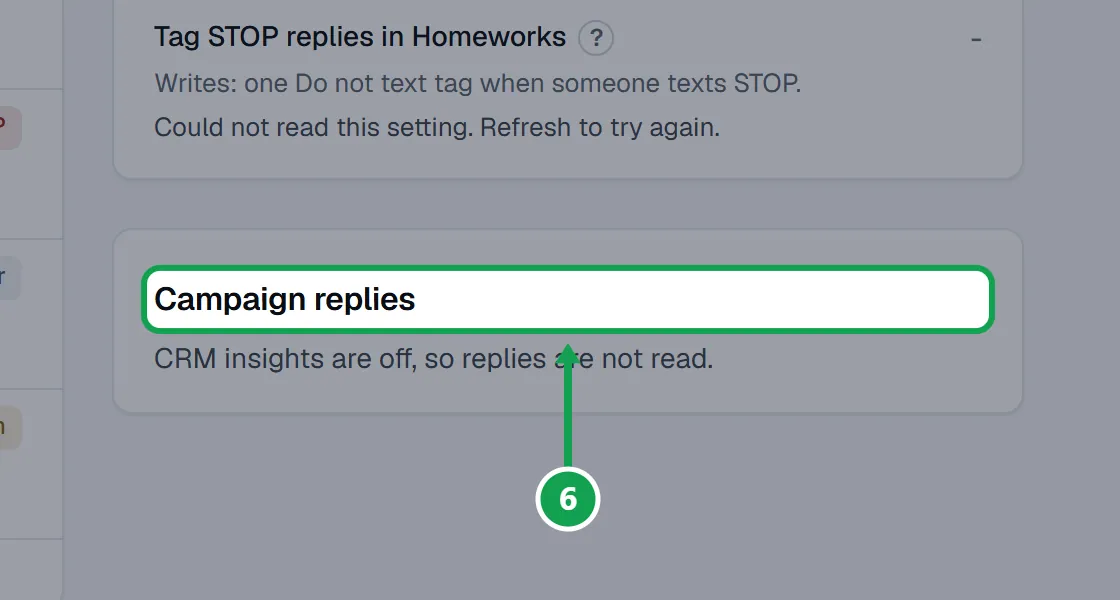
- If the Replies card says CRM insights are off, so replies are not read.
- Press Turn on in Settings and turn on CRM insights.
- If the switch says Not switched on for Seasonly yet. or Connect Homeworks first.
- Tag writes are not available on your account yet, or Homeworks is not connected. Press Open connection to connect Homeworks.
- If it says On. Turn on CRM insights so Seasonly can see STOP replies.
- Turn on CRM insights in the same card. Nothing is tagged until you do.
- If the switch shows Could not read this setting. Refresh to try again.
- Refresh the page. Nothing changed; Seasonly just could not read it.
Good to know
- A text counts as a reply when someone on the campaign's list texts within 14 days of the campaign reaching them.
- Seasonly never sends or answers texts. You reply from Homeworks.
- Seasonly never takes the Do not text tag off, even after START.
- The Tag STOP replies switch is off until the owner turns it on. Staff can read replies but not change the switch.