Reward customers who refer a friend
Each customer gets their own link. When a friend books and their estimate is accepted, the referrer earns a credit you add in Homeworks.
Steps
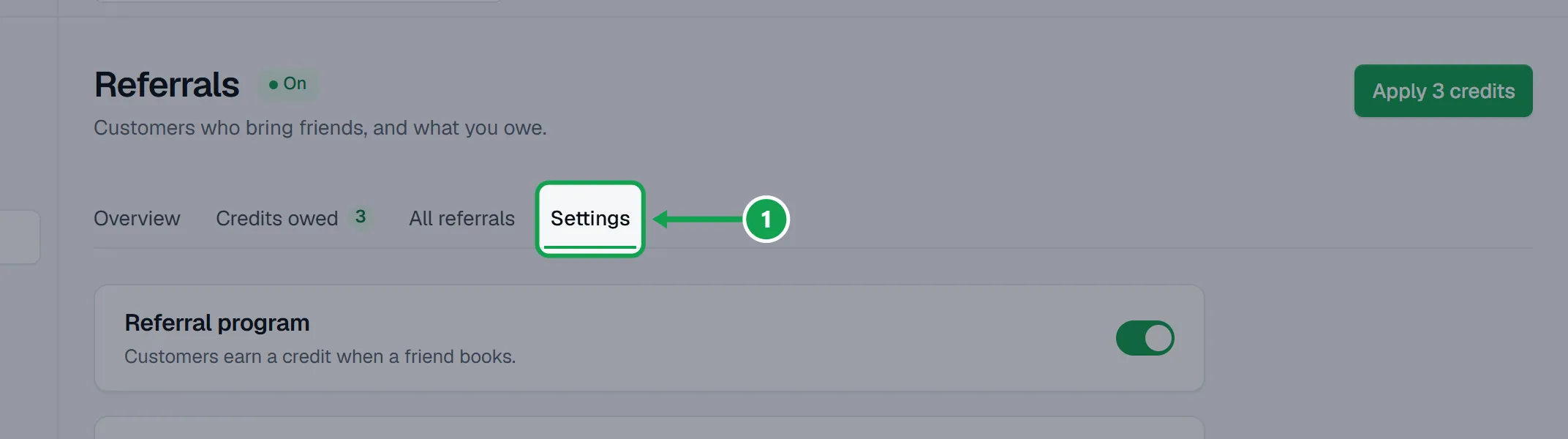
Step 1. Open Referrals from the menu, then the Settings tab.
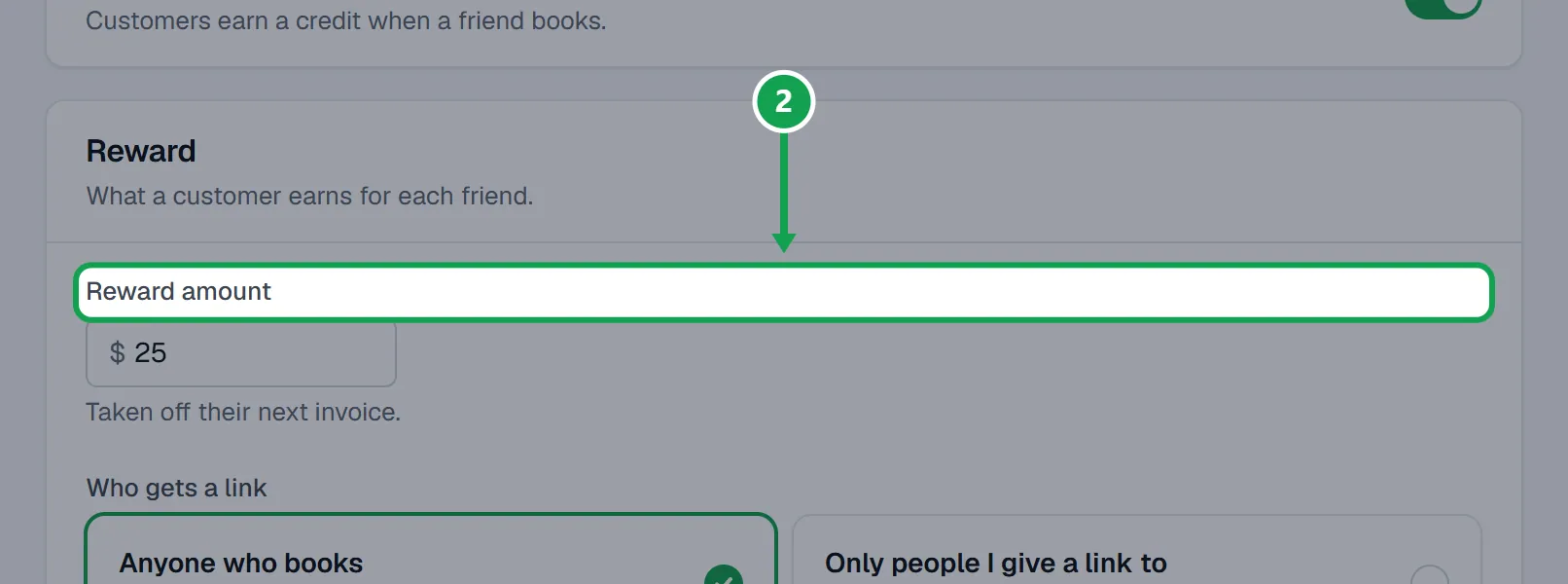
Step 2. Type the Reward amount the referrer earns, pick Who gets a link (Anyone who books, or Only people I give a link to) and When it's earned (Estimate accepted or Form sent).
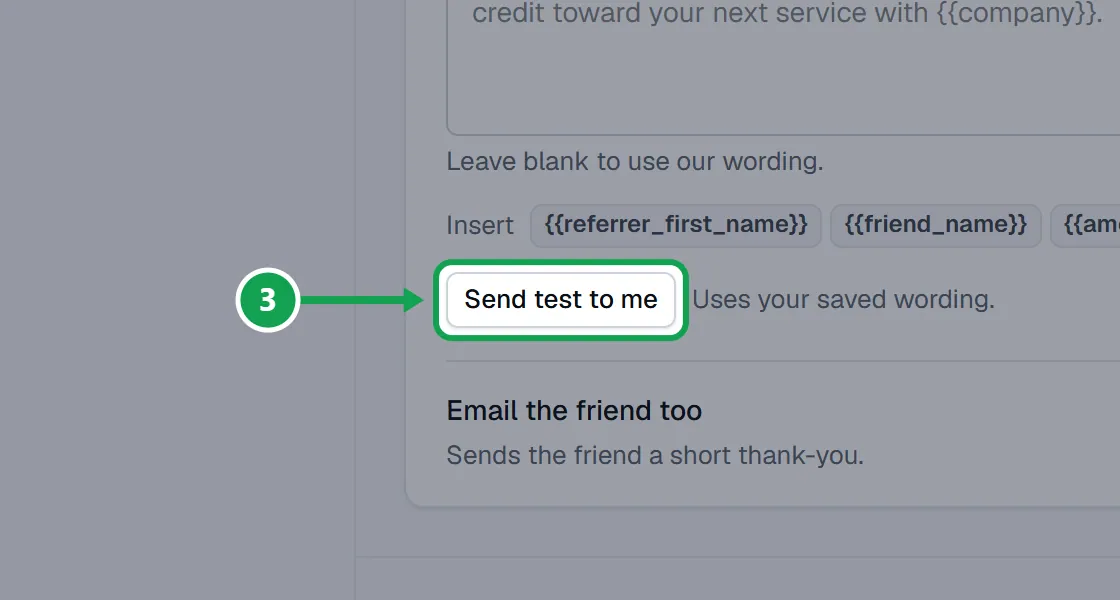
Step 3. Choose whether to Tag both customers in Homeworks and to Email the referrer. Press Send test to me to see the email in your own inbox.
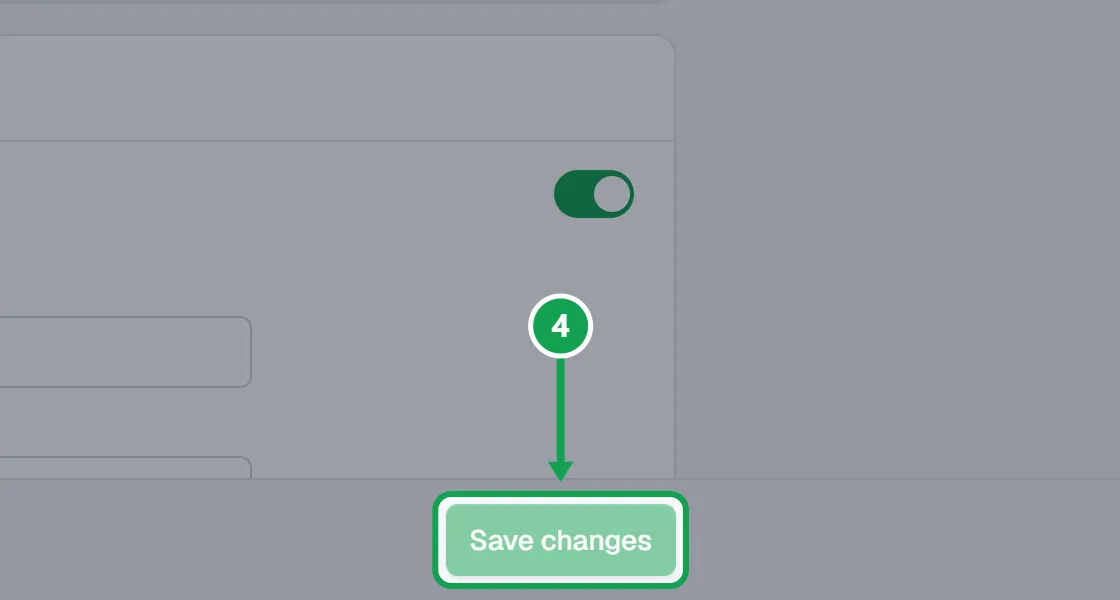
Step 4. Turn on Referral program and press Save changes. From now on every booking gets its own link on the confirmation screen and in the receipt.
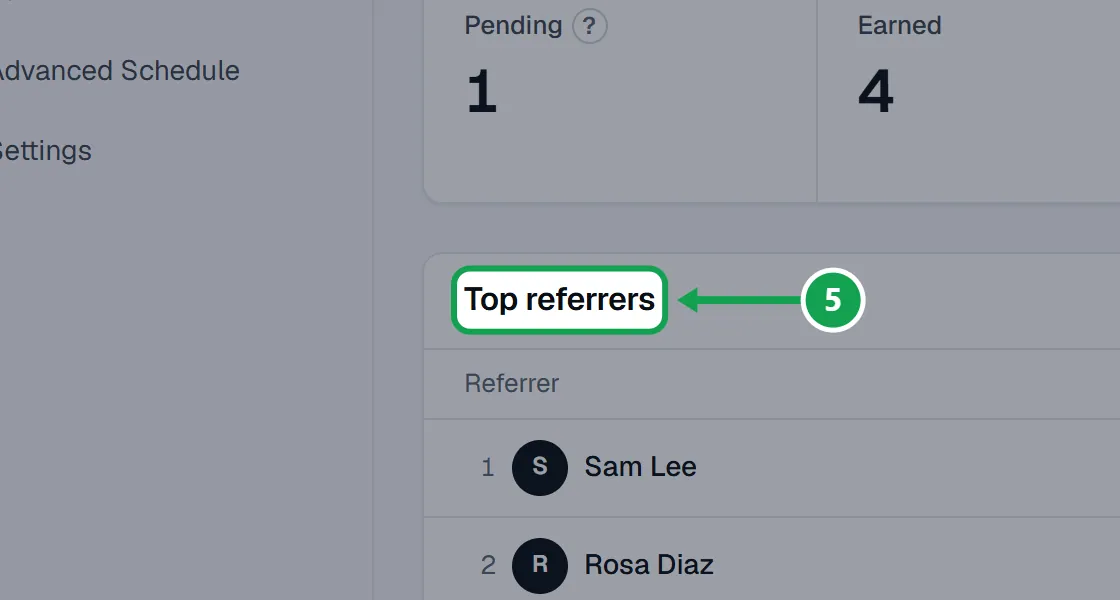
Step 5. On Overview, see how many are Pending, Earned, Credits owed, Applied and Blocked, and your Top referrers.
Pay out a credit
The reward is a credit toward their next service. Homeworks does not let Seasonly add account credit, so you add it there yourself.
Step 1. Open Credits owed. Each row is a referrer who earned a credit.
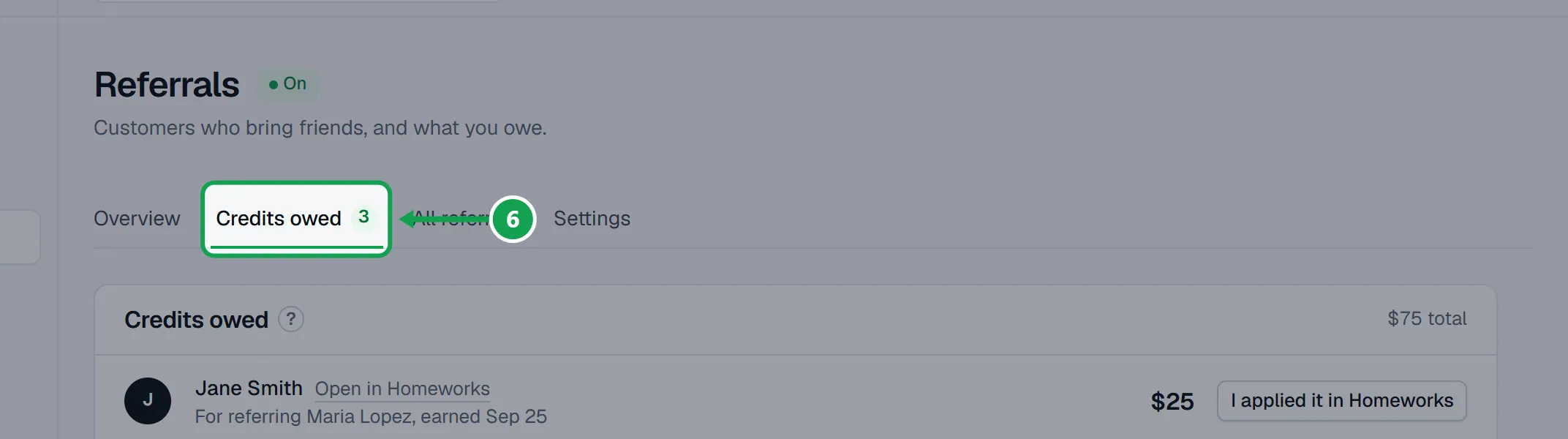
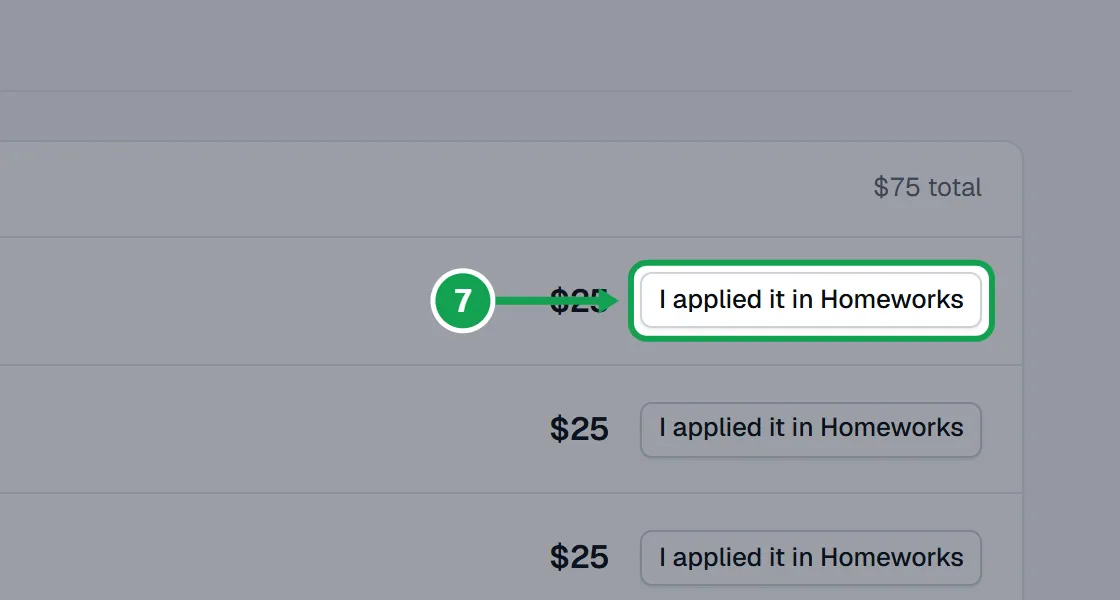
Step 2. Add the credit to that customer in Homeworks, then press I applied it in Homeworks. It leaves the list, and Seasonly keeps who marked it and when.
Blocked referrals and old customers
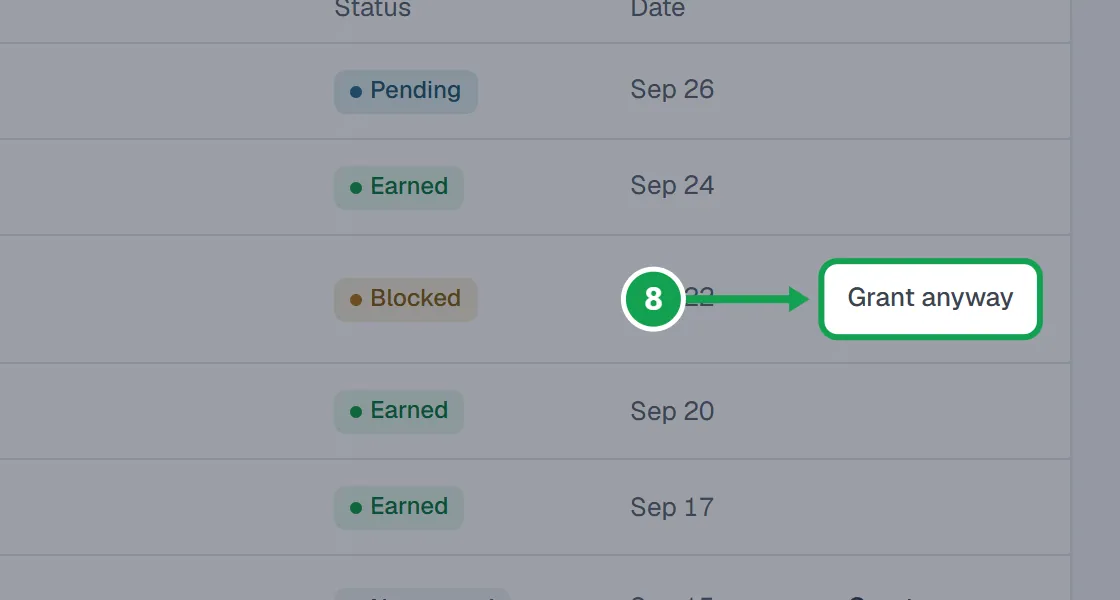
Step 1. Open All referrals to see every referral and why any was blocked. To reward one anyway, press Grant anyway.
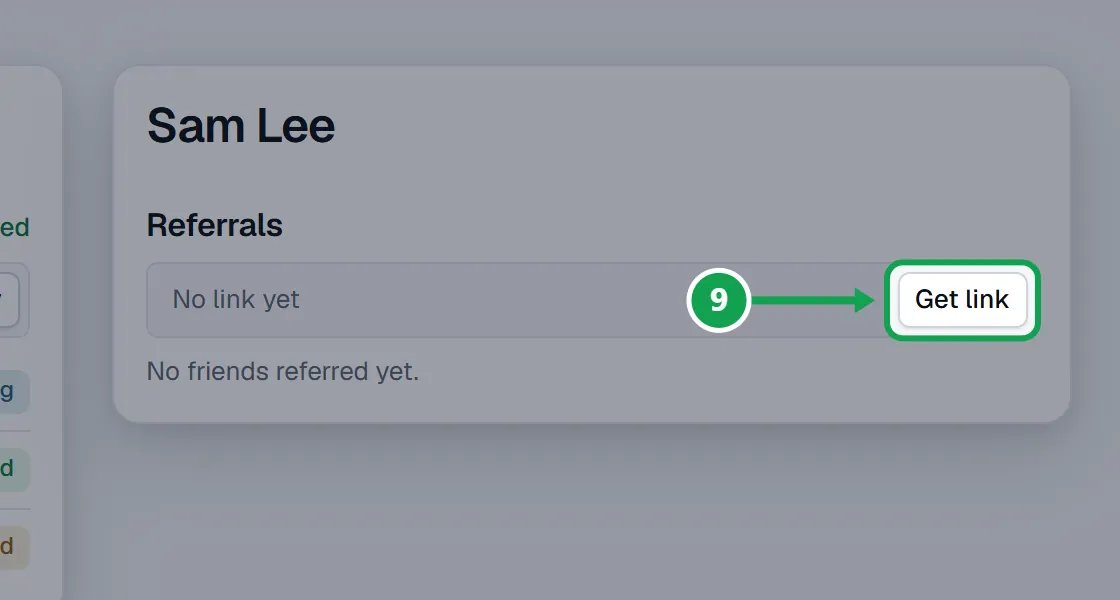
Step 2. For a customer from before, open them on Customers and press Get link under Referrals, then Copy, and send it to them yourself.
If this, then that
- If you see Referrals are part of Premium.
- Your company is on Free. The owner presses Upgrade to turn it on.
- If you do not see Referrals in the menu
- Referrals are not switched on for your account yet. Ask Seasonly support.
- If a friend booked but no reward was earned
- With Estimate accepted, the reward comes when their estimate is accepted in Homeworks. Check All referrals: it says if it is still pending, blocked or not earned.
- If a referral says Blocked but you want to reward it
- Press Grant anyway on All referrals. Each referral gets one reward at most.
- If a credit is on Credits owed but you already added it in Homeworks
- Press I applied it in Homeworks so it leaves the list.
- If the reward email says the wrong amount
- Change the Reward amount in Settings. Rewards already earned keep the amount they were earned at.
Good to know
- Referrals are part of Premium. Every new account gets 14 days of Premium to try them.
- The referrer earns a credit, never cash, so it only costs you when they book again.
- The friend gets the discount you set on each form, under Take referral codes on Review & checkout. The friend never sees the referrer's name.
- Credits owed are credits earned but not yet added in Homeworks. Homeworks does not let other apps add account credit, so Seasonly lists them for you instead.
- A referral is blocked when the friend is the referrer (same email, phone, address or Homeworks customer), is already a customer in Homeworks, or lives at an address that was already referred. The friend still books normally, and only you see why.
- Each customer keeps the same link. The first link a friend opens counts for 30 days, and a code typed on the form wins over a link.
- Only the owner can change referral settings.